Remove AI look: fix plastic skin, flat light and orange color
Remove AI look in one click: Saybrush redraws waxy skin, flat glow and overdone color as a real photo, keeping the same person, pose and framing.
No photo handy? Try one of these
Before and after
Remove AI look from photo: one tell per example
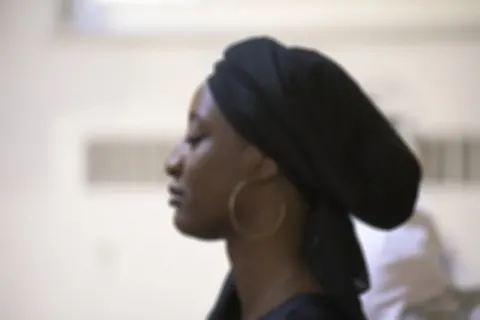
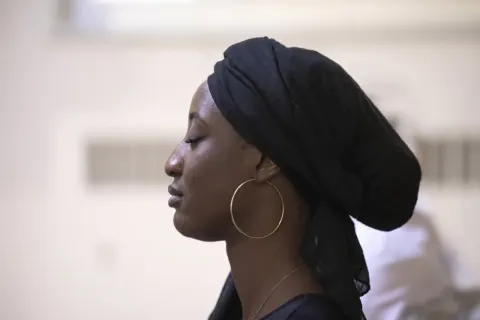
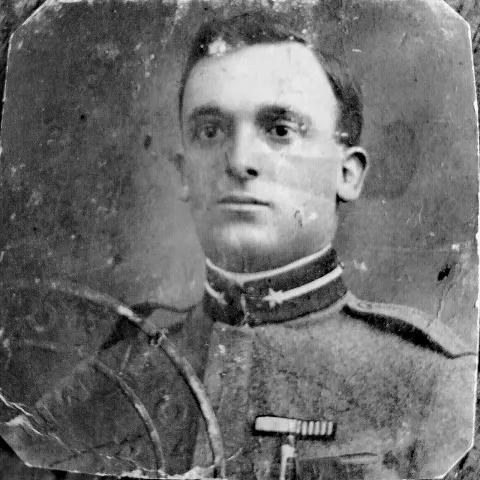
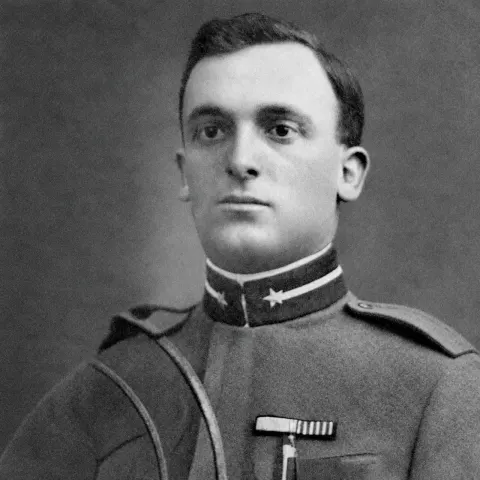
Each pair is the same image before and after one run on Seedream 5.0 Lite with the prompt below. Hover or tap one to see the input.
Prompt used: “Re-shoot this as a candid photo from a real camera: matte, natural skin with visible pores and small imperfections, no gloss, natural uneven light with real shadows, slightly muted true-to-life colours, mild sensor noise. Keep the same subject, faces, pose, clothing and composition.”
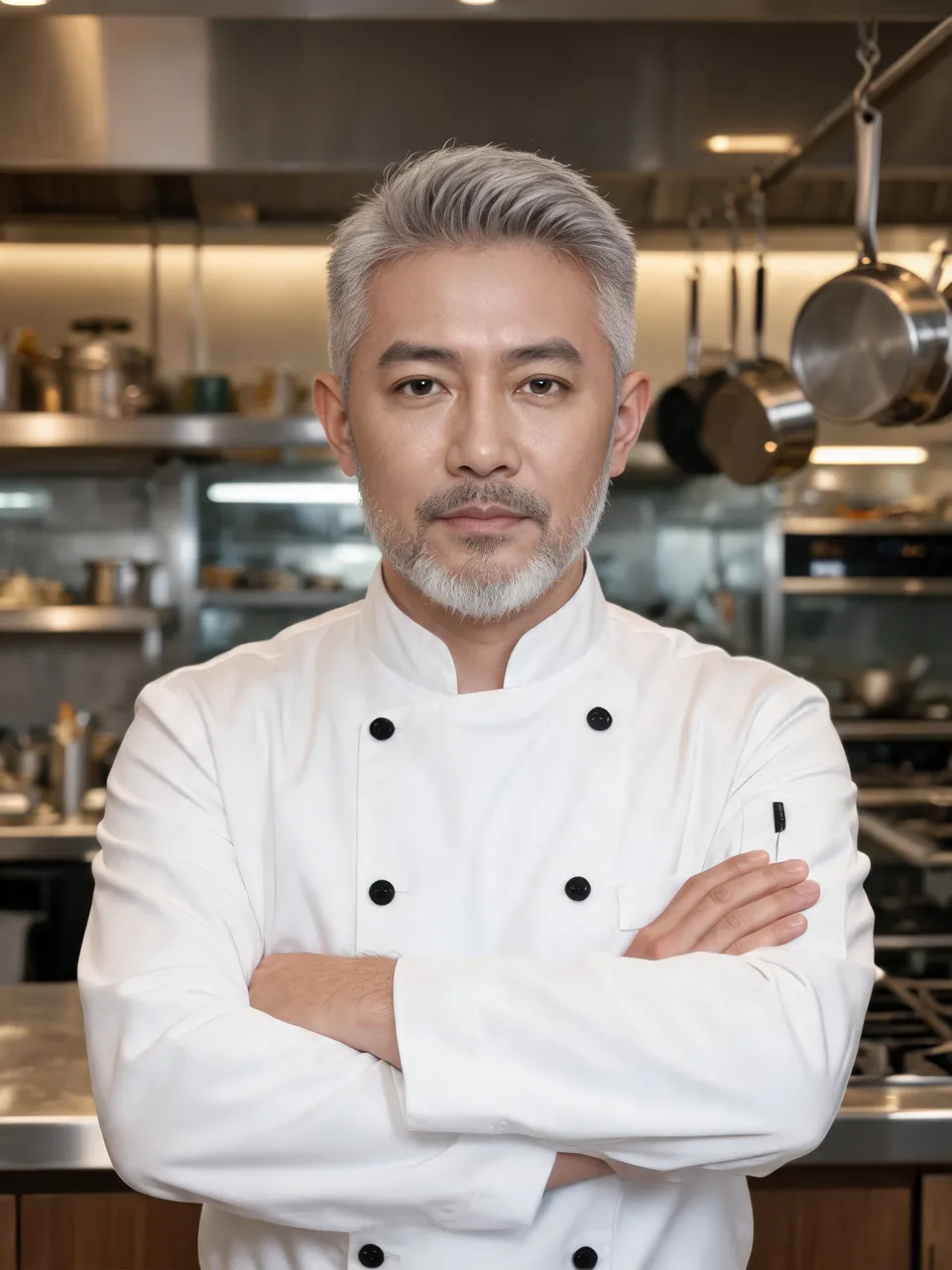

Plastic skinKitchen portrait1728 × 2304 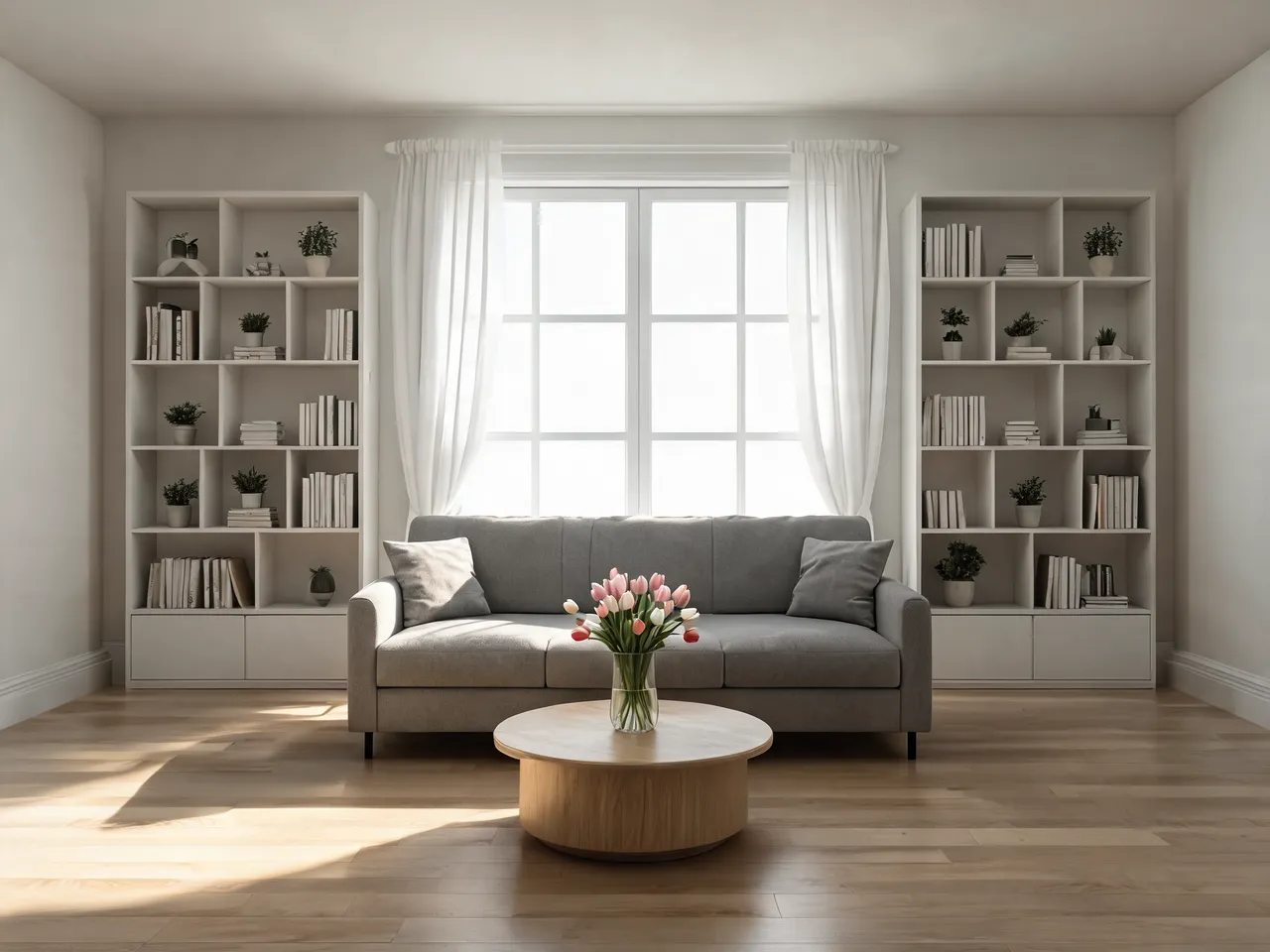
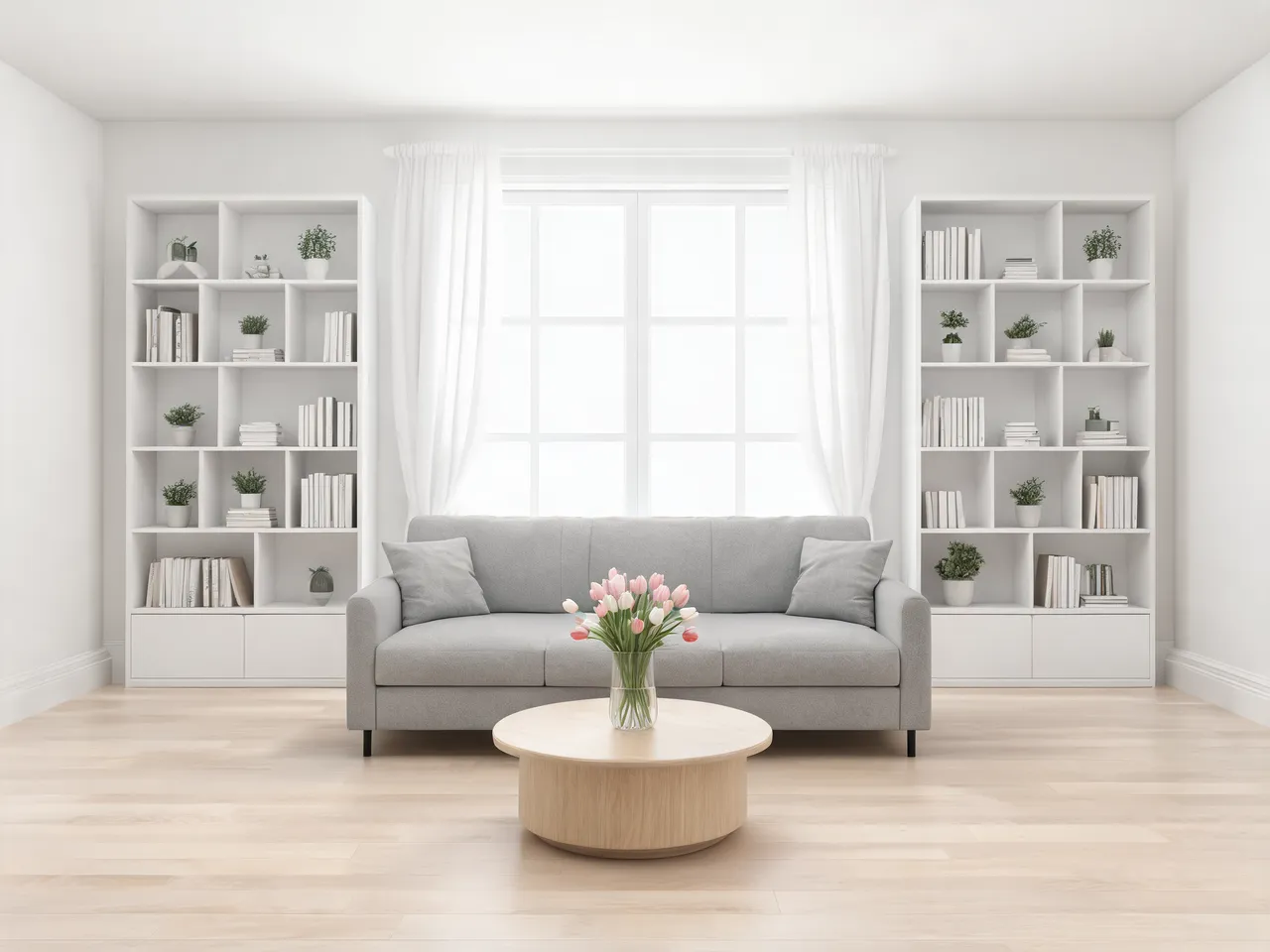
Too-perfect roomLiving room2304 × 1728 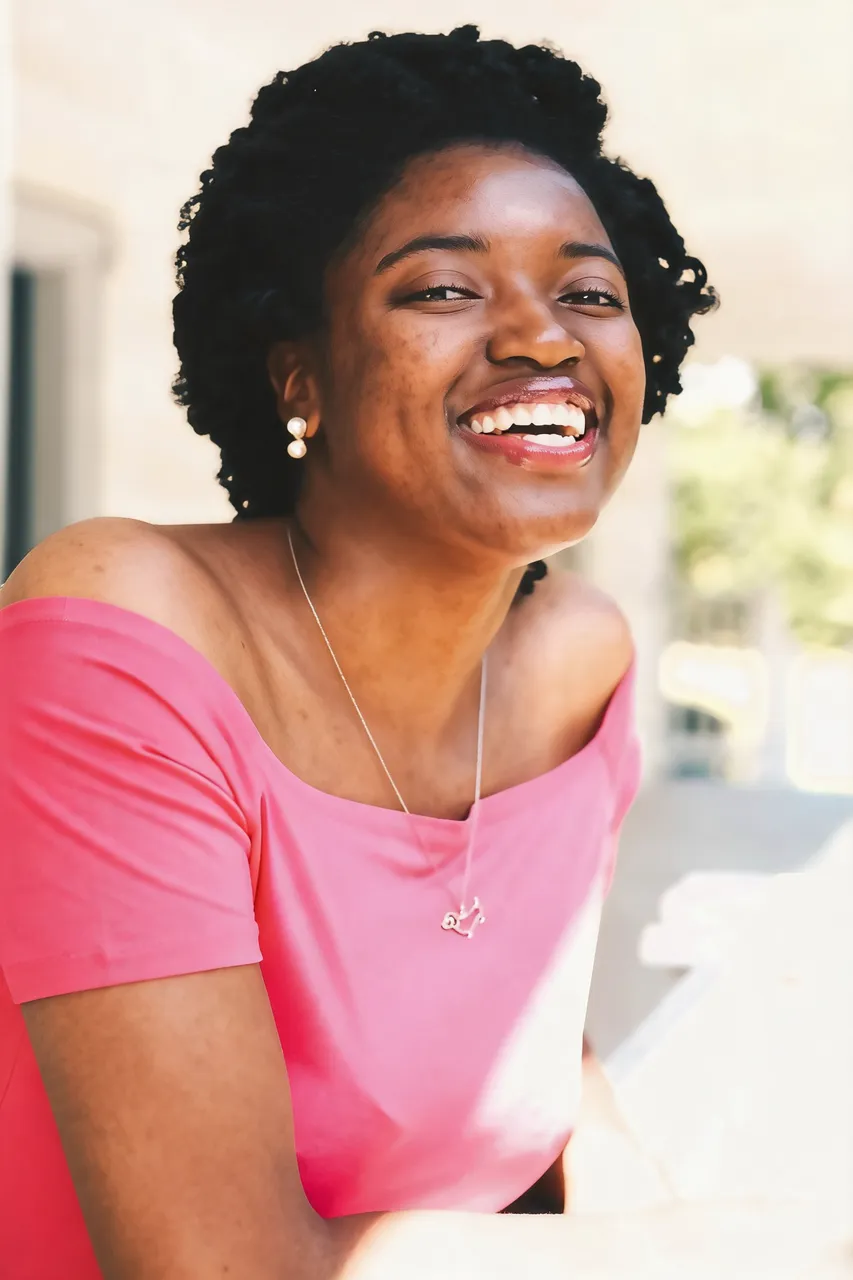
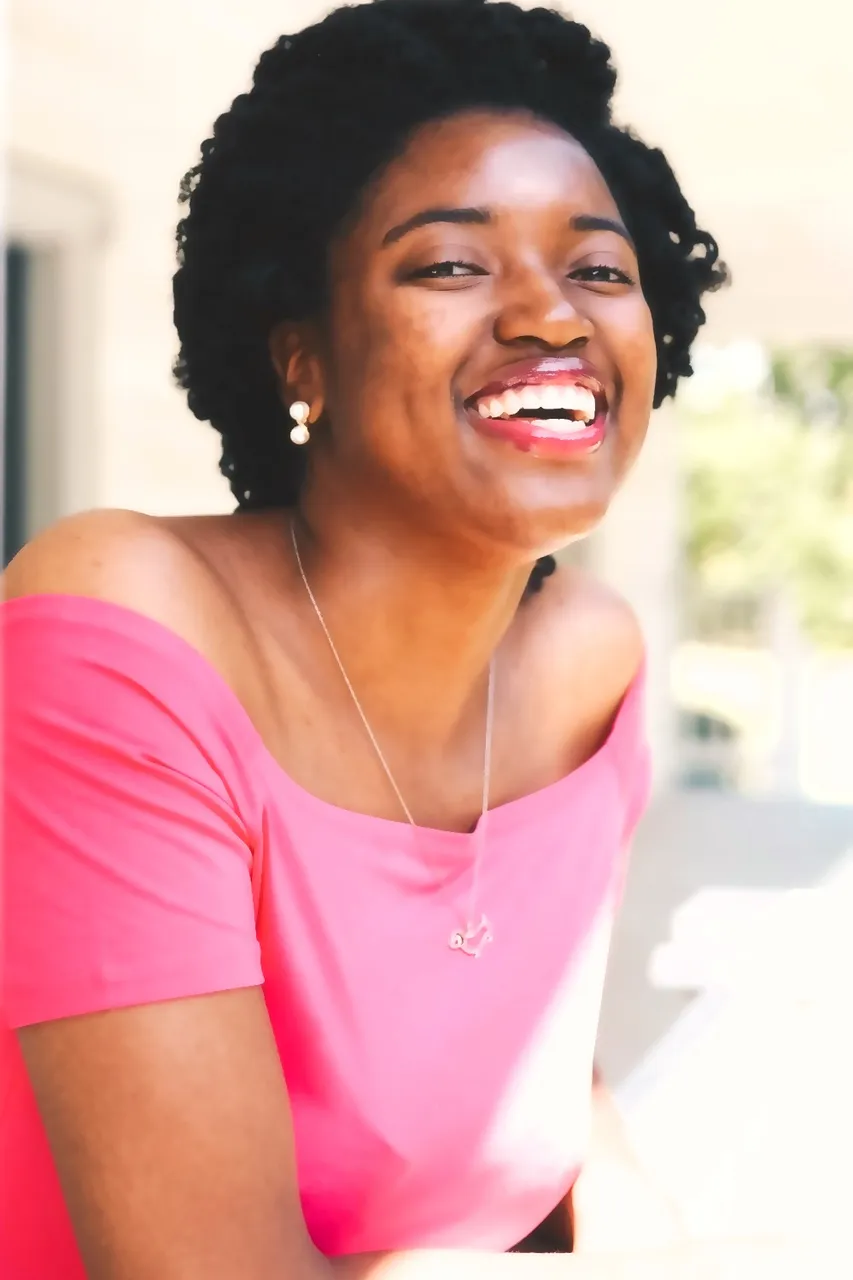
Beauty filterReal photo, filtered1664 × 2496 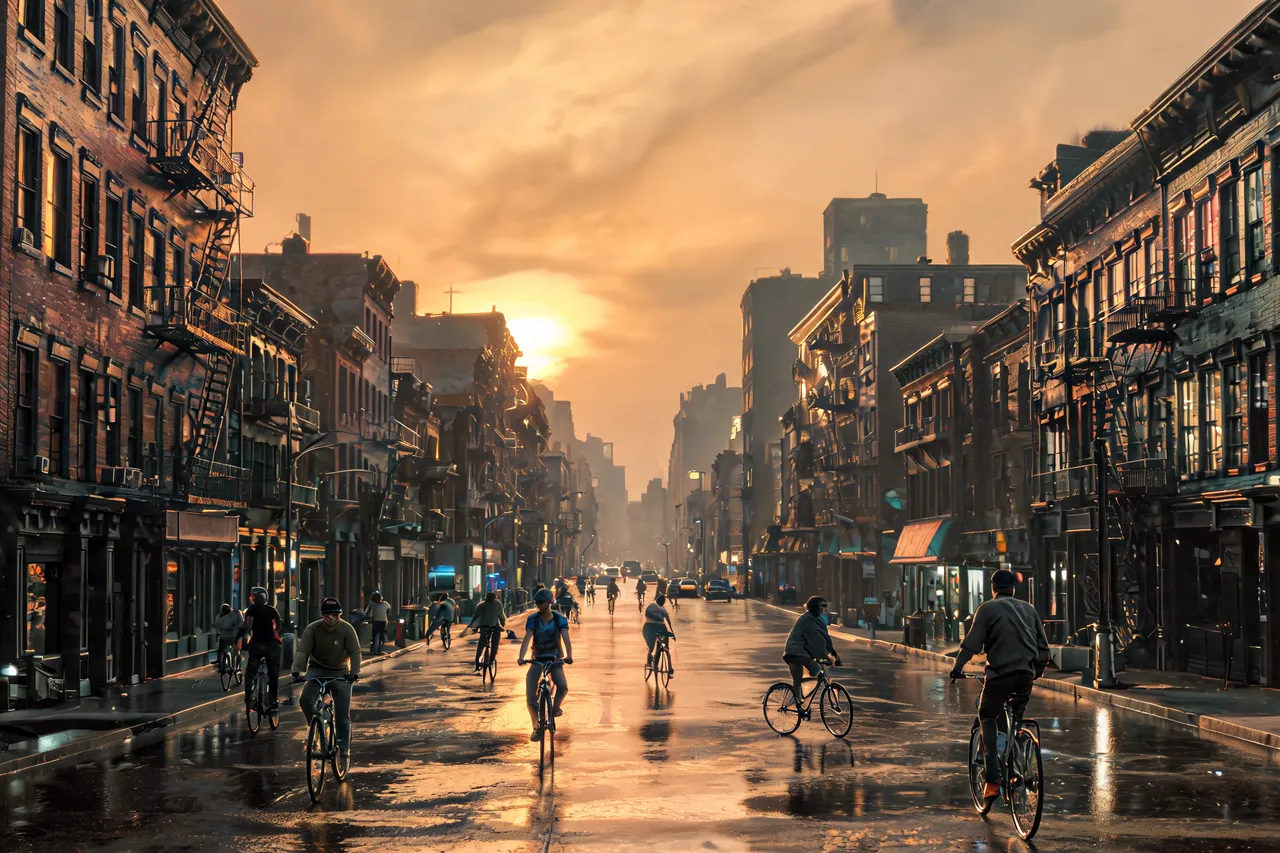
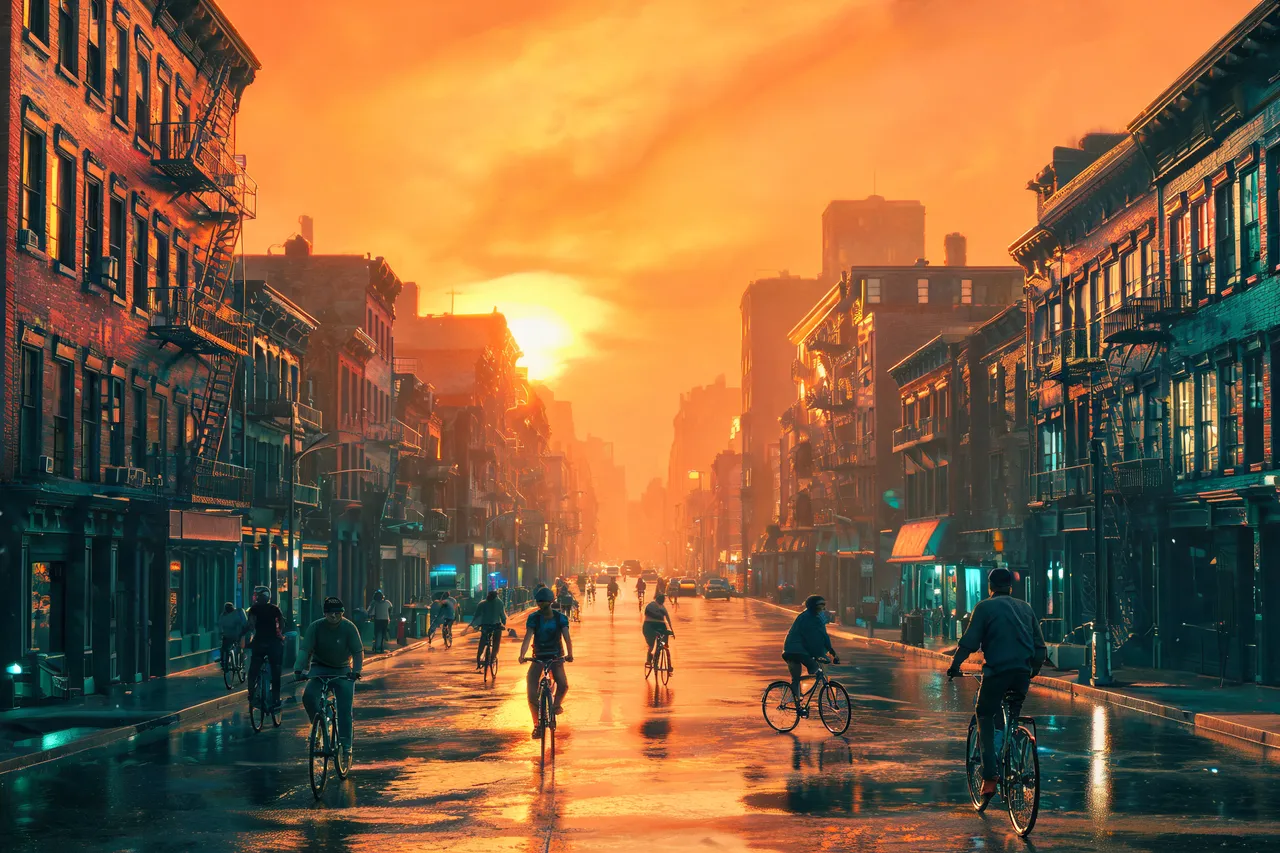
Orange-and-teal gradeCity street at dusk2496 × 1664
The tells
Why AI photos look fake
Before you remove AI look from photo files, it helps to know what gives them away. Four tells cover most of them:
Plastic skin
Generators smooth faces until pores, fine lines and stubble disappear, so faces read as wax or vinyl. The redraw puts texture back at the scale a camera would record it.
Light from nowhere
The whole scene is lit evenly, with no clear source and almost no shadow. The fix gives the light a direction, so shadows fall where they should.
Too clean to be real
Spotless floors, perfect symmetry, nothing out of place. Real rooms have uneven light and small marks; the redraw adds both without moving the furniture.
Overdone color
Saturated tones, glowing highlights, or the orange-and-teal movie grade. The redraw pulls colors back toward what the scene would look like on an ordinary day.
Quick facts
Remove AI look online: quick facts
| What it is | An AI look remover: one redraw clears the texture, light and color tells together. |
|---|---|
| Works on | AI images from any generator, and real photos smoothed by a beauty filter. |
| Free to try | 2 free credits (1 run) without an account, 2 more after signing in with Google. |
| Free download | About 0.25 MP (roughly 600 × 400 px), no watermark. |
| Full output | About 2K, for example 1728 × 2304 at 3:4; 1.5K on free credits. |
| Formats | JPG, PNG or WebP, up to 20 MB. |
| Model | Seedream 5.5 by ByteDance, 2 credits per run, 2K output (1.5K on free credits). |
| Free results | Kept for 14 days. |
| Where it runs | In the browser, nothing to install. |
How it works
How to remove AI look from photos
- 01
Upload it
Drop in the AI image or the filtered photo. The fix prompt is already filled in.
- 02
Keep the prompt or write your own
Run it as it is, or type the one change you want instead.
- 03
Compare and download
Drag the slider across the before and after, then save the version you like.
Scope
What changes and what stays
Changes
- Texture: pores, fine lines, stubble, freckles
- Light: one direction, real shadows, less glow
- Color: saturation and tint brought back to normal
- Surfaces: small marks and texture where everything was spotless
Stays
- The person, pose and clothes
- The framing and the objects in the scene
- Hands and eyes, as they are: the redraw does not repair them
Which tool
Photo editors vs AI redraw: what each can fix
Photo editor sliders
Apps like Lightroom and Snapseed are good at color and brightness: lower saturation, cool an orange grade, lift the shadows. They can’t add pores to a face that has none, or give a flat scene a real light source.
Generating again
Adding words like “amateur phone photo” to your prompt helps the next one, but you get a new face and a new scene. Useful before you have picked one, not after.
Remove AI look with a redraw
Keeps the picture you already chose and redraws its texture, light and color in one run. It works on texture and light, not anatomy.
Tips
Getting a cleaner result
Start from the largest file you have
A small, heavily compressed export gives the redraw less to work with.
Judge texture at 100% zoom
New texture shows at full size; a thumbnail can hide it.
Run it twice if the first result is close
Each run is a fresh redraw, and earlier versions stay one click away.
Name the color you want when a grade is strong
“Neutral daylight color” tells the redraw where to go.
Fit and limits
Where it works and where it doesn’t
Best for
- AI portraits and headshots with waxy skin.
- Room, product and food shots that look rendered.
- Pictures with an oversaturated or orange grade.
- Real photos where a beauty filter wiped out every pore.
Not for
- Getting past AI detectors: it isn’t built for that.
- Changing the person, outfit or scene: use the editor.
Limits
- A heavy stylised grade, such as a strong golden-hour wash with lens flares, may only partly clear.
- Uploads that break the content rules are blocked, and the credit is returned.
FAQ
Questions
How do I remove the AI look from a photo?
Upload it above and press Remove AI look. The prompt already asks for real skin texture, natural light and true color, so there is nothing to write. Compare with the slider, then download.
Can I remove the AI look for free?
Yes. You get 2 free credits (1 run) without an account and 2 more after signing in with Google. Free downloads are about 0.25 MP (roughly 600 × 400 px), with no watermark.
Will it pass an AI detector?
It isn’t designed for that, and nothing here promises it. The goal is a photo that looks real to people.
Does it work with Midjourney, ChatGPT, DALL-E or Stable Diffusion images?
Yes. It works from the pixels, so the generator doesn’t matter. Upload the exported file.
Will it change the face?
It aims to keep the same person. Face shape and features stay; the change is in the surface texture. Each run is a fresh redraw, so check the face at full size and go back a version if one run drifts.
Can I choose what gets fixed?
Yes. Replace the prompt with what you want, for example “only fix the skin, keep the colors” or “remove the orange tint only”.
Can it fix weird hands or eyes?
No. It keeps hands and eyes as they are. If a hand or an eye is wrong, generate it again, then remove the AI look from the version you keep.
Does it work on real photos too?
Yes, on photos where a beauty filter or heavy retouching smoothed every pore away. It brings the texture back on the same person.
How do I make AI images look less AI when I generate them?
Ask for a phone or film camera look, side light and visible skin texture, and avoid words like “flawless” or “perfect”. For a picture you already have, remove the AI look here and keep the one you picked.
Is there a prompt to remove the AI look?
The one this page runs is shown above the examples. Copy it into your own tool, or edit it here before you run.
Related tools

Remove AI look from photo and keep the shot you chose
Upload an AI image or a filtered photo and get real skin, light and color back. Nothing to type, nothing to install.
The fix prompt is filled in. Edit it before you run if you only want one change.