Transparent Background Maker
Saybrush is a transparent background maker. Upload a photo, logo or icon and get a transparent PNG at the same size, with no watermark.
1 credit per image. 2 free without an account, 3 more when you sign up.


Examples
Logos, signatures and icons made transparent
Real results, flaws included. Hover or tap to see the original.

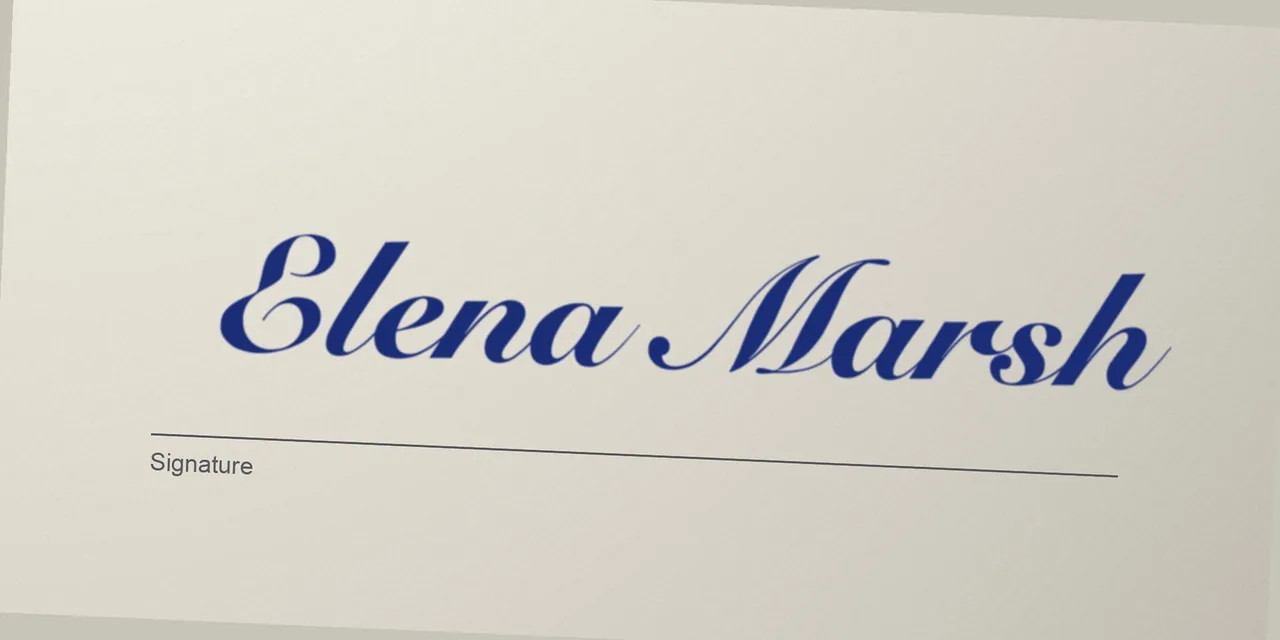
SignaturePaper removed; the printed line stayed 

IconGray removed, rounded corners kept 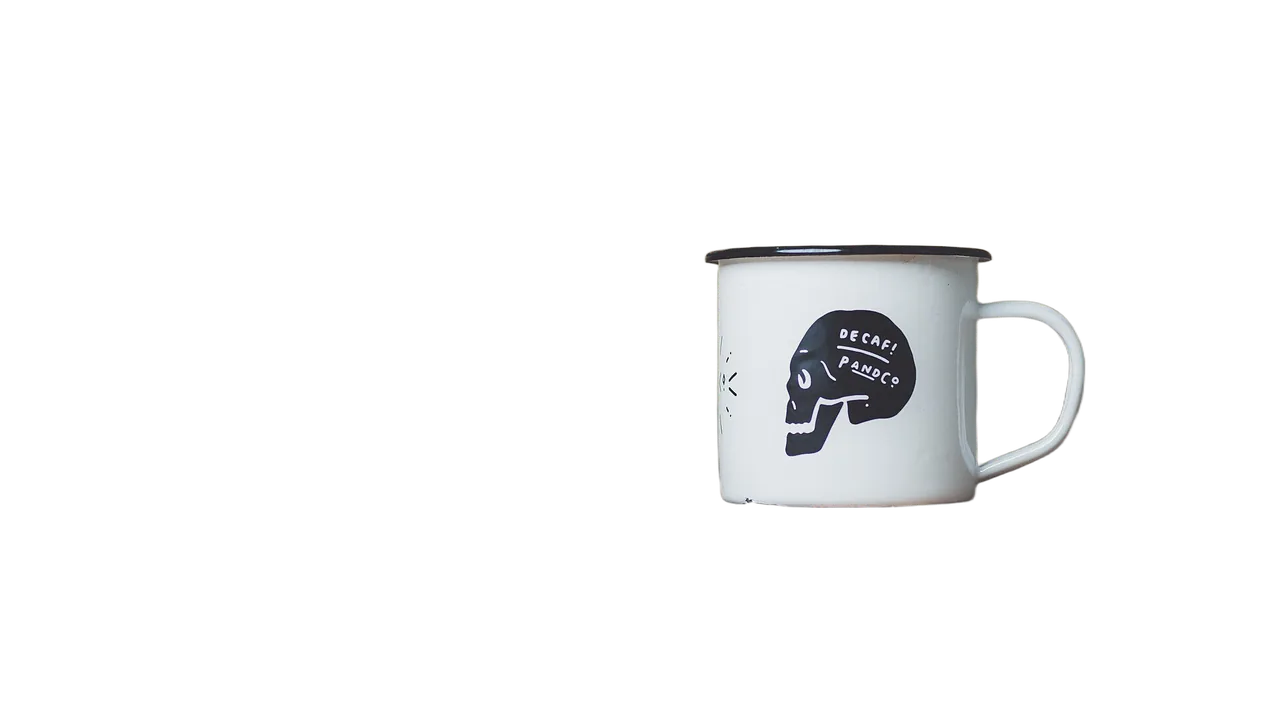
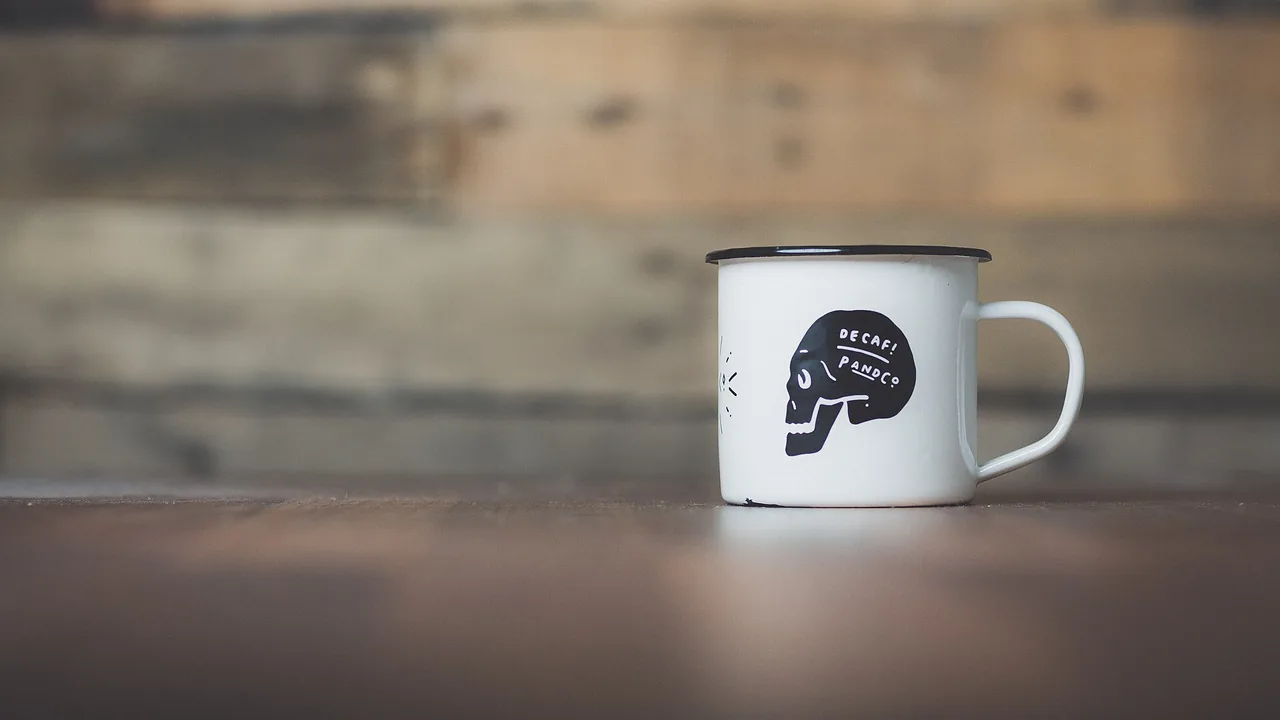
ProductTable removed, the hole in the handle cleared too
Use cases
What people make transparent
Logos
Most logo files people have are JPGs on white. Made transparent, it sits on a colored header, a slide or a dark shirt mockup without a white box.
Signatures
Photograph a signature on paper and keep only the ink, ready to place on a document or a letterhead.
Icons and graphics
Flat graphics exported on a gray or white background become a clean shape you can put on any color.
Product photos
A product on a transparent background drops into a listing template, an ad or a white page.
Quick facts
The transparent background maker in one table
| What it does | Finds the main subject of an image and makes everything around it fully transparent. The subject stays solid. |
|---|---|
| What it takes | A JPG, PNG or WebP up to 20 MB, at least 256 pixels on the short side. |
| What you get | A PNG with a transparent background, the same pixel size as your image, up to 4096 pixels a side. Images over 16 megapixels, and some files over 5 MB, are scaled down first. |
| Tested on | Photos of people, products and objects, plus a logo, a signature on paper and a flat icon. |
| Time | Usually 10 to 20 seconds per image. |
| Cost | 1 credit per image. Free use is 2 credits without an account and 3 more when you sign up, shared with photo edits. |
| Watermark | None, free results included. |
How it works
How to make an image transparent
- 01
Upload the image
Drop, paste or pick the file. Crop it to the one thing you want to keep first.
- 02
Remove the background
Click once. The AI keeps the subject and clears the rest, usually in 10 to 20 seconds.
- 03
Check and download
Drag the divider to compare with the original, then save the transparent PNG.
What you get
A transparent PNG, nothing added
Fully transparent background
Pixels around the subject have zero opacity, so the image takes the color of whatever is behind it, light or dark.
Not only photos
Besides photos, we tested a logo, a signature on paper and a flat icon. Holes in letters like o and b come out transparent too.
Same size as your file
A 1600 × 900 logo comes back as a 1600 × 900 PNG. Nothing is cropped or upscaled.
No watermark
Transparent results never carry a Saybrush mark, including the ones made with free credits.
Tips
How to get a cleaner transparent image
Crop tight
Lines, labels and stamps next to a signature are kept as part of it. Crop to the ink before you upload.
Use the largest copy
Small, thin text is where details get lost. A bigger file gives the thin strokes more pixels to survive.
Even light, dark ink
For a signature, shoot flat paper in daylight without shadows. Dark ink on white separates best.
Check on dark and light
Place the PNG on a dark and a light background before you use it. A faint edge from the old background shows up there.
Which tool
Three ways to make a background transparent
Transparent background maker
e.g. Saybrush
Upload and click once. The AI finds the subject and returns a transparent PNG.
- Best when You want a clean result in seconds without selecting anything.
- Not ideal when You need to keep several separate objects, or a background behind a logo that is part of the design.
Built-in remove background in slides and design apps
e.g. PowerPoint, Google Slides, Canva
The image stays inside that app, often with a one-click button or a transparency setting.
- Best when The image will only ever live in that one deck or design.
- Not ideal when You need a transparent PNG file to use somewhere else.
Manual selection
e.g. Photoshop, GIMP
You pick the background with a magic wand or paint a mask, then delete it.
- Best when The edge must be exact, for print or a brand file, and you have the time.
- Not ideal when You have no editing software or experience.
Is it right for you?
What it is for, and what it won’t do
Best for
- A logo that only exists as a JPG on white.
- A signature photographed on paper.
- Product photos and icons for listings, slides and web pages.
Not for
- Making a whole image see-through. This changes the background, not the opacity.
- Video, GIF or bulk processing.
- Choosing which of several objects to keep. The model picks the main subject.
Know before you start
- In our logo test, the small tagline lost the horizontal arms of F and E, and white details inside the logo turned transparent with the background.
- In our signature test, the printed line under the ink was kept, and thin strokes had a faint paper-colored edge.
- Every upload passes automated moderation, which can block a harmless image by mistake. A blocked image returns your credit.
FAQ
Questions
What is a transparent background maker?
A transparent background maker, also called a transparent image maker, is a tool that deletes the background of an image and saves the rest as a PNG with transparent pixels, so it can be placed on any color without a box around it.
Is this transparent background maker free?
You can try it free: 2 images without an account and 3 more when you sign up, with no watermark. After that, each image costs 1 credit from a pack or a plan.
Can I make a logo transparent?
Yes. Upload the logo, even as a JPG on white. Shapes and large lettering came out clean in our test; check small text and any white parts inside the logo, since both can be lost.
Can I make a signature transparent?
Yes. Photograph the signature on plain paper, crop to the ink and upload it. The paper is removed and the ink is kept as it was written, in its own color.
How do I make a PNG with a white background transparent?
Upload the PNG like any other image. The white background is removed and you download a new PNG with real transparency.
Why does my transparent image show a black or white background?
Some photo viewers and chat apps draw transparent pixels as black or white. Open the file in a browser or a design tool, or place it on a page, and the transparency is there.
Can I make a whole image semi-transparent?
Not here. This tool makes the background fully transparent and leaves the subject solid. For a see-through image, use the transparency setting in PowerPoint, Google Slides or Canva.
Does making an image transparent lower its quality?
No. The result is a PNG, a lossless format, at the same pixel size as the image it received. Start from the largest, sharpest copy you have.
Can I make an image transparent on my phone?
Yes. Saybrush runs in the mobile browser on iPhone and Android, with nothing to install.
Can I use the transparent images commercially?
Yes, for any lawful purpose that follows our Content Policy, as long as you have the rights to the image you uploaded.
What happens to my images?
Each image is checked by automated moderation and processed by the AI model’s provider. Free images and results are deleted after 14 days. See the Privacy Policy for the details.
Make your image transparent
Two free images without an account. Transparent PNG, no watermark.
Upload an imageLast updated October 2026 · Background removal by Recraft