Blur image: blur a whole photo or just part of it
Blur image files online for free: the whole photo, a face or plate you paint over, or text under a solid box. Your photo is never uploaded.
Blur image files in your browser. Free, no sign-up, no watermark. Your photo stays on your device.
Try one of these
Examples
Blur image examples, before and after
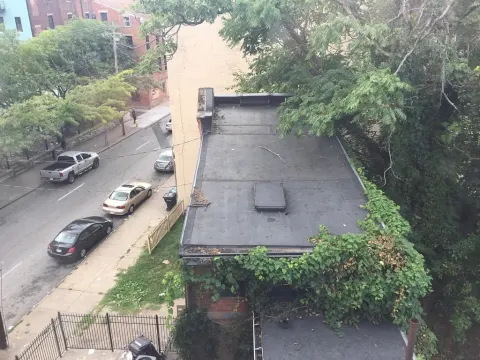
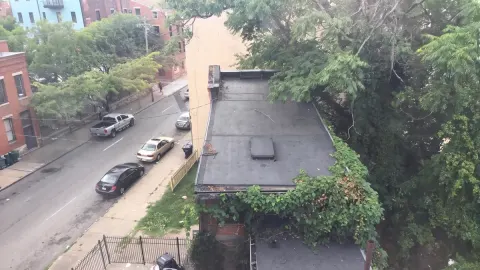
Made in this editor with the settings shown and saved at full size. The crowd, car and dog photos are AI-generated and the order is made up, so no real person’s details appear. Hover or tap to see the original.
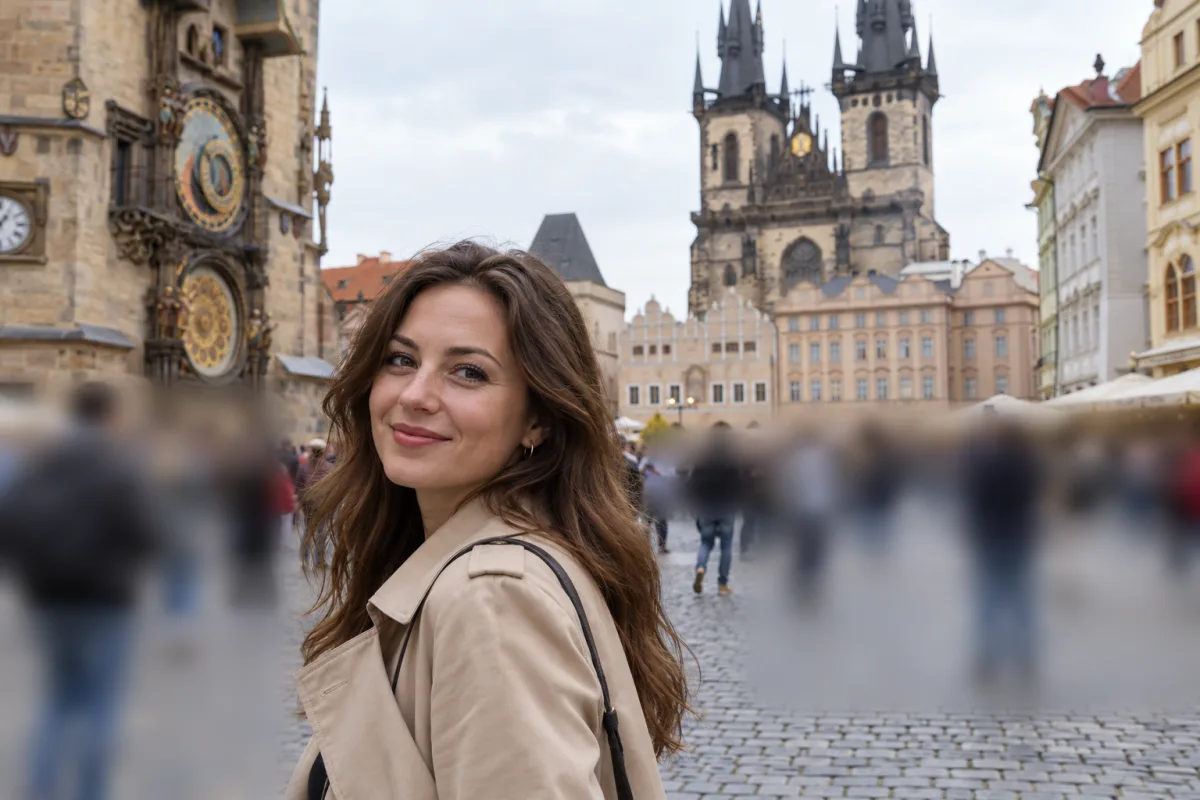
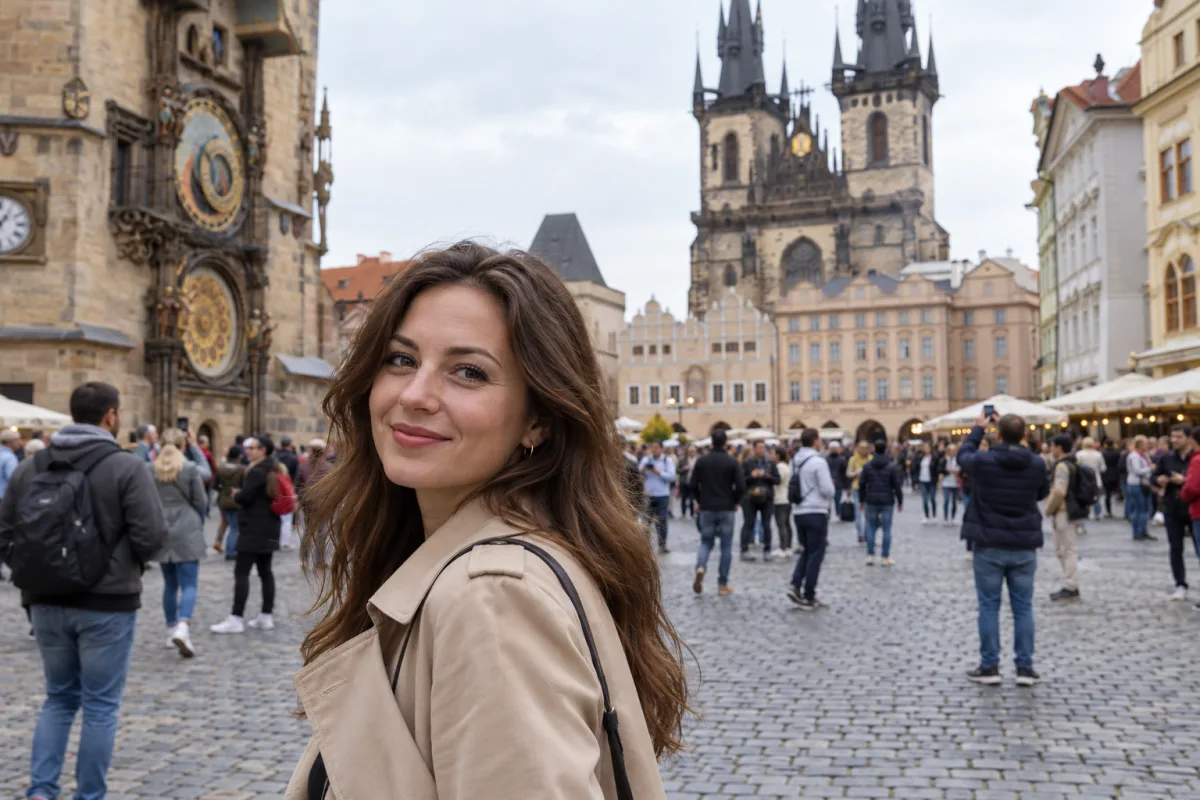
Brush · strength 45People behind her1536 × 1024 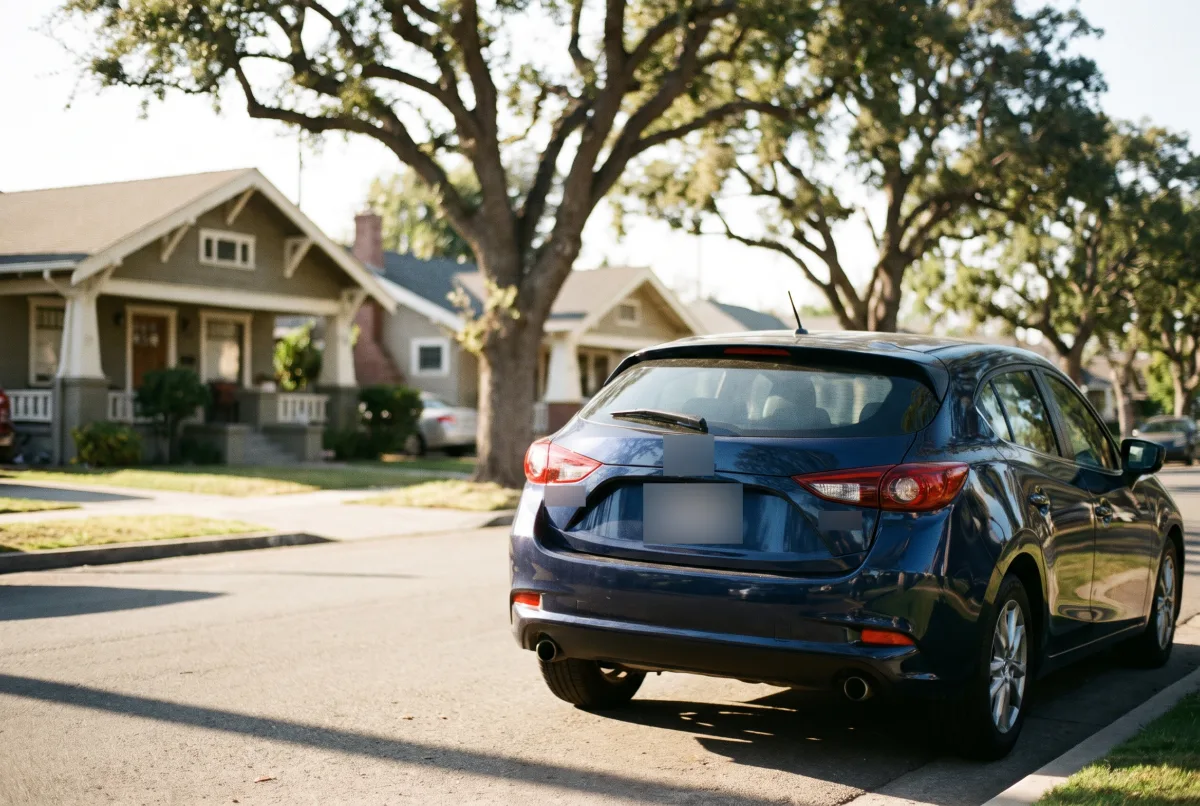
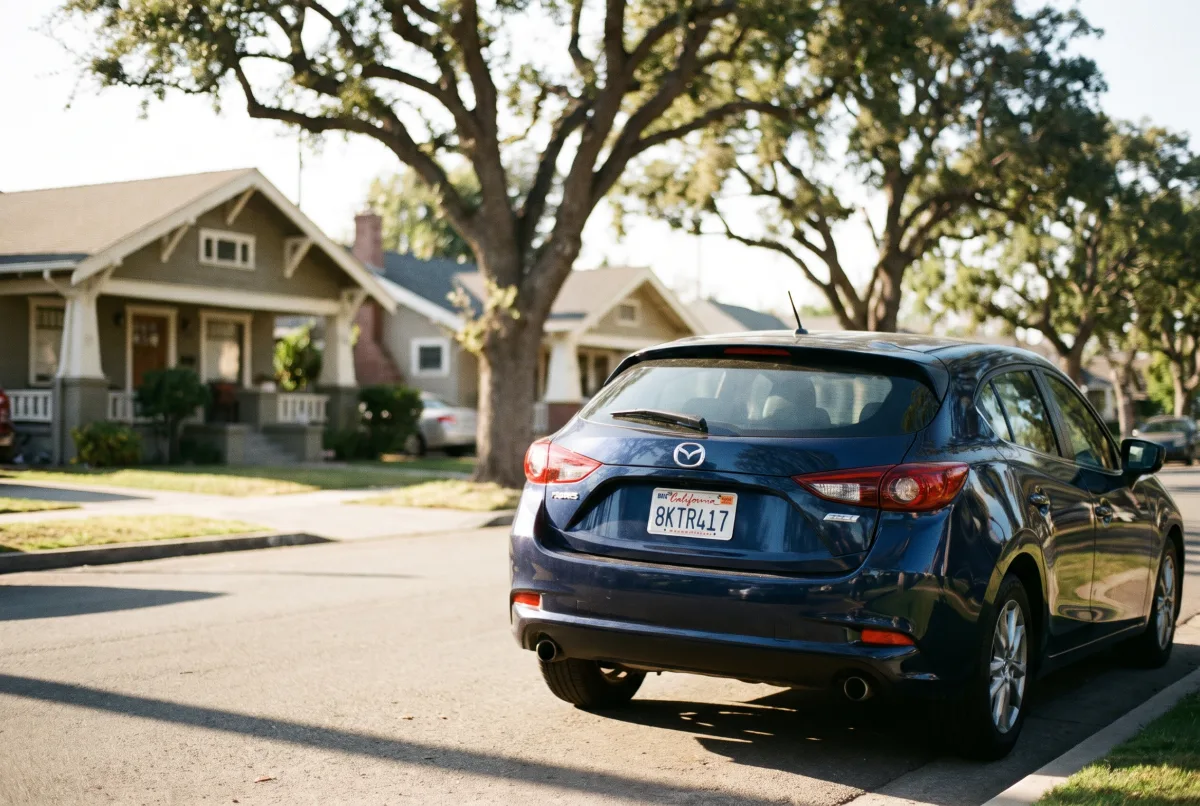
Box · strength 70License plate and badges2528 × 1696
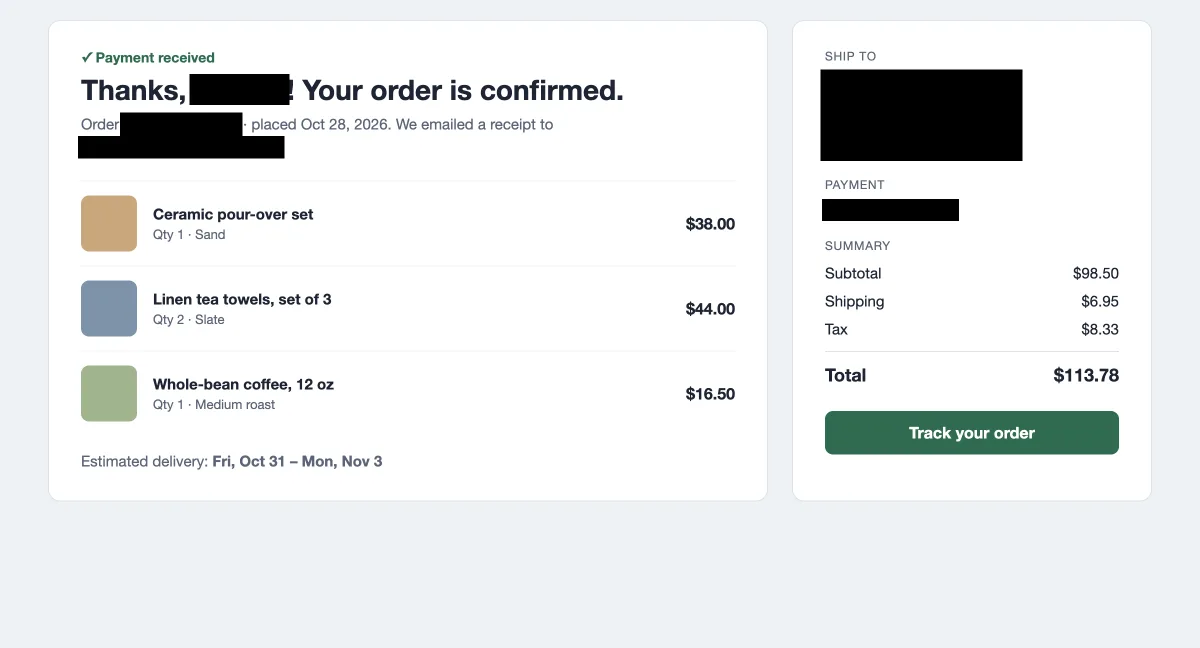
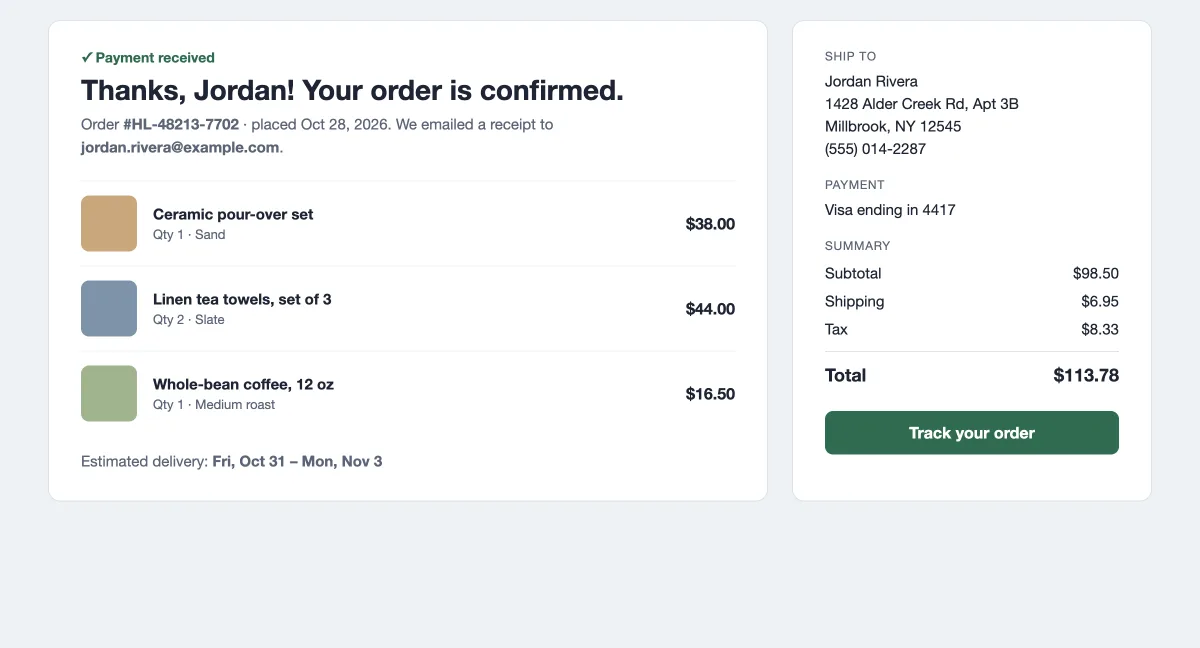
Solid cover · blackName, address and order number2400 × 1296 
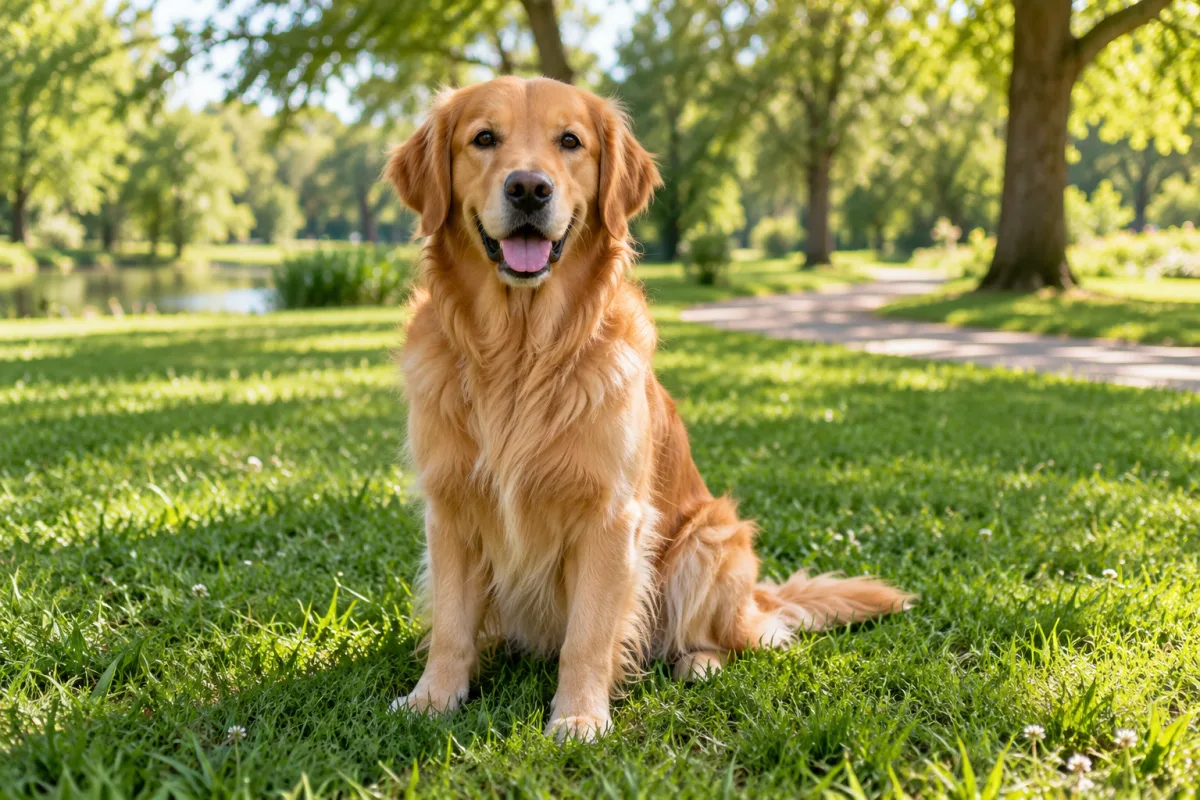
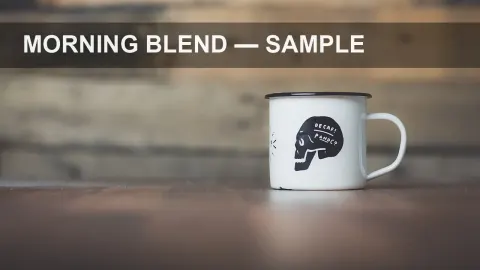
Whole photo · strength 40A soft background for text1536 × 1024
Use cases
Blur photo details before you share
Hide faces and plates before you post
Blur the faces of strangers or kids in a group shot, a license plate on a street picture, or a house number on a listing.
Screenshots with personal details
Names, emails, addresses, order numbers and chats: drag a solid cover over them.
A soft background for text
Blur image backgrounds for a title, a quote or slide text, or make a teaser that shows the mood but not the details.
Product and listing photos
Paint over a messy background, a logo or a reflection that pulls the eye from what you sell.
Quick facts
Blur image online: the facts
| What it is | A free photo blur tool and image blurrer that runs in your browser: blur the whole picture, a painted area or a box, or hide part of it under a solid color. |
|---|---|
| Your image | Never uploaded. The blur runs on your device, and nothing is saved to your account or history. |
| Price | Free, with no sign-up, no credits and no watermark. |
| Tools | Whole image, brush, box and solid cover, each with its own settings. |
| Blur type | Gaussian image blur, with strength from 1 to 100. |
| Files it opens | JPG, PNG or WebP, up to 50 MB. |
| What you download | JPG or PNG at the original size; PNG keeps transparency. |
| Size limit | Up to 8,000 pixels on the long side and 40 megapixels (16.7 on iPhone and iPad). Larger images save scaled down, and the editor shows the size first. |
| Editing | Unlimited undo and redo, hold to compare with the original, and start over in one click. |
| Metadata | The saved file has no EXIF data: no location, camera or date. |
How it works
How do you blur part of an image?
- 01
Add your image
Click, drop or paste a JPG, PNG or WebP, or try one of the sample photos.
- 02
Paint, drag or slide
Paint over a face with the brush, drag a box over a plate, or slide the strength to blur image areas everywhere at once. Undo with Ctrl or Cmd+Z.
- 03
Check and download
Hold the eye button to compare with the original, then download a JPG or PNG at full size.
Four tools
Blur image areas four ways
Whole photo
One slider takes the photo blur from a light soften at 1 to a heavy blur at 100. The preview follows as you drag.
Brush
Paint the blur where you want it, with its own size, edge softness and strength.
Box
Drag a rectangle to blur image parts with straight edges, such as a plate, a sign or a block of text.
Solid cover
Drag a box to hide something under black, white or any color you pick. Covers always sit on top of every blur.
Privacy
What a blur can’t hide
Text and numbers
Lightly blurred or pixelated text can sometimes be read back. For passwords, account numbers and addresses, use a solid cover or crop them out.
QR codes and barcodes
A light blur may still scan. Cover them, or blur until no pattern is left.
Context around a face
Hair, clothes, a tattoo or the place can still identify someone. Blur those too if it matters.
Which way
Blur image online, in a photo editor or on your phone?
Blur image in the browser
e.g. Saybrush
Open the page, add the image, paint or drag, download. Nothing to install.
- Best when You need a blurred copy in a minute, on any computer or phone.
- Not ideal when You need motion or lens blur, layers, or dozens of files at once.
A full photo editor
e.g. Photoshop, GIMP, Photopea
Select an area, apply a blur filter, refine it with masks and layers.
- Best when You already know the software and want every blur type and full control.
- Not ideal when You just want a face or a plate hidden, fast.
Your phone’s markup tools
e.g. the photo app on your phone
Draw over the screenshot with a pen or a shape.
- Best when A quick black bar on a screenshot is enough.
- Not ideal when You want a real blur, a soft edge or the image at full quality.
Is it right for you?
Who it’s for
Best for
- Blur picture details such as faces, plates, house numbers and names before you share.
- A blur photo editor when you can’t install software, such as on a work or school computer.
- A soft, blurred background to put text on.
Know before you start
- Gaussian blur only for now: no pixelate, motion or tilt-shift effect.
- You pick the area yourself. It doesn’t find faces or the background for you.
- It doesn’t blur images in bulk: one at a time. GIF and HEIC files don’t open; convert them to JPG first.
- Edits live in this tab. Download before you close it.
FAQ
Questions
How can I blur a photo online?
Blur image files right on this page: add one at the top, pick Whole photo, Brush or Box, and paint or drag over it. Download a JPG or PNG.
How do I blur just part of a picture?
Paint over the area with the brush, or drag a rectangle with the box. Everything outside stays exactly as it was.
Is there an easy way to make a whole picture look blurry without downloading anything?
Yes. Pick Whole photo and drag the strength slider. It runs in the browser: no app or extension to install.
What’s the simplest way to blur text or personal details in a screenshot before I share it?
Paste the screenshot here, pick Solid cover and drag a box over the text, then download a PNG so the text around it stays crisp.
Can I blur image online free, without signing up?
Yes. Blurring and downloading are free, with no account, no credits and no watermark.
Is my photo uploaded anywhere?
No. The image opens in your browser and the blur is computed on your device. It never reaches our server or your history.
How do I blur a face in a photo?
Paint over it with the brush or drag a box, and raise the strength until the face can’t be recognized. Or use a solid cover.
Can I blur image backgrounds?
Yes: paint the background with the brush and leave the subject sharp. There is no one-click background blur; you choose the area yourself.
Can a blurred image be unblurred?
A light blur on text can sometimes be partly reversed. A strong blur on a face is hard to undo; a solid cover can’t be undone at all.
Does a blur photo edit lower the quality?
Only the areas you blur change. The image saves at its original size; JPG saves at high quality, and PNG is lossless.
Can I blur photo files on my phone?
Yes. Open this page in your phone’s browser, pick a picture from your library and paint with your finger. The result downloads to your phone.
Does the saved image keep my location data?
No. The download is drawn fresh, without the EXIF data from your original: no GPS location, camera model or date.
More tools
Nothing to install.


Blur image files in seconds
Add a picture, paint or drag over what to hide, and download it at full size.
JPG, PNG or WebP up to 50 MB.