Remove watermarks from your own photos
Remove a watermark from a photo by naming it: Saybrush’s AI paints out logos, text and date stamps. For photos you own or license. No video.
1 credit per edit. 2 free without an account, 3 more when you sign up.


Remove the repeated watermark text across the photo
Examples
Real results from the watermark remover
The watermarks were added by us for this test. Hover or tap a photo to see the original.


Signature Remove the signature in the bottom right corner
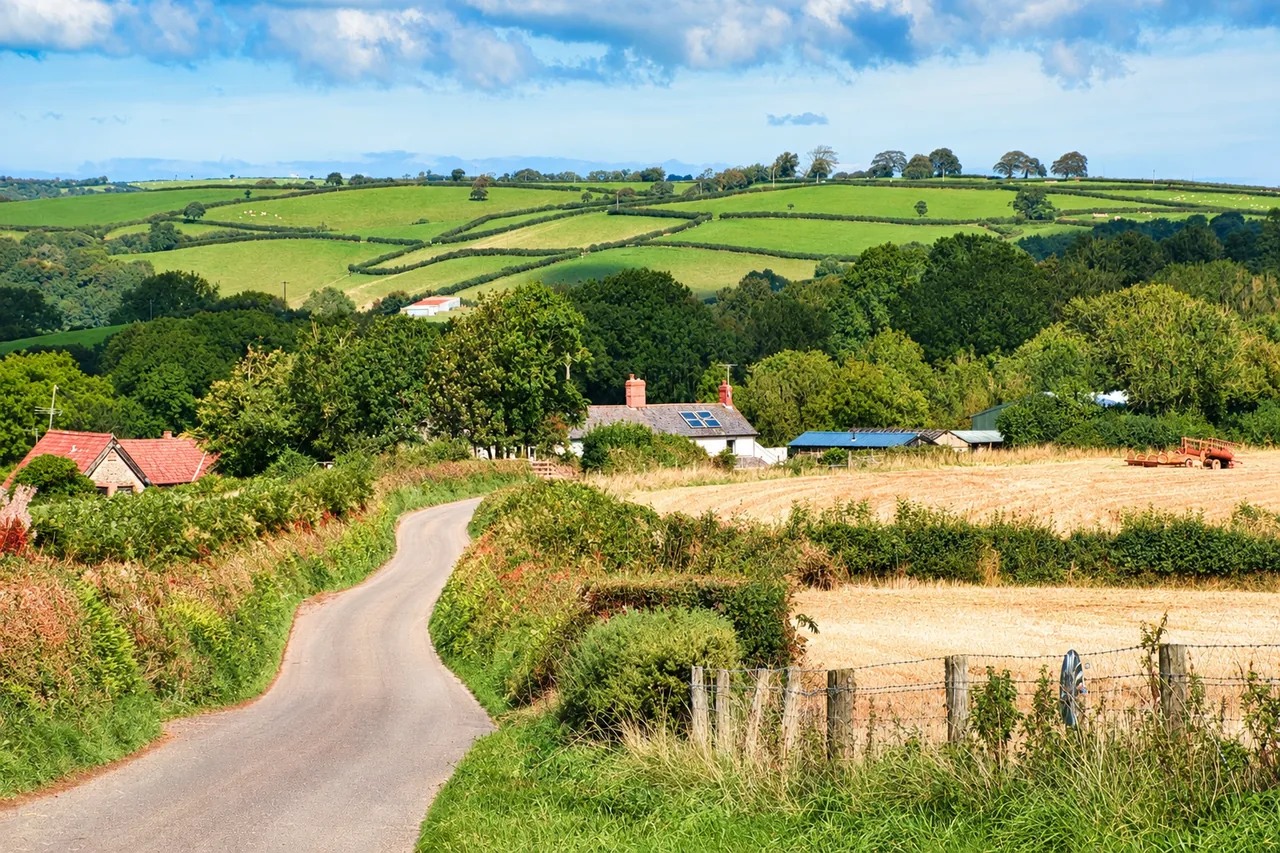
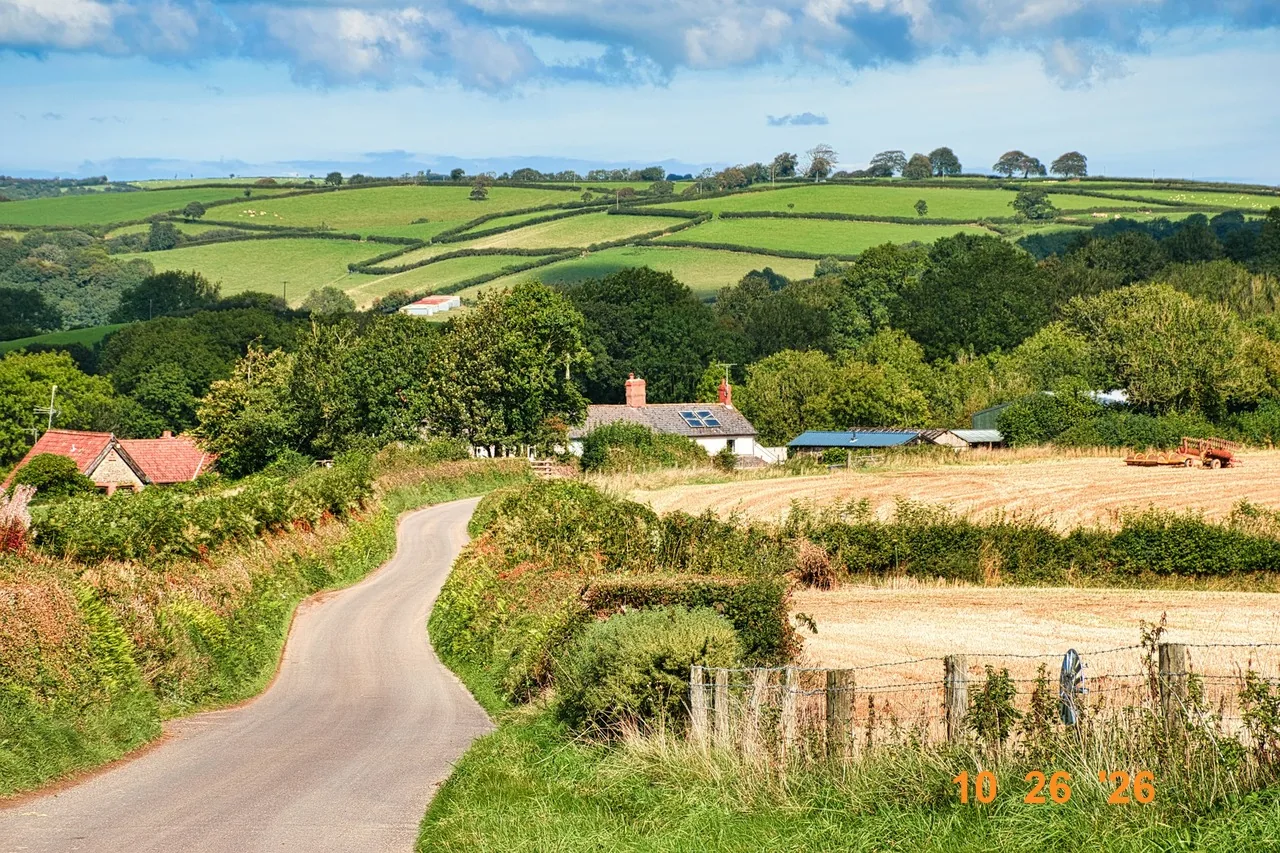
Date stamp Remove the orange date stamp
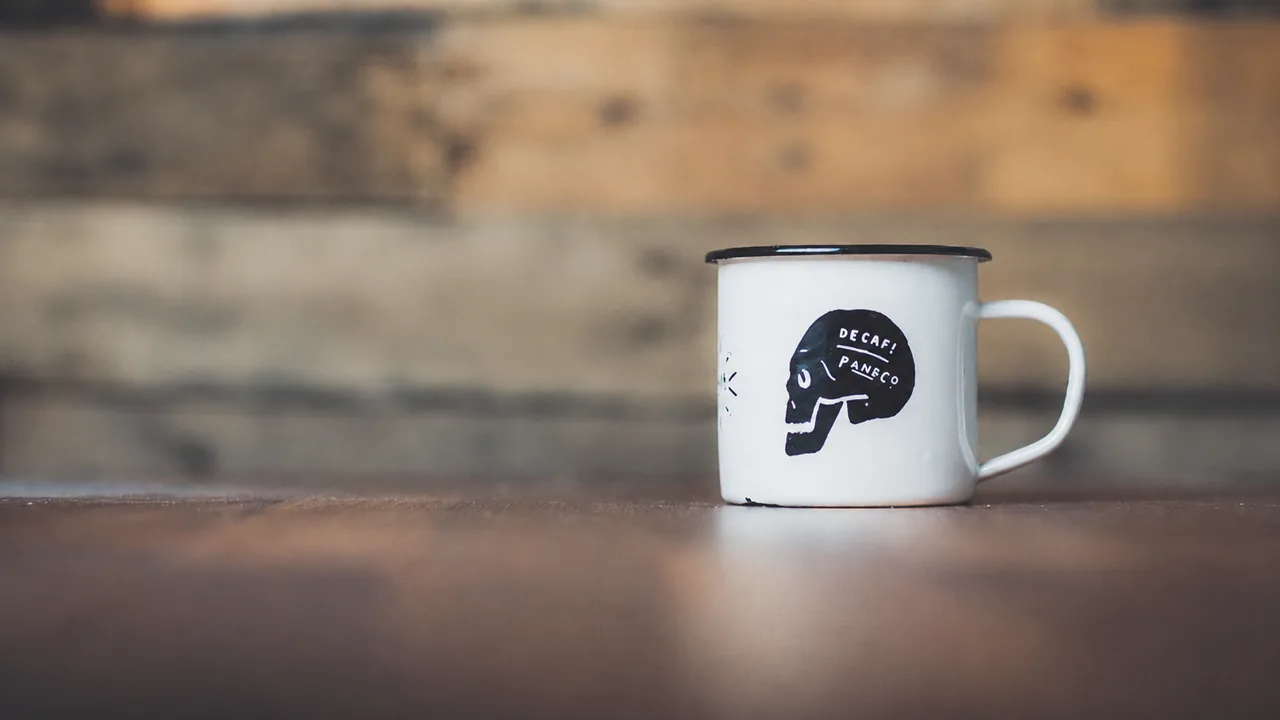
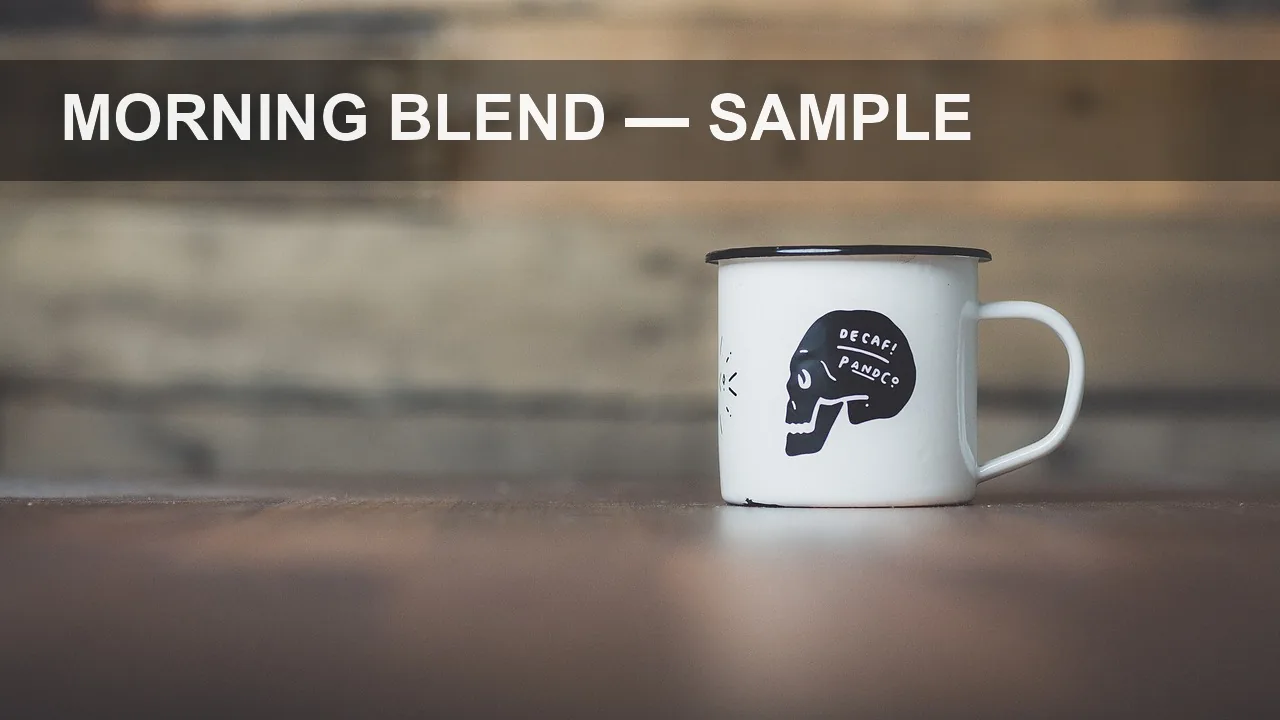
Text banner Remove the text banner at the top
Use cases
When to remove a watermark from an image
Your own watermark, original lost
You exported a photo with your name across it and the clean file is gone. Upload the copy you have and remove your mark.
Camera date stamps
Old digital and film cameras burned the date into the corner. Remove it from a family photo before you print or frame it.
Text and captions on your photos
A “sample” label, a price or a caption added in an app: clear it from your own product or social photos and keep the product itself.
A logo you no longer use
Rebranded? Take the old logo off your own photos instead of reshooting them, then add the new one in your design tool.
Quick facts
Remove watermark from photo or image: the facts
| What it is | An AI watermark remover: you name the watermark, text or stamp, and the AI redraws the photo without it. |
|---|---|
| What it removes | Tiled watermarks, corner logos and signatures, date stamps, text banners and captions. |
| What it takes | A JPG, PNG or WebP photo up to 20 MB. |
| How you use it | Upload, keep or change the sentence “Remove the watermark”, and run it. No brush or selection. |
| Where it runs | In the browser on a computer or phone. Nothing to install. |
| What you get | A new version of about 1 to 1.6 megapixels in your photo’s shape, next to the original to compare. |
| Time | About one minute: our four test photos took 56 to 74 seconds. |
| Cost | 1 credit per edit. Free use is 2 credits without an account and 3 more when you sign up. |
| Whose photos | Only photos you own or have a license to edit. |
How it works
How do you remove a watermark from a photo with AI?
- 01
Upload
Drop, paste or pick the largest copy of the photo you have.
- 02
Name the watermark
Keep “Remove the watermark” or say what and where: “remove the orange date in the bottom right”.
- 03
Compare and download
Drag the divider across the edited area, reword the sentence if something is left, then save it.
What it handles
From a corner stamp to text across the whole photo
Tiled watermarks
A semi-transparent name repeated over the whole photo came off in one edit, and the doors, windows and cobbles under it came back.
Signatures and logos
A two-line signature over a yellow wall and hair was removed without a smudge or a blurred patch where it was.
Date stamps
The orange date in the corner of a landscape is gone and the fence and grass under it are filled in.
Removes only what you name
Asked to remove a text banner, it kept the skull print on the mug in the same photo. Name what to keep if it looks like a watermark.
Tips
How to remove watermark from image files cleanly
Say where it is
“The signature in the bottom right corner” works better than “the text” when a photo has more than one.
Describe how it looks
Color and kind help: “the orange date stamp”, “the repeated white text”, “the logo on the dark banner”.
Name what to keep
If the subject has its own print or label, add “keep the print on the mug” so it is not treated as a watermark.
Check small details
The whole photo is redrawn, so compare reflections, small signs and faces. If something changed, say “keep the rest unchanged” and run it again.
Which way
AI watermark remover, manual retouching or the clean file?
AI watermark remover
e.g. Saybrush
You name the watermark in a sentence and the AI redraws the photo without it.
- Best when The mark covers detail you can’t easily rebuild by hand, such as text across the whole photo.
- Not ideal when You need every pixel outside the mark to stay identical.
Manual retouching
e.g. Photoshop, GIMP
You paint over the mark with clone, heal or fill tools, one area at a time.
- Best when The mark is small, the photo is large, and the rest must not change at all.
- Not ideal when The mark is tiled over faces, text or fine patterns.
Getting the clean file
e.g. the photographer or stock site
You ask for or buy the clean original.
- Best when The photo belongs to someone else. This is the only right way to use it.
- Not ideal when It is your own photo and the original no longer exists.
Is it right for you?
What it is for, and what it won’t do
Best for
- Photographers and shops cleaning their own watermarked or labeled photos.
- Family photos with a camera date stamp.
- Photos with text, captions or an old logo you added yourself.
Not for
- Someone else’s watermark: stock previews, photographer proofs, or photos you haven’t paid for. Our Content Policy forbids it.
- Video, GIFs or PDFs.
- Bulk or batch processing, or an API.
Know before you start
- Results are about 1 to 1.6 megapixels, so a large photo comes back smaller than the original.
- Free results download at up to 768 px on the long side. Buying credits or a plan unlocks full resolution, for earlier unexpired results too.
- Every upload, sentence and result passes automated moderation, which can block a harmless photo by mistake. A blocked edit returns your credit.
FAQ
Questions
Can AI remove watermarks from photos?
Yes. An AI watermark remover rebuilds the part of the photo the mark covered from what is around it, instead of blurring it. It works best when you say which mark to remove.
Can I remove watermark from photo for free?
Saybrush gives 2 free edits without an account and 3 more when you sign up. Free results get no watermark of their own and download at up to 768 px on the long side; credits or a plan unlock full resolution.
Is it legal to remove a watermark from a photo?
From your own photos, or ones you have a license to edit, yes. Removing someone else’s watermark to use their photo can infringe their copyright, and in the US removing copyright information can break the law on its own.
Can I remove the PROOF watermark from photos my photographer sent?
No. A proof watermark marks photos you haven’t bought yet. Buy the prints or digital files, or ask the photographer for clean copies.
Can I remove watermark from image files without blur?
Yes. The area is redrawn, not blurred or smudged, so the result has no soft patch where the mark was.
Will the photo lose quality?
The edited version is about 1 to 1.6 megapixels in the same shape as your photo. A photo larger than that comes back smaller, and fine details such as reflections are redrawn.
Can it remove text from an image as well?
Yes. Captions, prices, labels and banners are removed the same way. Name the text, for example “remove the words SALE at the top”.
Can I remove a watermark on my iPhone or Android phone?
Yes. Saybrush runs in the mobile browser with nothing to install. Pick the photo from your library and download the result.
Can it remove a watermark from a video?
No. Saybrush edits still photos only.
Which image formats can I upload?
JPG, PNG and WebP up to 20 MB.
What happens to my photos?
Each photo is checked by automated moderation and processed by the AI model’s provider. Free photos and results are deleted after 14 days. See the Privacy Policy for the details.
Remove watermark from photo in about a minute
Two free edits without an account. Say what to remove and compare the result.
It runs “Remove the watermark” as soon as the photo is in. Reword it in the studio.
Last updated October 2026