AI Background Remover
Saybrush is an AI background remover for photos. One click returns a transparent PNG at your photo’s size, with no watermark. No video or bulk.
1 credit per photo. 2 free without an account, 3 more when you sign up.
Examples
Real results from the background remover
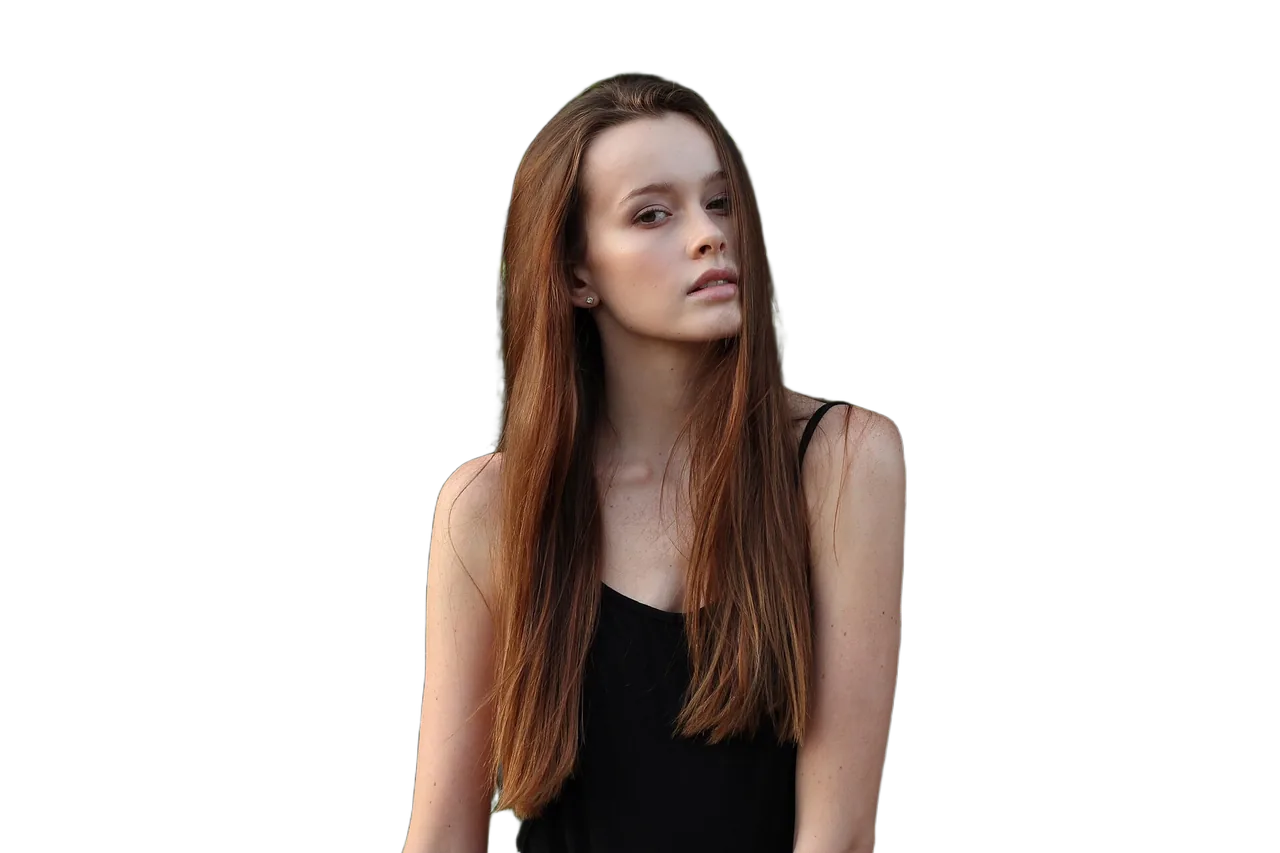
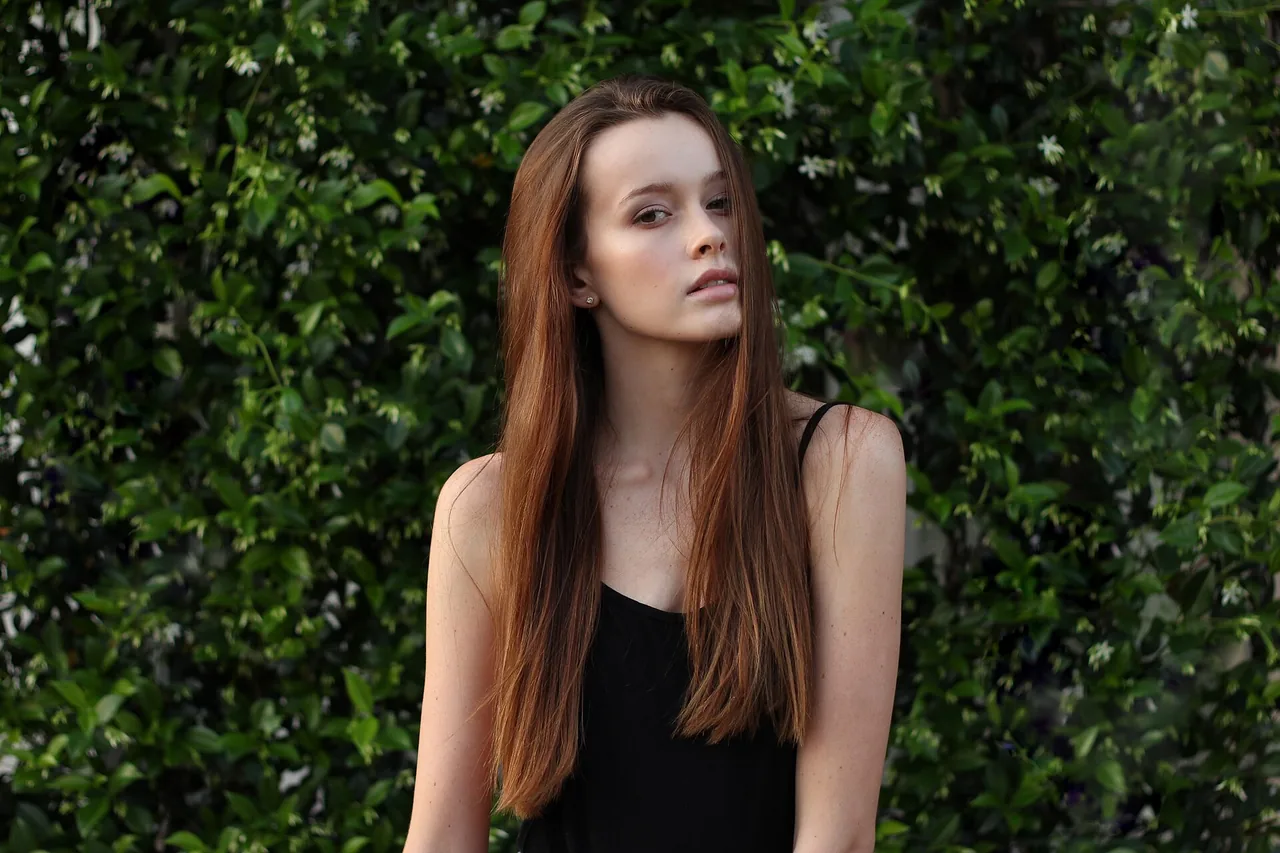
Hover or tap a photo to see the original.


Flying hairSharp strands kept, blurred tips softened 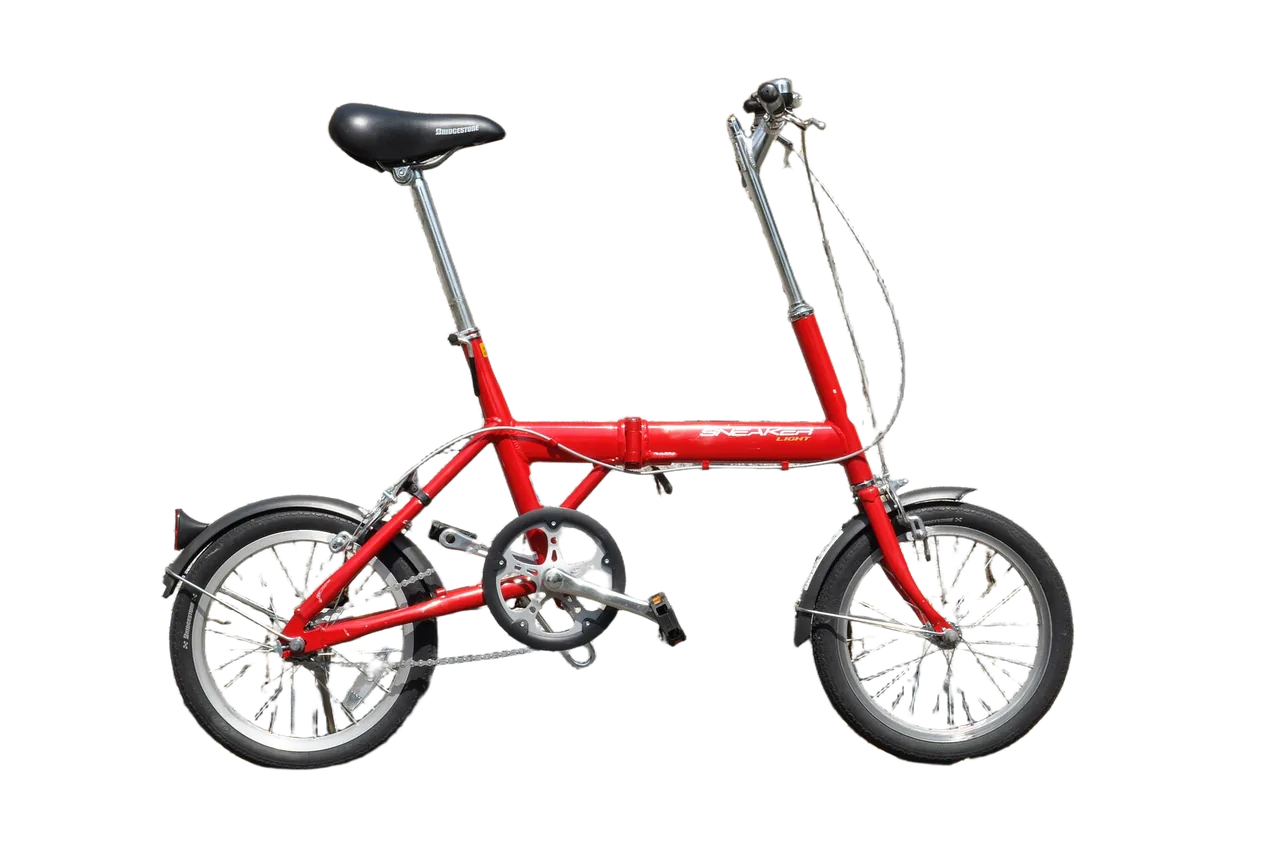
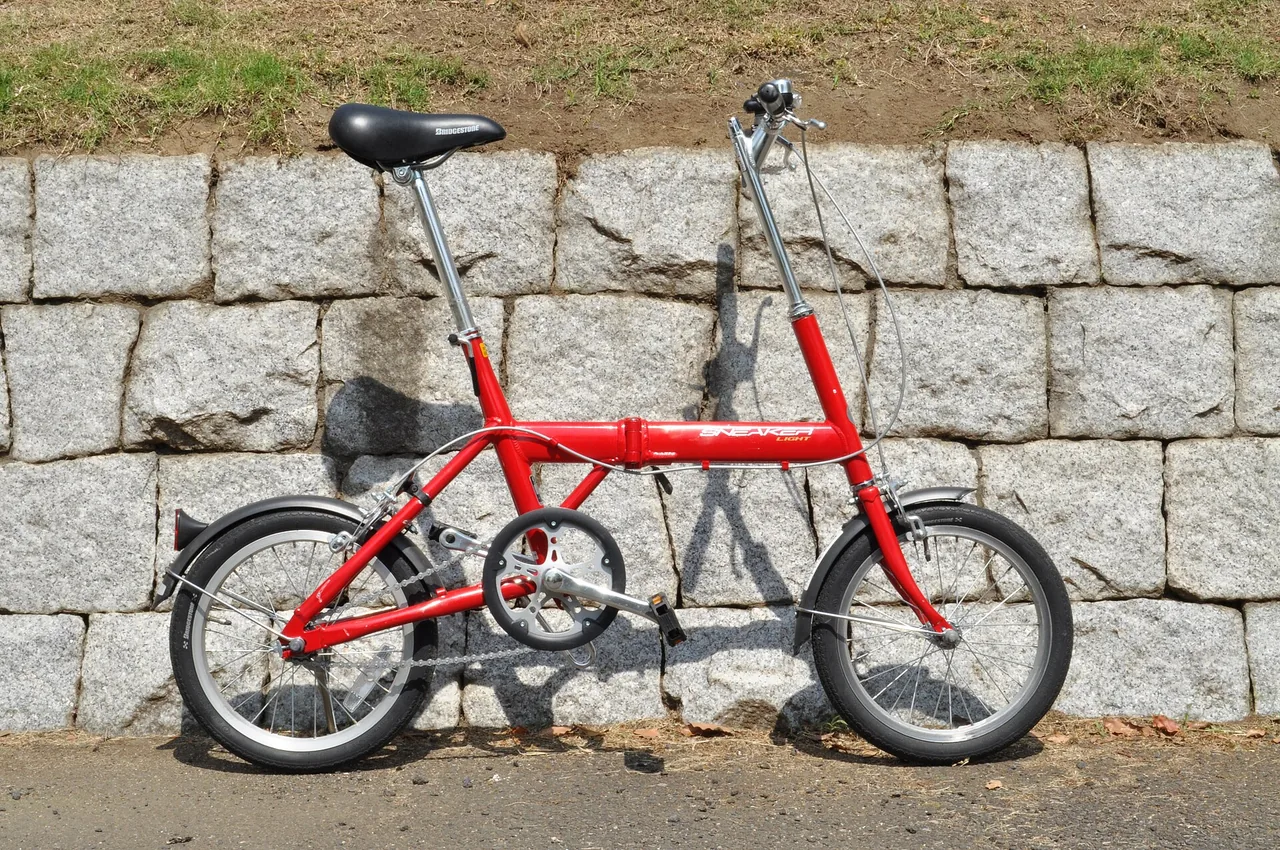
SpokesGaps inside the wheels made transparent 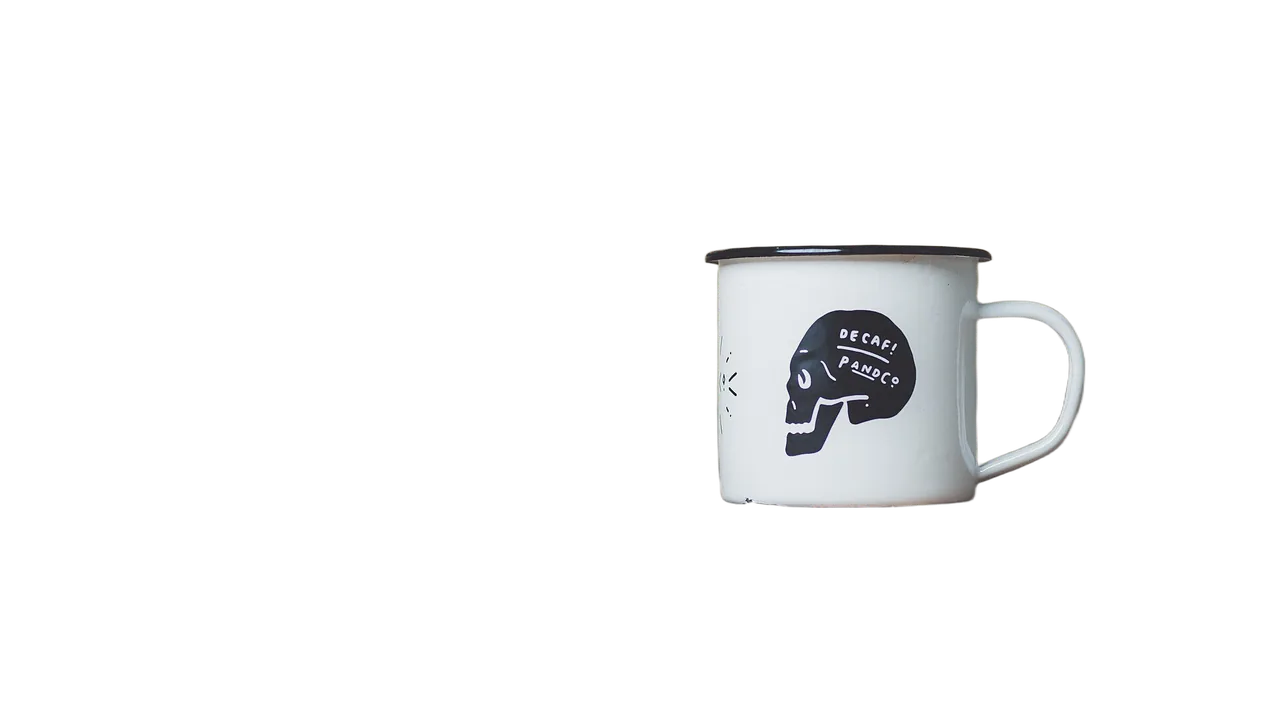
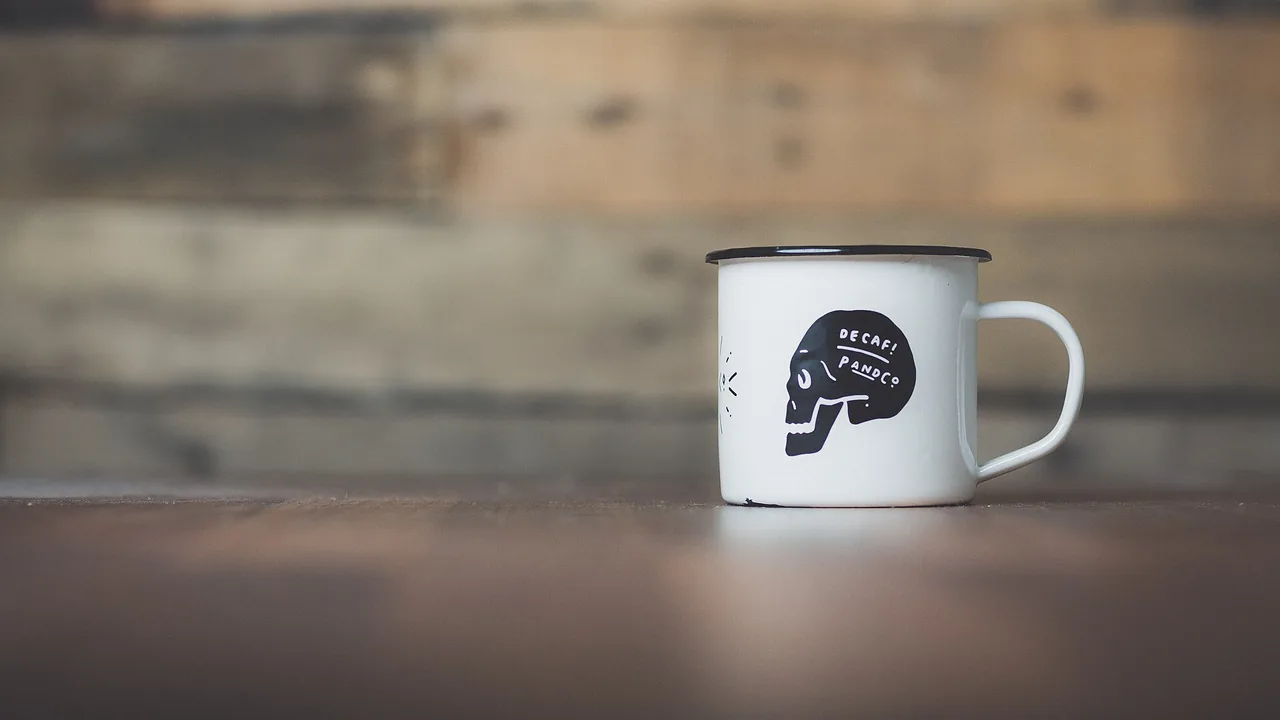
ProductThe hole in the handle cleared too
Use cases
When to remove the background from a photo
Product photos
Cut a product off the table or the shop floor so it can sit on a white page, a listing template or an ad.
Portraits and profile pictures
Lift a person off a busy background for a profile picture, a team page or a CV, then add a plain color in any design tool.
Objects with holes and thin parts
Bikes, chairs, mug handles and plants: gaps inside the subject come out transparent, not filled with the old background.
A new background instead
If you want the subject in a new scene rather than on nothing, the same studio can replace the background from one sentence.
Quick facts
The background remover in one table
| What it is | An AI background remover: it finds the main subject of a photo and makes everything else transparent. |
|---|---|
| What it takes | A JPG, PNG or WebP photo up to 20 MB, at least 256 pixels on the short side. |
| What you get | A transparent PNG with the same pixel size as your photo, up to 4096 pixels a side. Photos over 16 megapixels, and some files over 5 MB, are scaled down first. |
| How you use it | Upload, then click Remove background. No prompt, brush or selection. |
| Time | Usually 10 to 20 seconds per photo. |
| Cost | 1 credit per photo. Free use is 2 credits without an account and 3 more when you sign up, shared with photo edits. |
| Watermark | None, free results included. |
| Where it runs | In the browser on desktop and mobile. Nothing to install. |
How it works
How do you remove a background with an AI background remover?
- 01
Upload
Drop, paste or pick a photo with one clear subject.
- 02
Remove background
Click once. The AI picks the subject and clears the rest, usually in 10 to 20 seconds.
- 03
Download the PNG
Drag the divider to check the edges against the original, then save the transparent PNG.
What you get
A clean cut-out, nothing added
One click, no prompt
Click Remove background and that is it: nothing to type or paint. The model decides what the subject is; if a photo has several, it keeps the main one.
Transparent PNG
The background is fully transparent, so the cut-out drops onto any color, layout or slide without a white box around it.
Same size as your photo
A 1920 × 1280 photo comes back as a 1920 × 1280 PNG, up to 4096 pixels a side. It is not upscaled.
No watermark
Removed backgrounds never carry a Saybrush mark, on free credits too. Photo edits on the free tier still do.
Tips
How to get a cleaner cut-out
Use contrast
A subject that differs in color or brightness from the background gets the cleanest edge. A cream cat on a cream blanket is the hard case.
Keep the whole subject in frame
Parts cut off by the photo edge stay cut off, and a tail or hand hidden in shadow may be clipped.
Use the sharpest copy
Motion blur and heavy compression soften the outline. Fine strands of hair survive best when they are in focus.
Crop around one subject
If the photo has several people or products, crop to the one you want before you upload.
Which tool
Background remover, manual selection or AI image editor?
AI background remover
e.g. Saybrush
Upload a photo and click Remove background. The model cuts out the subject and returns a transparent PNG.
- Best when You want a clean cut-out of one subject in seconds.
- Not ideal when You need to choose exactly which of several objects to keep.
Manual selection
e.g. Photoshop, GIMP
You trace or paint a mask by hand, then refine the edge.
- Best when The edge must be exact for print or compositing, and you have the time.
- Not ideal when You have many photos and no editing experience.
AI image editor
e.g. Saybrush studio
You describe a new background in one sentence and the AI redraws it around the subject.
- Best when You want a finished scene, not an empty background.
- Not ideal when You need a transparent file to place in your own design.
Is it right for you?
What it is for, and what it won’t do
Best for
- Online sellers who need product cut-outs for listings and ads.
- Portraits and profile pictures on a busy background.
- Designers who want a transparent PNG to drop into a layout.
Not for
- Video or GIF backgrounds.
- Bulk or batch processing, or an API.
- Choosing which of several objects to keep. The model picks the main subject.
Know before you start
- Low-contrast or dim photos come out weaker: in our test of a cat on a blanket of the same color, the fur edge was smoothed and part of the tail was lost.
- Every upload and result passes automated moderation, which can block a harmless photo by mistake. A blocked removal returns your credit.
- Free photos and results are kept for 14 days; on a paid plan they stay until you delete them.
FAQ
Questions
What is an AI background remover?
An AI background remover is a tool that detects the main subject of a photo and deletes everything around it, so you get the subject on a transparent background without selecting it by hand.
Is this background remover free?
You can try it free. Each removal costs 1 credit; you get 2 credits without an account and 3 more when you sign up. More credits come with a pack or a plan.
Does it add a watermark?
No. A removed background never has a watermark, including the ones made with free credits.
How do I remove the background from an image without losing quality?
Upload the largest, sharpest copy you have. Saybrush returns a PNG, a lossless format, with the same pixel size as the photo it received, so the subject is not shrunk.
Does it work on hair and fur?
Sharp, in-focus hair is cut cleanly, including long hair against leaves. Motion-blurred hair tips are softened, and fur that matches the background in color can lose detail.
Why does my transparent PNG show a black background?
The file is transparent; some photo viewers and chat apps draw transparency as black or white. Open it in a browser or a design tool, or place it on a page, to see the transparent background.
Can it remove the background from a logo or signature?
It is built and tested for photos. A logo or signature photographed on paper may work, but check thin lines closely, since we have not tested it on artwork.
Which file formats can I upload?
JPG, PNG and WebP up to 20 MB. The result is always a PNG.
Can I remove a background on my phone?
Yes. Saybrush runs in the mobile browser on iPhone and Android, with nothing to install. Pick a photo from your library and download the PNG.
Can I use the result commercially?
Yes, for any lawful purpose that follows our Content Policy, as long as you have the rights to the photo you uploaded.
Can ChatGPT remove a background?
ChatGPT can edit an uploaded image when you ask it to in a chat. A dedicated background remover skips the prompt: one click, a transparent PNG at your photo’s size, and a before and after to check the edge.
What happens to my photos?
Each photo is checked by automated moderation and processed by the AI model’s provider. Free photos and results are deleted after 14 days. See the Privacy Policy for the details.
Remove the background from your photo
Two free removals without an account. Transparent PNG, no watermark.
Upload a photoLast updated October 2026