Unblur image: fix a blurry photo with AI
Unblur image files online: Saybrush’s AI redraws a blurry or small photo with sharp detail. Pick from two models. It can’t restore text or video.
No photo handy? Try one of these
Examples
Unblur photo results from 8 blurry photos
We blurred these free-to-use photos ourselves and ran each one once on Nano Banana Pro with the prompt below, no retries. Hover or tap a photo to see the blurry input.
Prompt “Unblur this photo and sharpen the details. Keep everything else the same: the same face and expression, colors, lighting and composition. Do not add or change any text.”
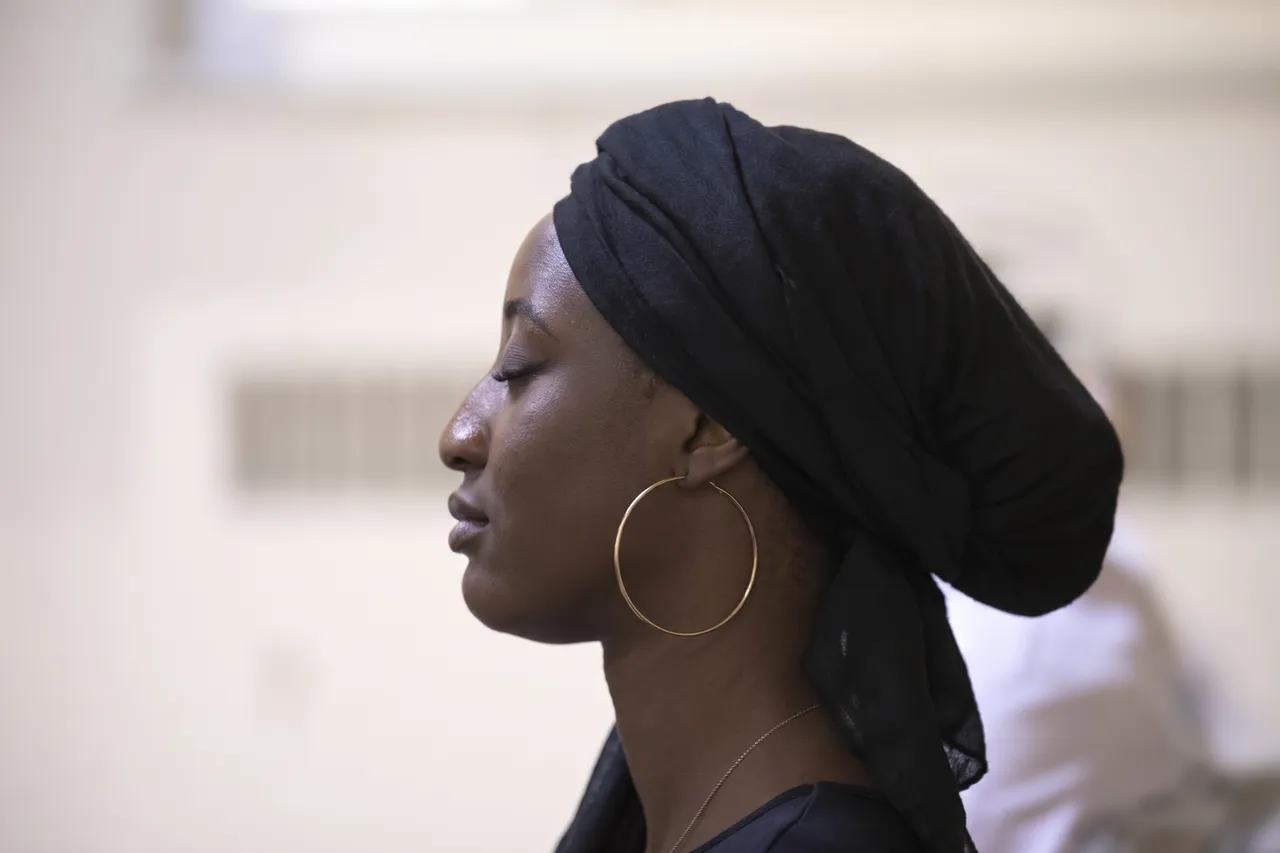
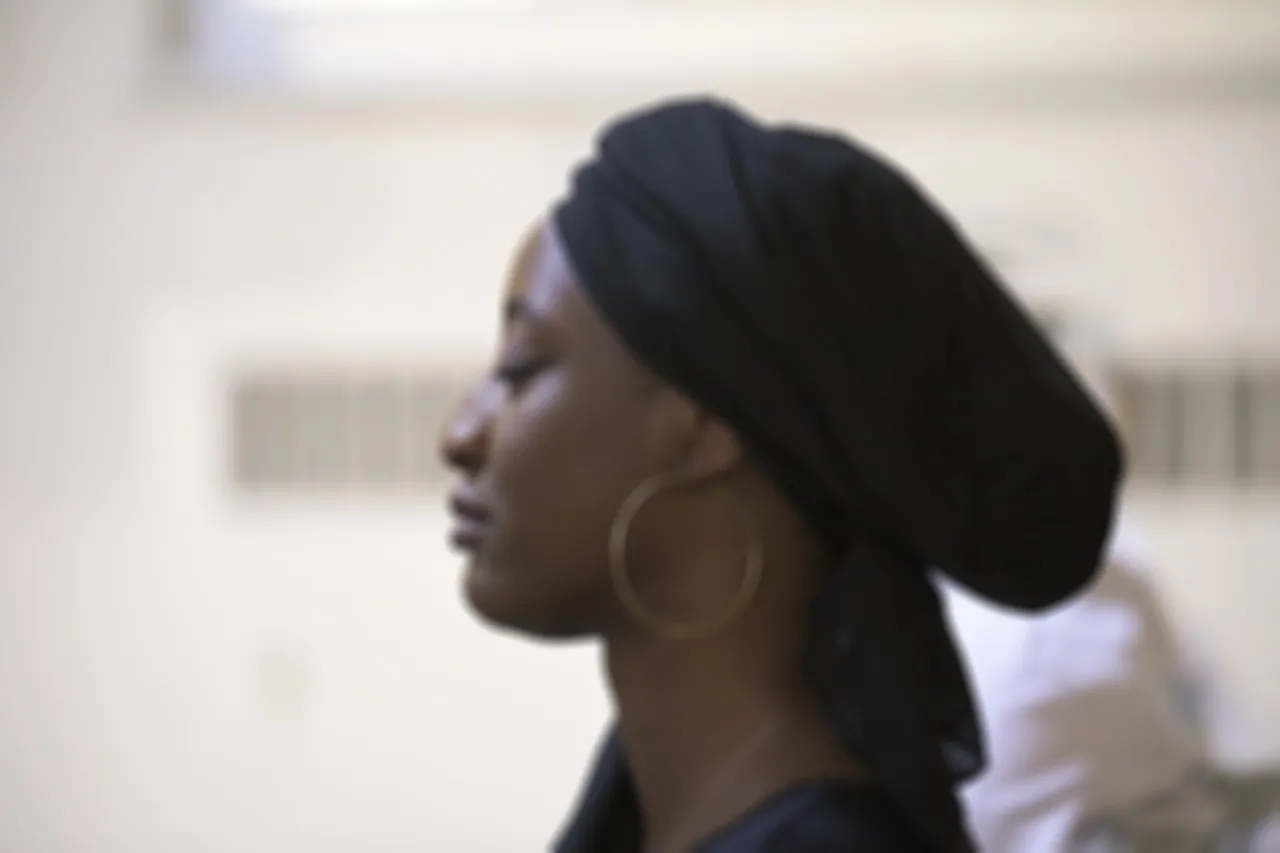
Out of focusProfile portrait2528 × 1684 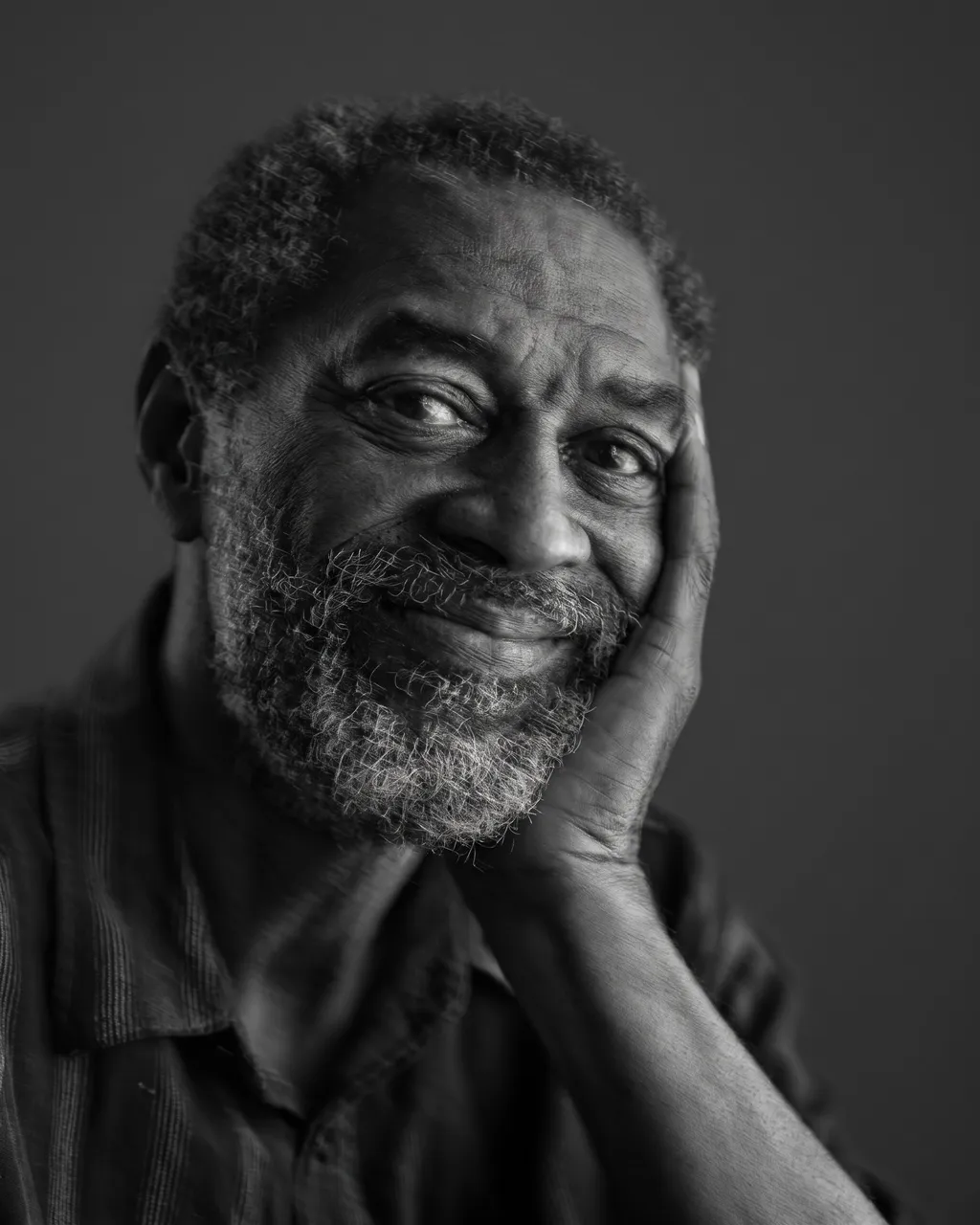
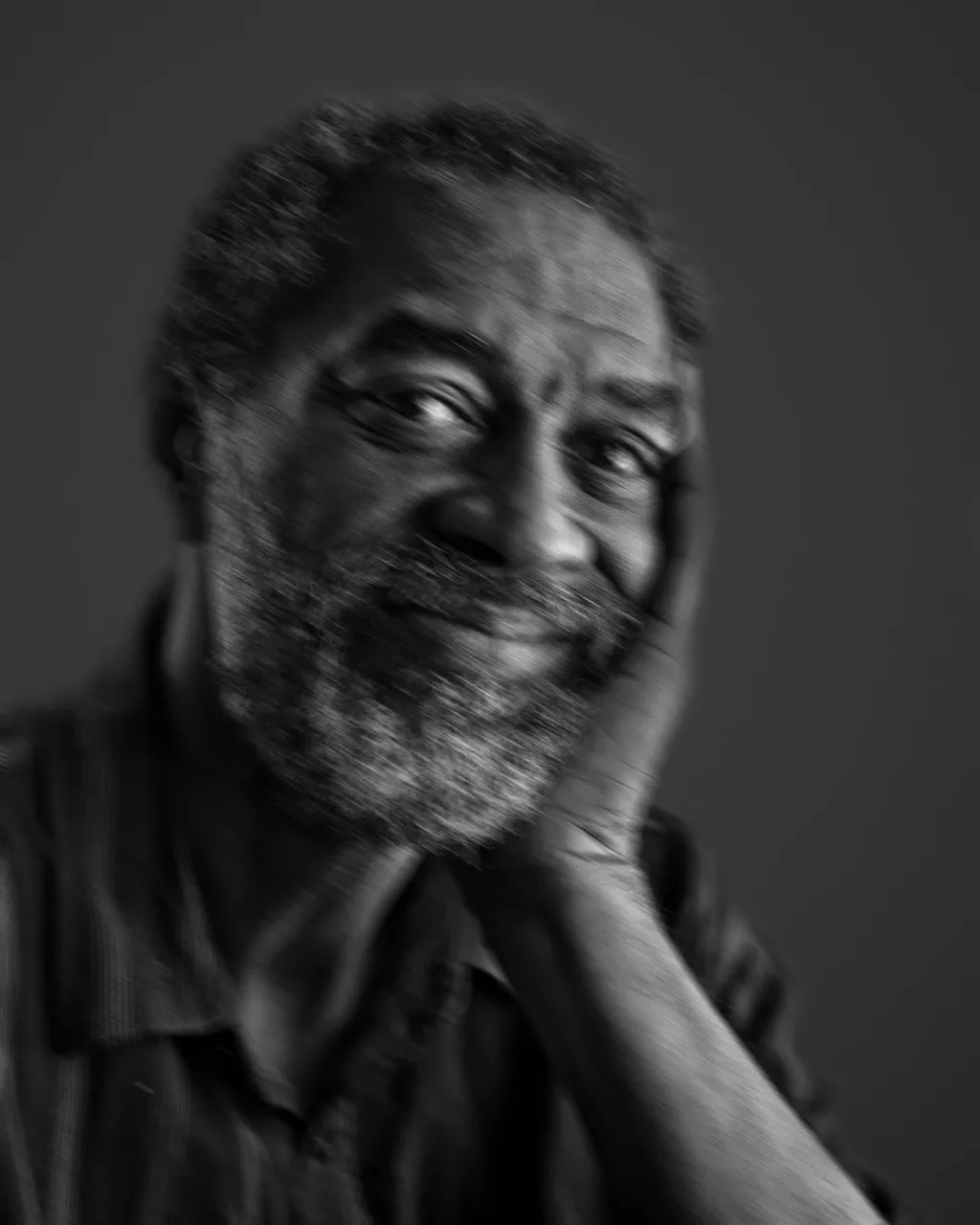
Camera shakePortrait1844 × 2304 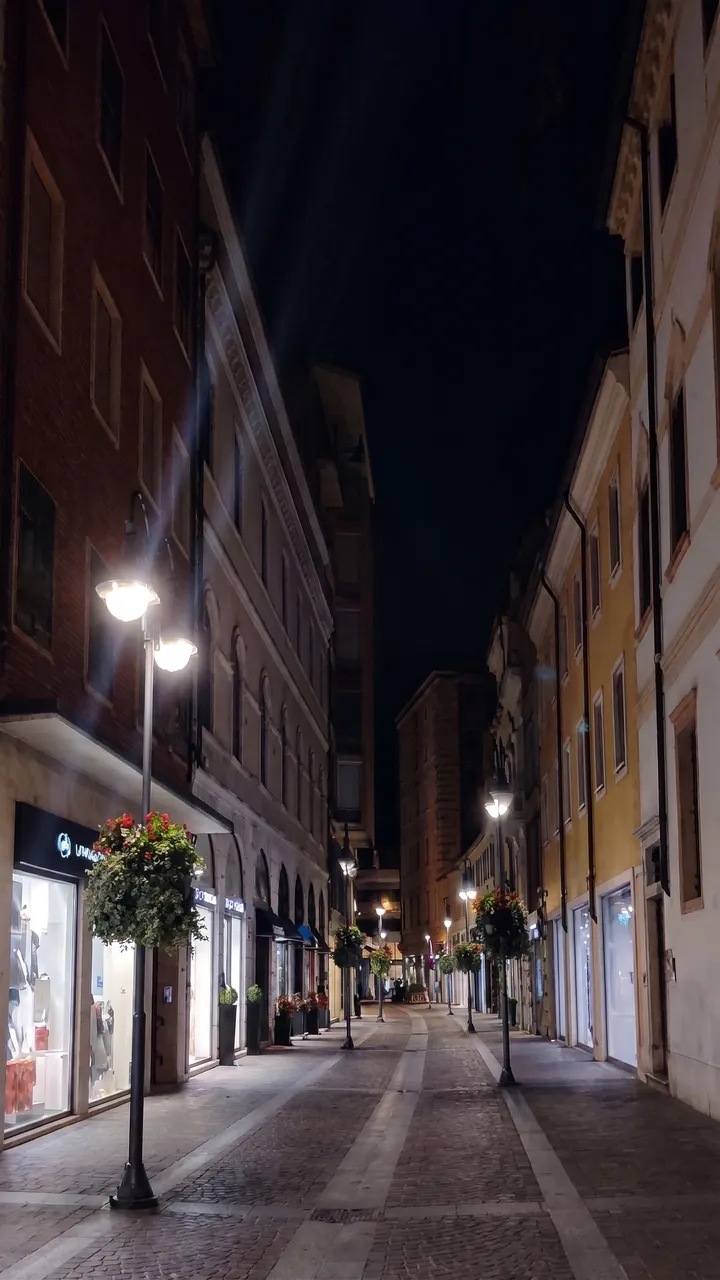
Night, low lightStreet at night1536 × 2730
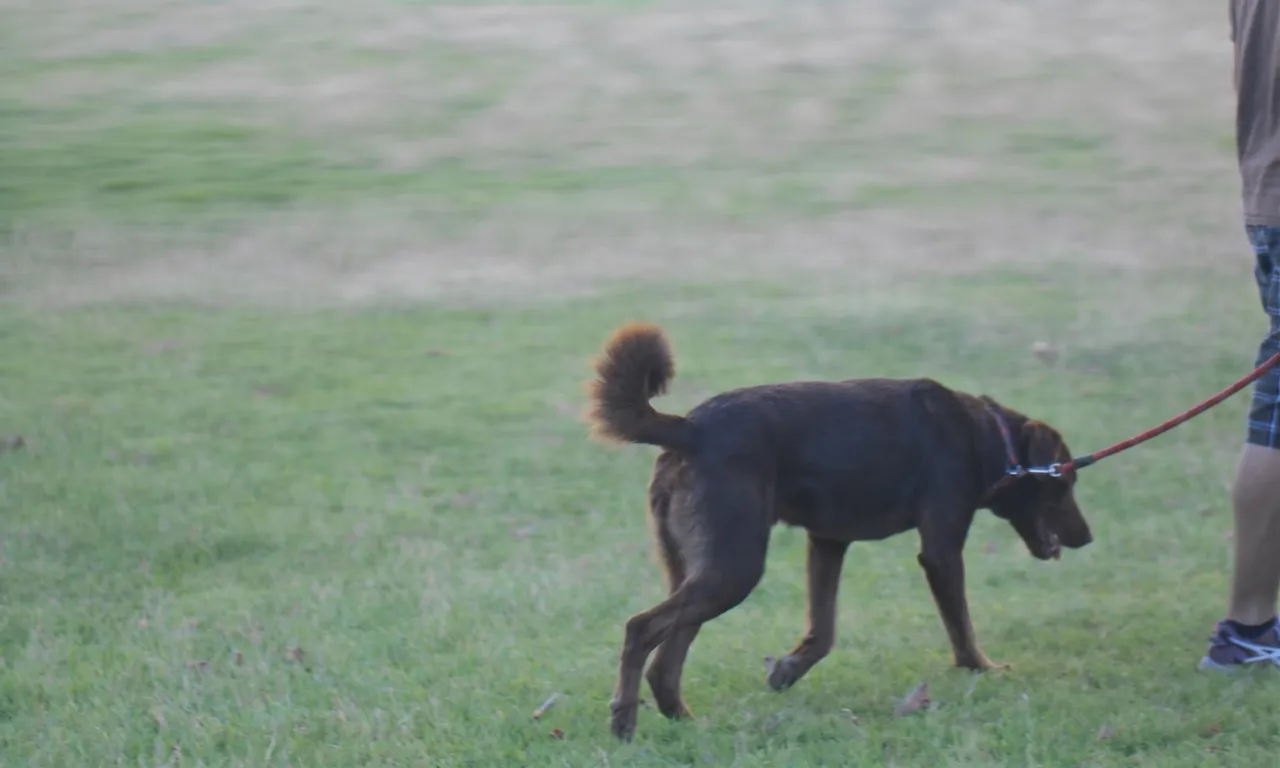
Motion blurDog on a walk2666 × 1600 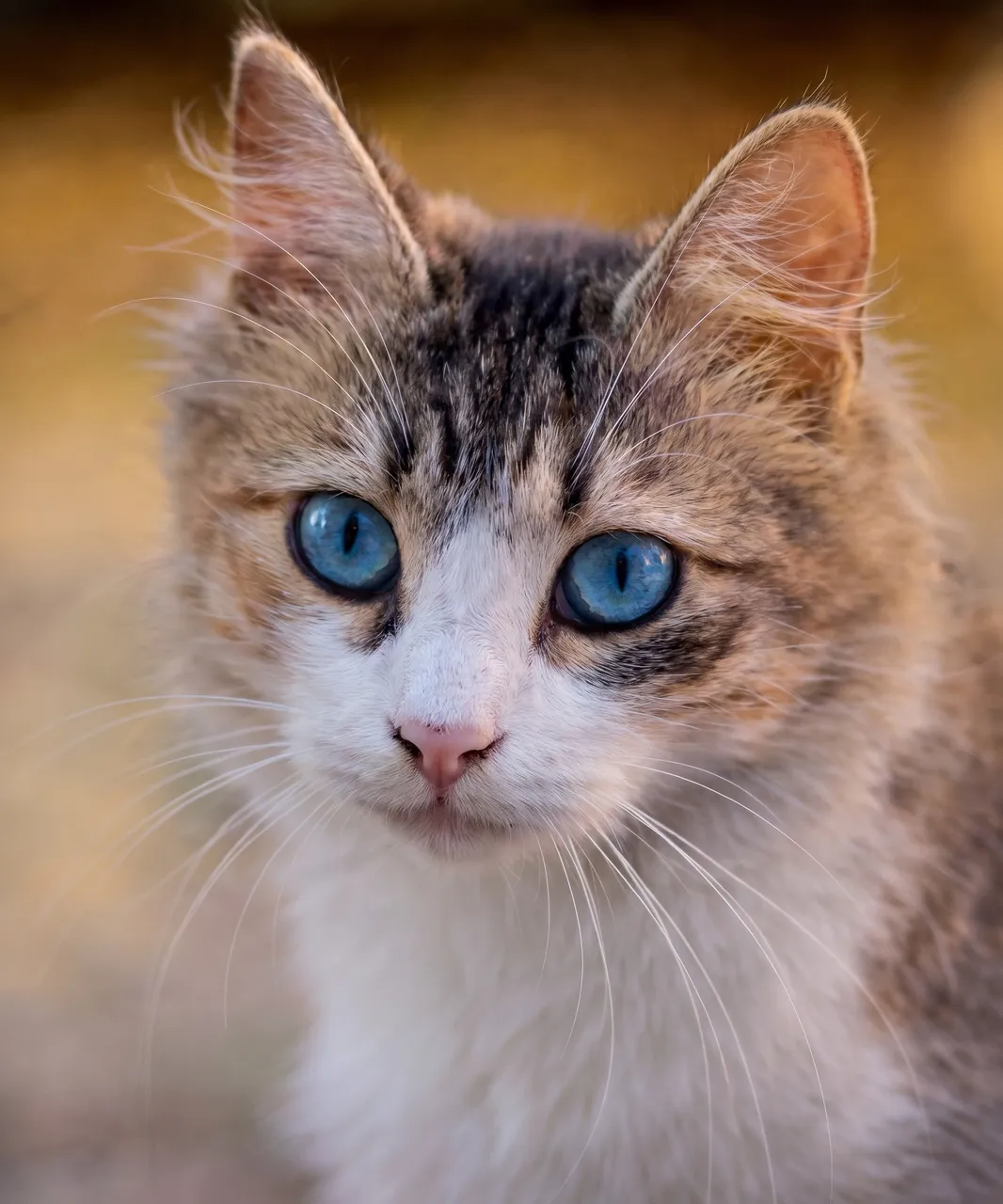
Tiny thumbnailTabby cat1888 × 2266
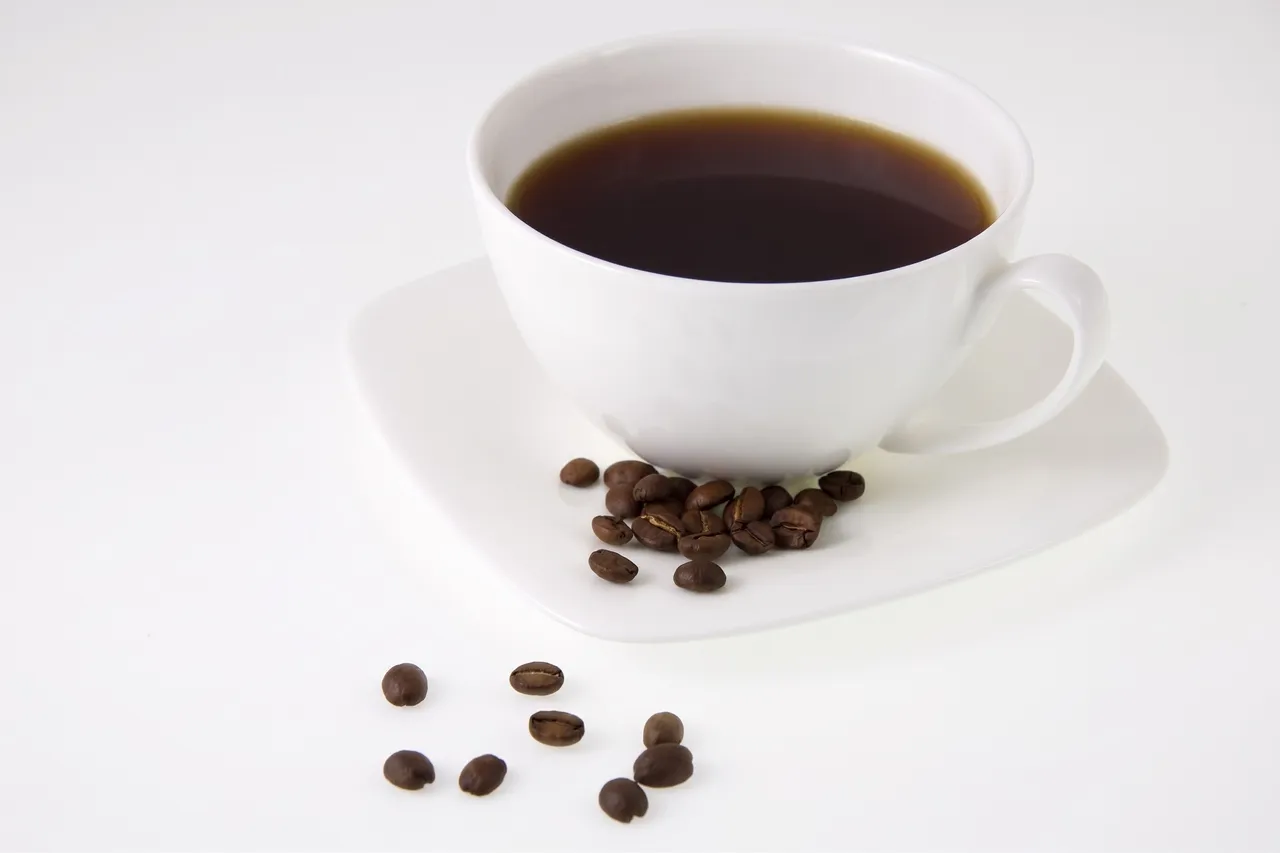
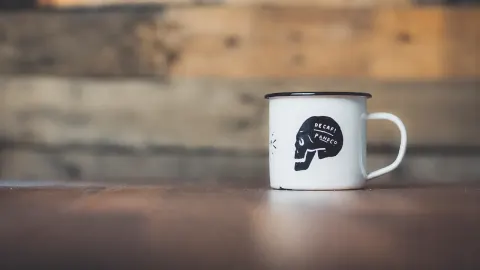
Out of focusCoffee cup2528 × 1684 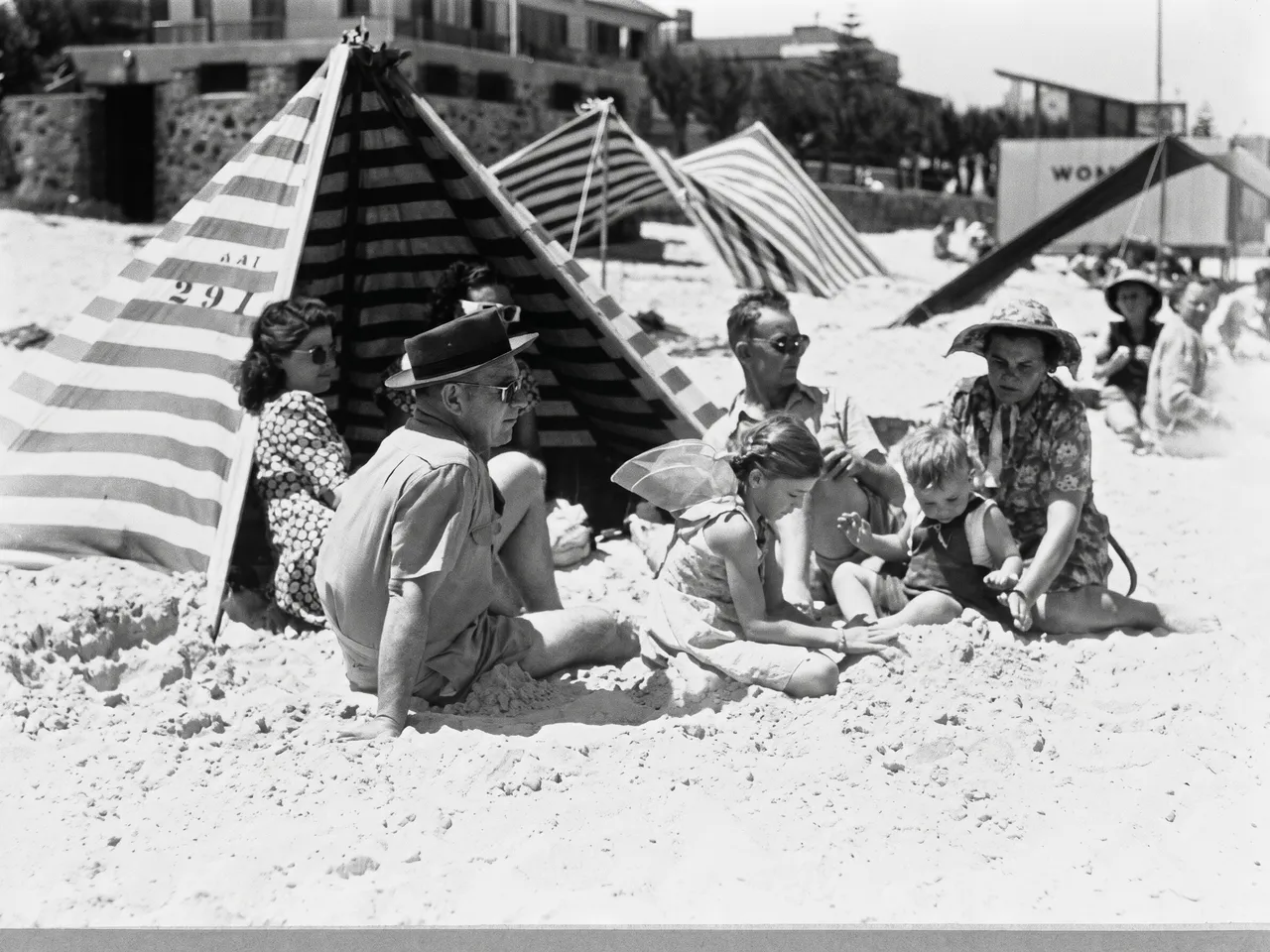
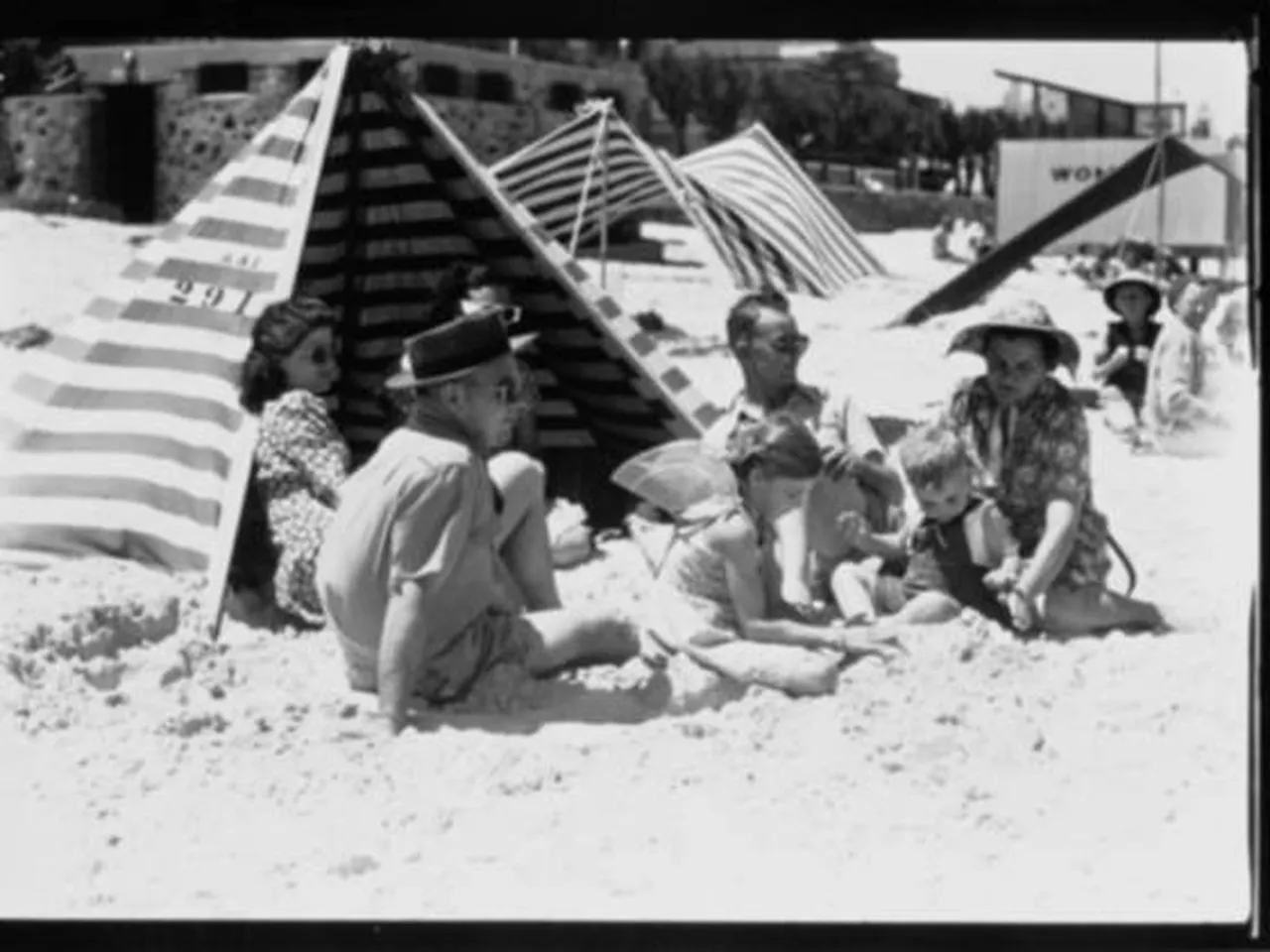
Small old photoFamily at the beach2390 × 1792 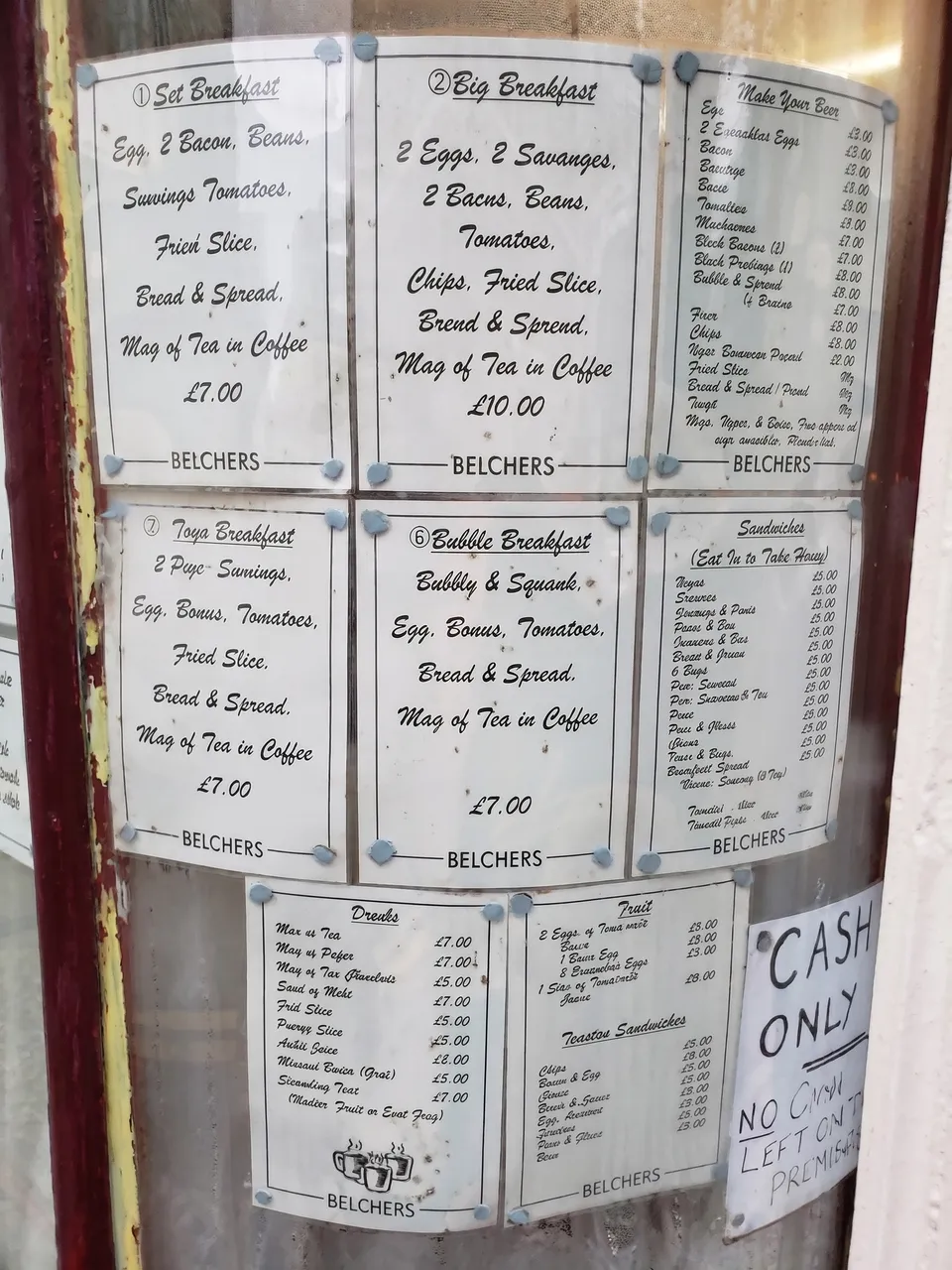
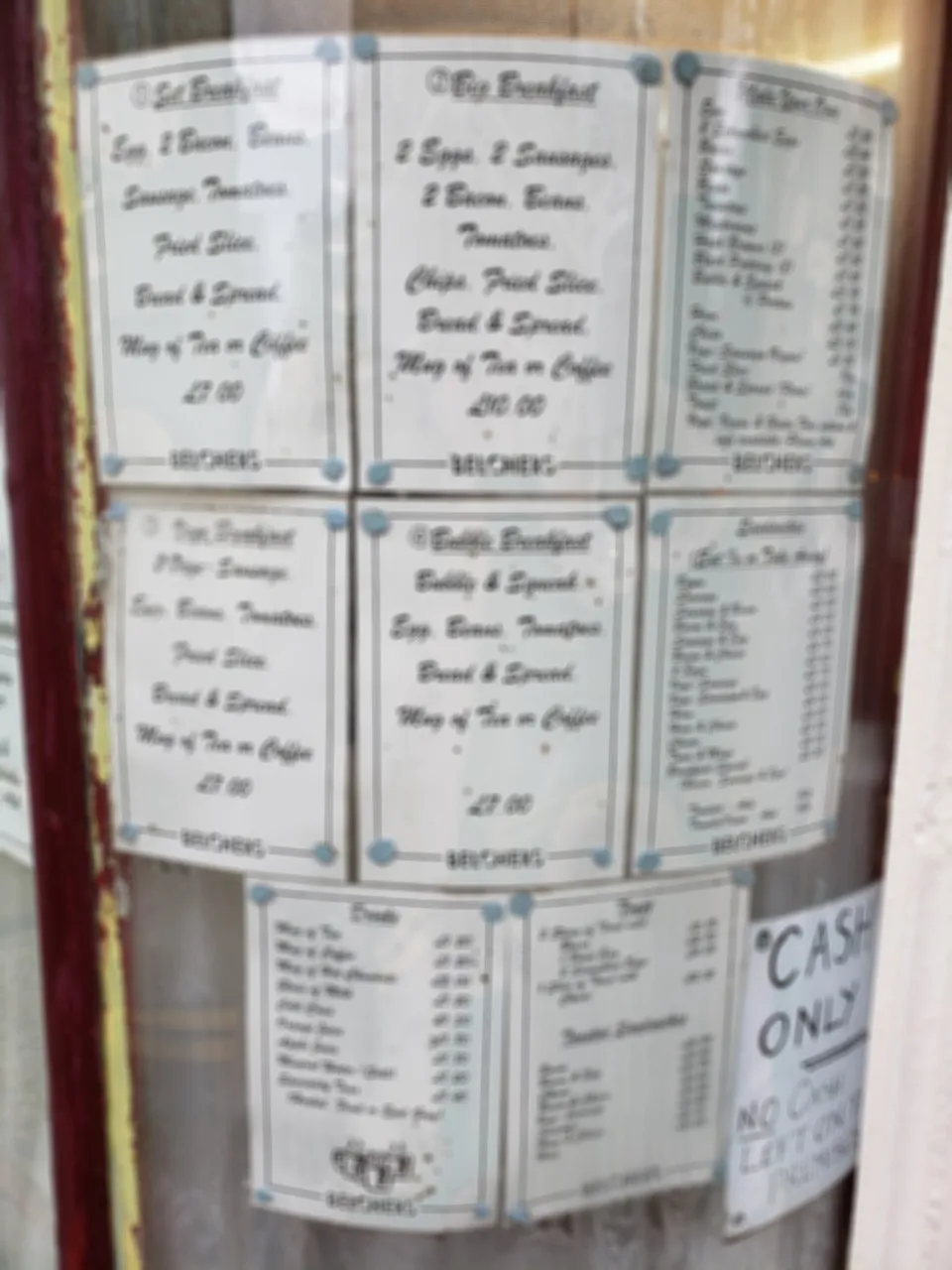
Text: a menuCafé menu1792 × 2390
Use cases
Unblur photo use cases
A shaky shot you can’t retake
A birthday, a pet mid-run, a street at night: the moment is gone and the only copy is soft. Unblur the photo and keep the moment.
Old and scanned family photos
Small prints and low-resolution scans come back with sharper faces and edges, in the same layout.
Thumbnails and compressed images
A photo saved from a chat or a website at a few hundred pixels: our 250 px test thumbnail came back at 1888 × 2266.
Product photos for a listing
A slightly soft product shot gets crisp edges for a shop or marketplace. Check labels and printed text before you post it.
Quick facts
Unblur image online: the facts
| What it is | An AI unblur photo tool: the model redraws the whole photo with sharp detail, instead of applying a sharpening filter. |
|---|---|
| What it fixes | Out-of-focus shots, camera shake, motion blur, low-light blur, and small or heavily compressed photos. |
| What it takes | A JPG, PNG or WebP photo up to 20 MB. |
| How you use it | Upload, keep the filled-in unblur sentence or reword it, pick a model and run it. |
| Models | Nano Banana Pro by Google (3 credits) or GPT Image by OpenAI (1 credit). |
| What you get | A sharp new version next to the original, 1 to about 4 megapixels depending on the model. |
| Time | Under two minutes: our 16 test runs took 26 to 99 seconds. |
| Free use | 2 credits without an account and 3 more when you sign in with Google. No watermark. Free downloads are 768 px on the long side. |
| Where it runs | In the browser on a computer or phone. Nothing to install. |
How it works
How to unblur an image with AI
- 01
Upload
Drop, paste or pick the largest copy of the blurry photo you have.
- 02
Run it
Keep the filled-in sentence or add what must not change, then run it. The other model is one click away if the first result changes too much.
- 03
Compare and download
Drag the divider over faces and edges. If something changed, say what to keep and run it again.
What it handles
From a soft focus to a 250-pixel thumbnail
Out of focus
A profile portrait blurred past recognition came back sharp from both models, hoop earring and headwrap folds included.
Camera shake and motion
A sideways smear on a walking dog and a diagonal shake on a portrait were both fixed in one edit, pose and expression kept.
Low light at night
A dark, noisy, shaky street came back with clean lamps, windows and paving, still at night.
Small and compressed
A 250 × 300 JPEG thumbnail and a 560 px old print were redrawn at about 2K.
Tips
How to fix blurry photos with fewer surprises
Start from the biggest copy
The original file, not a screenshot of it: more pixels give the model more to go on.
Say what must not change
The filled-in sentence already asks to keep the face, colors and text. Add your own: “keep the white background”.
Check faces at full size
Both models redraw the whole photo. Zoom into eyes, teeth and hands before you share it.
Try the other model
If one model changes something you care about, run the same photo on the other. They fail in different places.
Which way
Unblur image with AI, a sharpening filter or a reshoot?
AI unblur
e.g. Saybrush
A model redraws the photo, inventing the detail the blur hid.
- Best when The blur is strong (shake, missed focus, a tiny file) and the moment can’t be retaken.
- Not ideal when The exact detail is the point: text, plates, evidence.
Sharpening filter
e.g. Photoshop, Lightroom, your phone’s editor
Raises contrast along edges. It adds nothing that isn’t there.
- Best when The photo is only slightly soft and must not change: a way to make a photo clearer without AI.
- Not ideal when The blur is motion or missed focus: sharpening makes it look harsher, not clearer.
Reshoot or find the original
e.g. your camera roll, the sender
Take the photo again, or ask for the full-size file.
- Best when You still can: a real sharp photo beats any reconstruction.
- Not ideal when The moment is gone and no other copy exists.
Is it right for you?
What it is for, and what it won’t do
Best for
- Blurry portraits, pet photos and night shots you can’t retake.
- Old, small or compressed photos you want sharper for sharing or printing.
- Product photos that are slightly soft.
Not for
- Text and censored images: the AI invents what it can’t see.
- Video, GIFs, or bulk processing.
Know before you start
- Every upload, sentence and result passes automated moderation, which can block a harmless photo by mistake. A blocked edit returns your credit.
FAQ
Questions
Can AI unblur a photo?
Yes, by redrawing it. The model looks at the blurry photo and paints a sharp version that fits it. The result looks real, but fine details are its best guess, not the original pixels.
Can I unblur an image for free?
Yes. You get 2 free credits without an account and 3 more when you sign in with Google; an edit costs 1 or 3 credits depending on the model. Free results carry no watermark and download at 768 px on the long side; credits or a plan unlock the full size.
Will it change the face?
Usually not much: people stayed recognizable in our tests. But the whole photo is redrawn, so expressions and small faces in the background can shift. Compare before you share.
Can ChatGPT unblur pictures?
ChatGPT can redraw a blurry photo with OpenAI’s image model. Saybrush offers that model as GPT Image, plus a second model from Google, with the unblur prompt filled in and the original kept next to each result.
Can you unblur a really blurry photo?
Often, yes. A 250-pixel thumbnail and a heavily shaken portrait both came back sharp. The blurrier the photo, the more the model has to invent, so check details closely.
Can it unblur text or a censored image?
No. Blurred text comes back as plausible but wrong words: on a test menu, one model changed the café’s name and prices. Pixelated or censored areas can’t be recovered either.
Is there an unblur photo app for iPhone?
You don’t need one. Open Saybrush in Safari, pick the photo from your library and run the edit; the result downloads to your phone. It works the same on Android.
Does it make the photo HD?
It makes it sharper and often larger: 1 to about 4 megapixels depending on the model, whatever the input size. It is not a 4K or 8K upscaler.
What happens to my photos?
Each photo is checked by automated moderation and processed by the model’s provider. Free photos and results are deleted after 14 days. See the Privacy Policy for the details.
More tools
Same photo, same editor.
 AI image editorRemove objects, swap backgrounds, relight or restyle a photo by typing one sentence.
 Background removerOne click to a transparent PNG at full size, no watermark.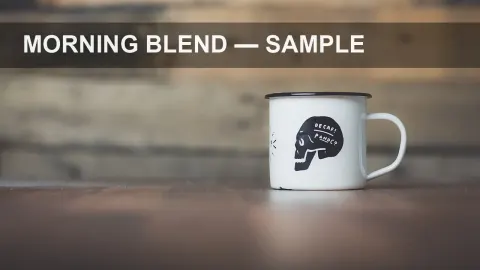
 Watermark removerPaint out logos, text and date stamps on photos you own.
 Transparent backgroundLogos, signatures and icons as transparent PNGs at the same size.
Unblur image online in about a minute
Two free credits without an account. Pick a model and compare the result with your original.
The unblur sentence is filled in for you. Reword it before you edit.
Last updated October 2026 · Models: Nano Banana Pro (Google), GPT Image (OpenAI)