AI image humanizer: make AI images look like real photos
An AI image humanizer that redraws an AI-generated image as a candid camera photo: natural skin with pores, real light and shadows, true-to-life colors. The person, pose and composition stay.
No photo handy? Try one of these
Examples
AI image humanizer before and after
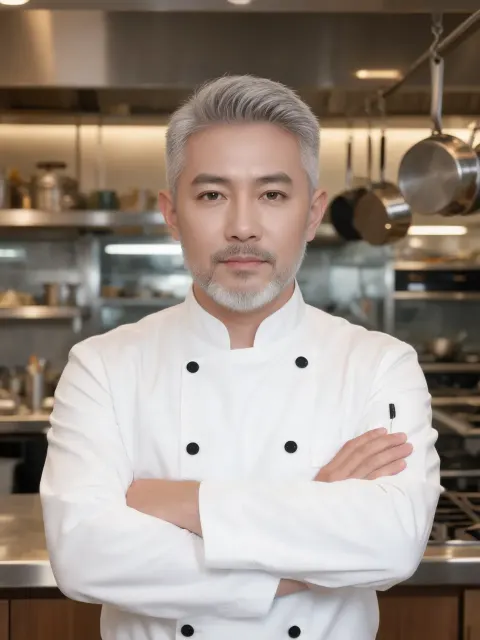
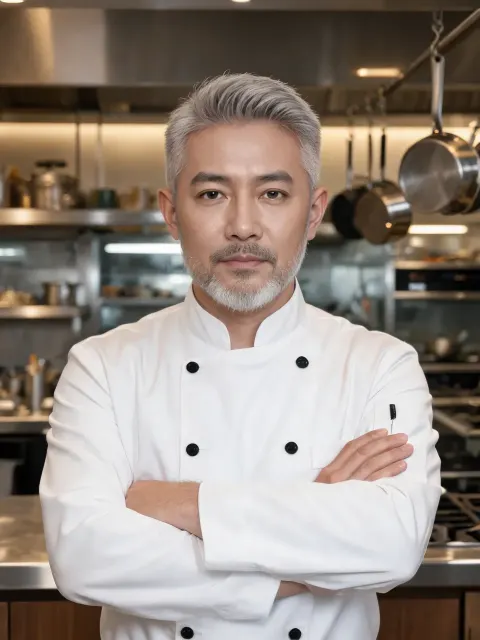
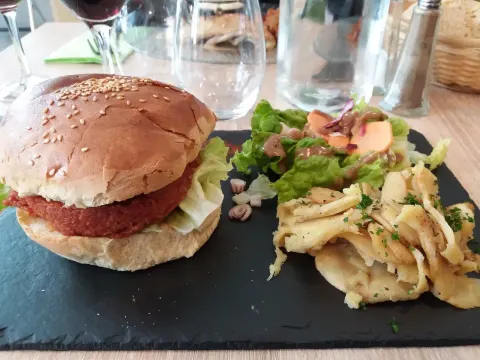
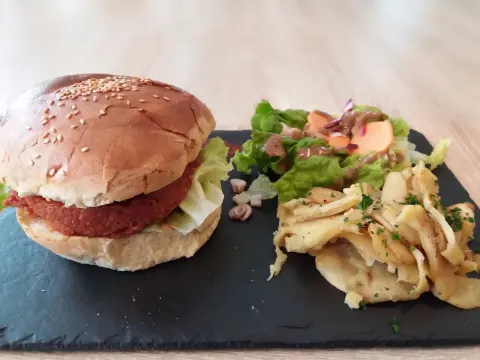
We made these four AI images ourselves and ran each once on Seedream 5.0 Lite with the prompt below, no retries. Hover or tap an image to see the AI original.
Prompt “Re-shoot this as a candid photo from a real camera: matte, natural skin with visible pores and small imperfections, no gloss, natural uneven light with real shadows, slightly muted true-to-life colours, mild sensor noise. Keep the same subject, faces, pose, clothing and composition.”
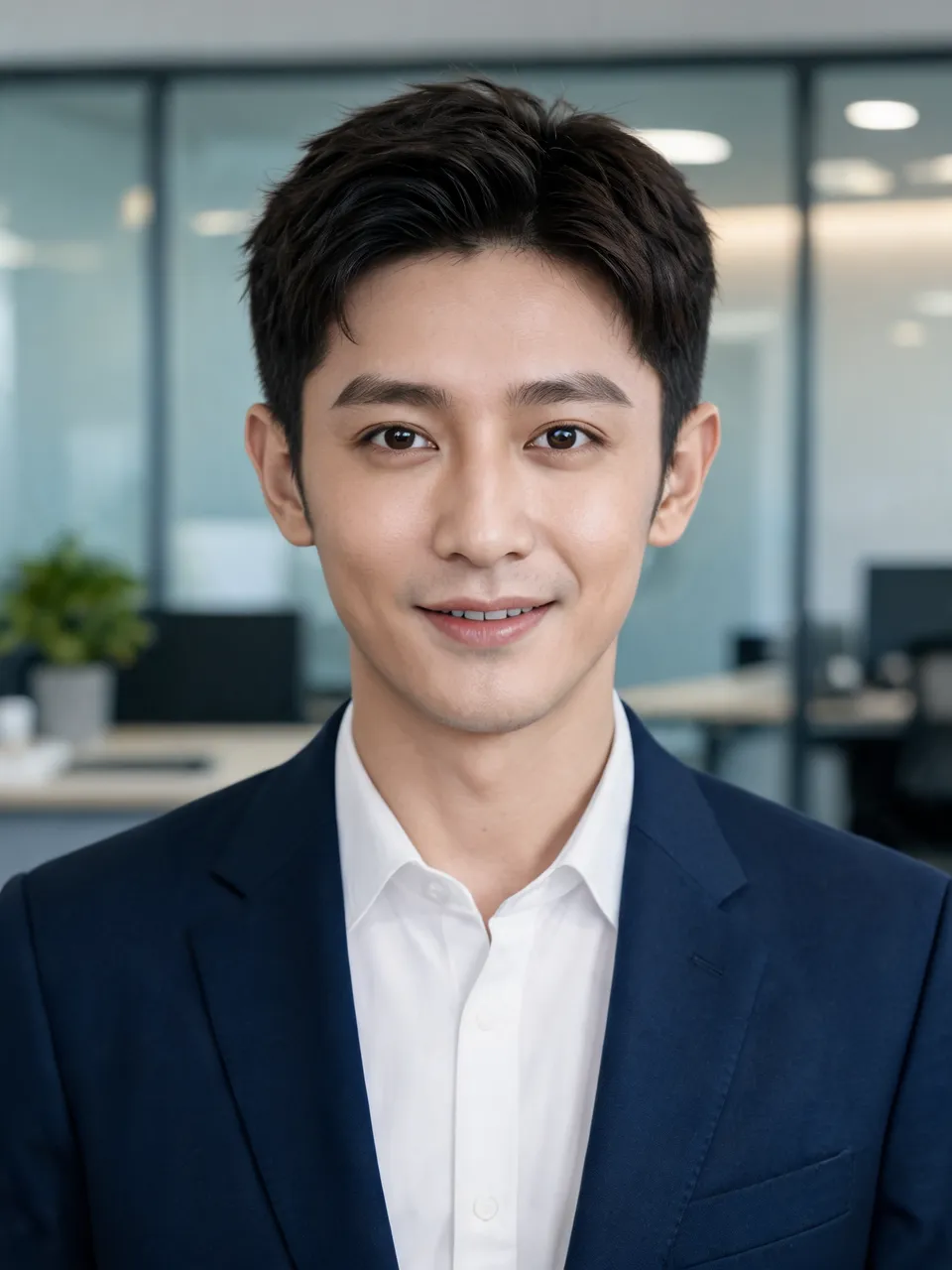
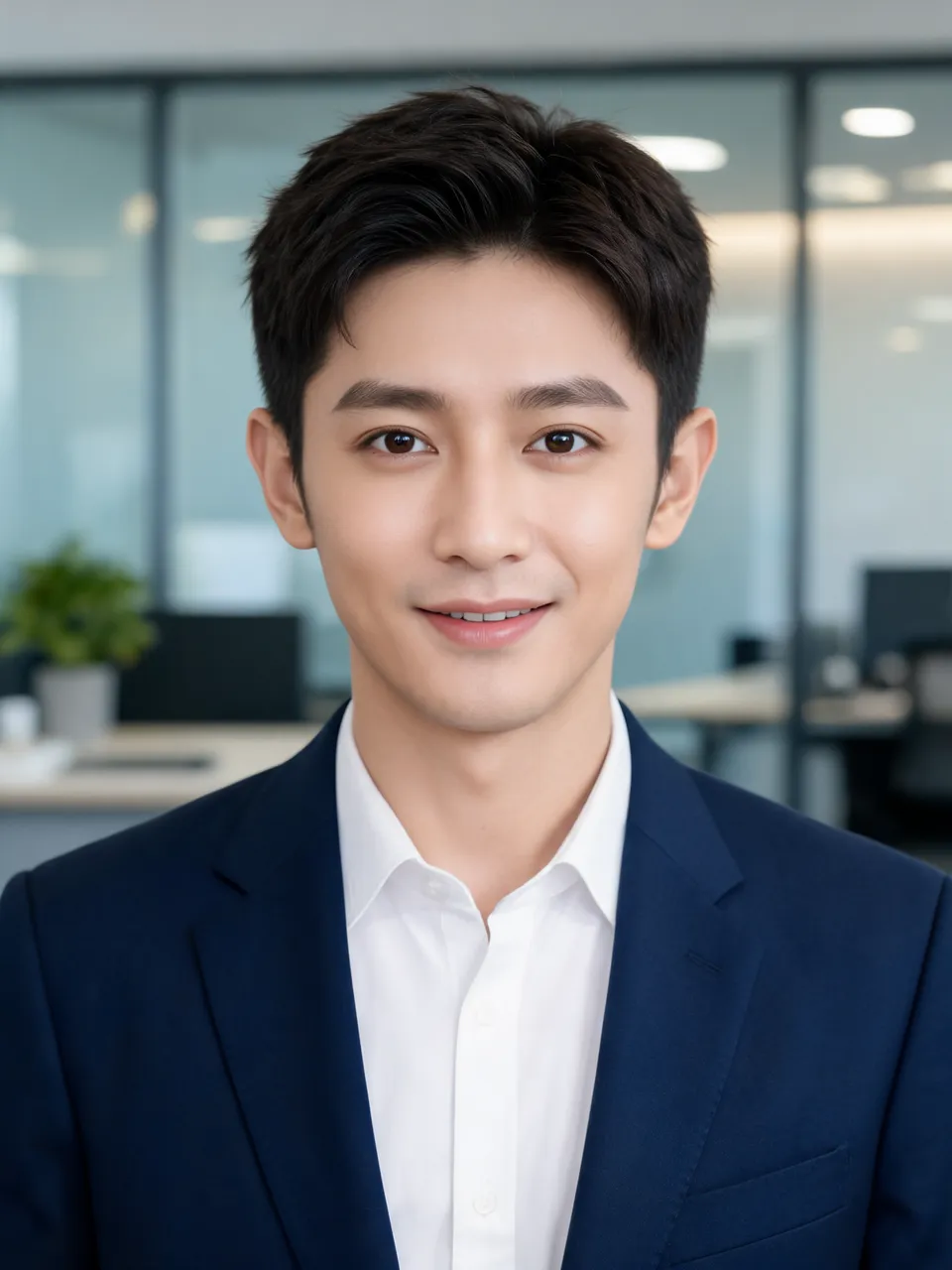
Airbrushed skinOffice headshot1728 × 2304 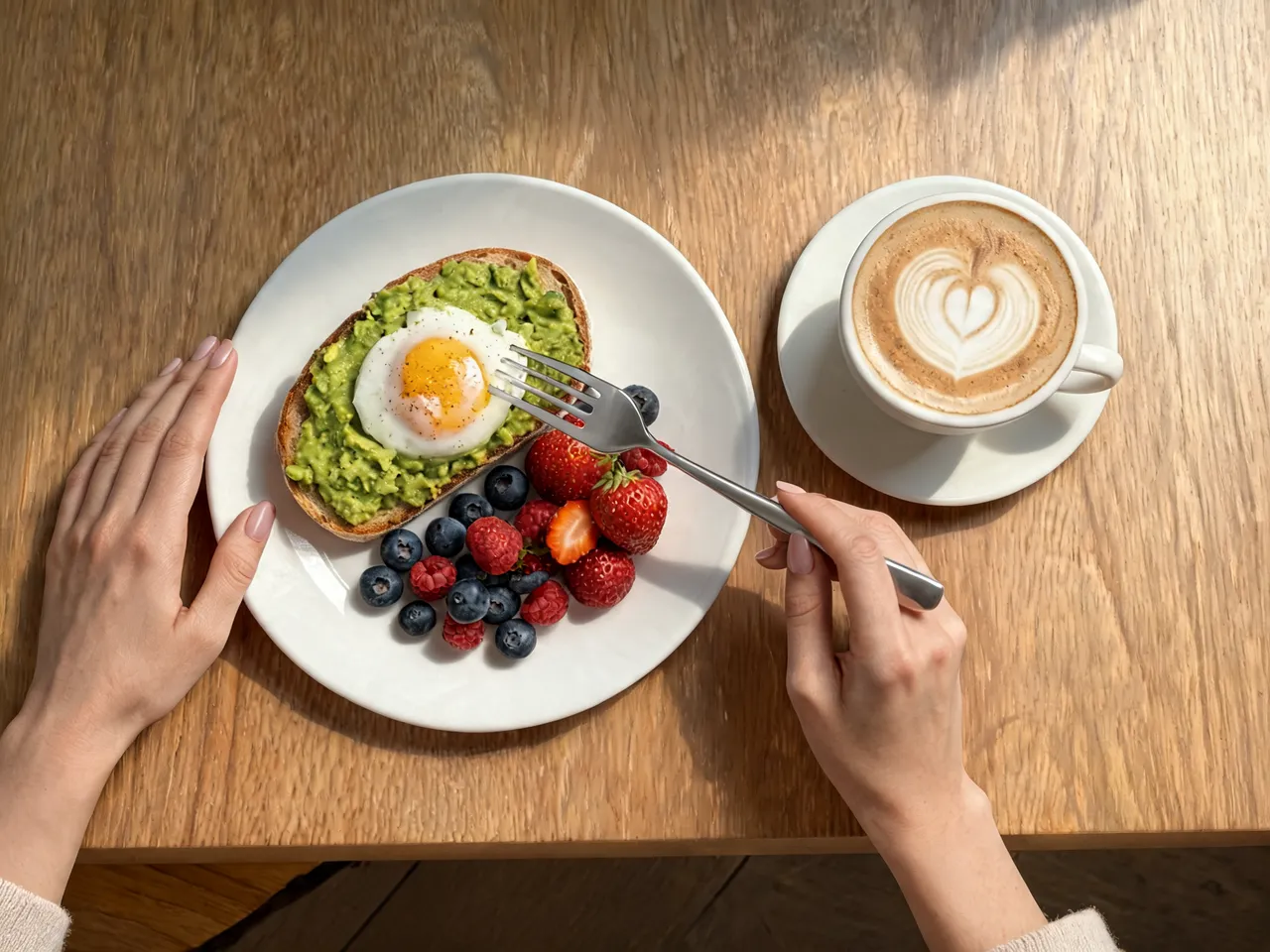
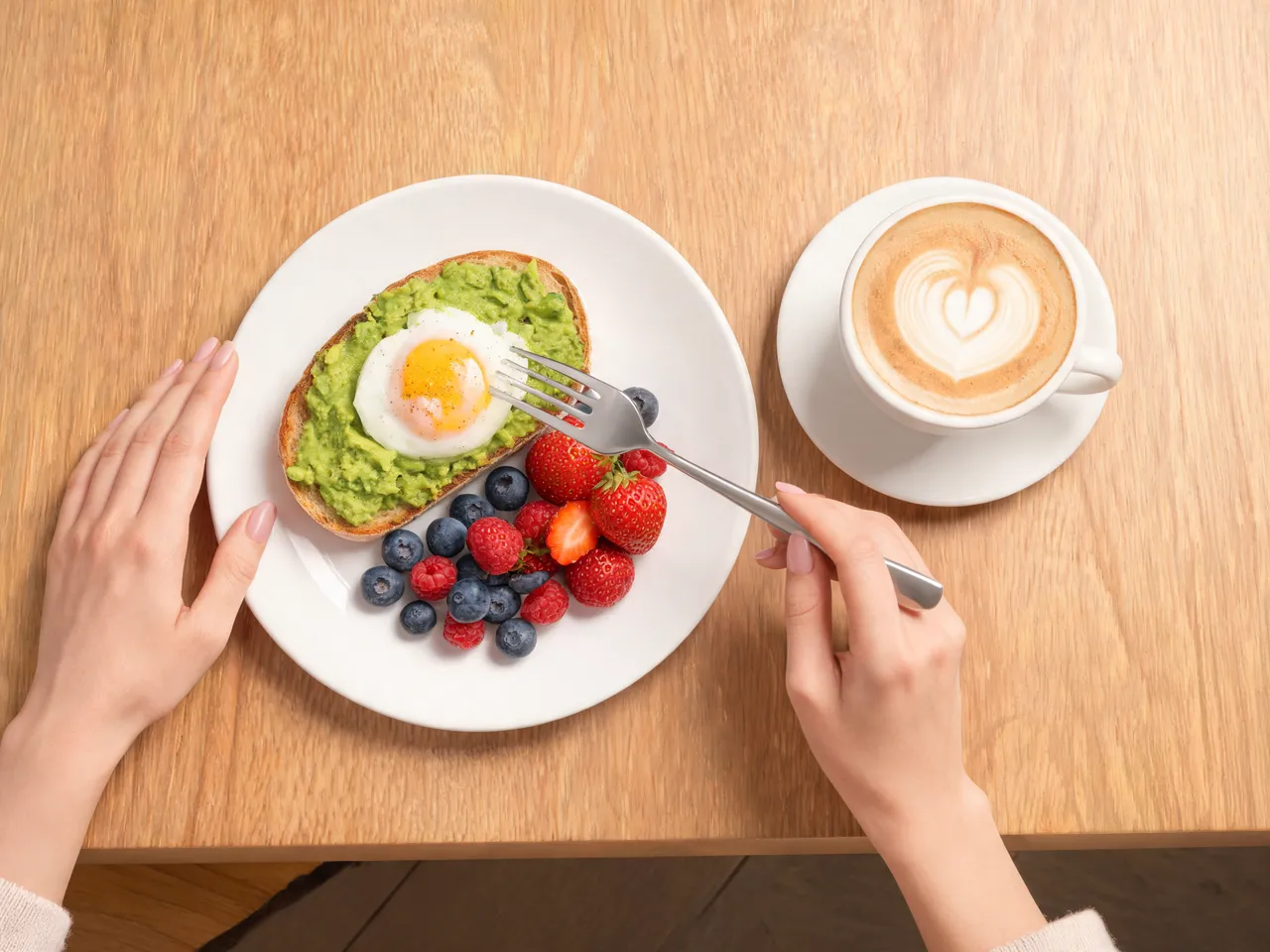
Glowing, shadowless lightBrunch plate2304 × 1728 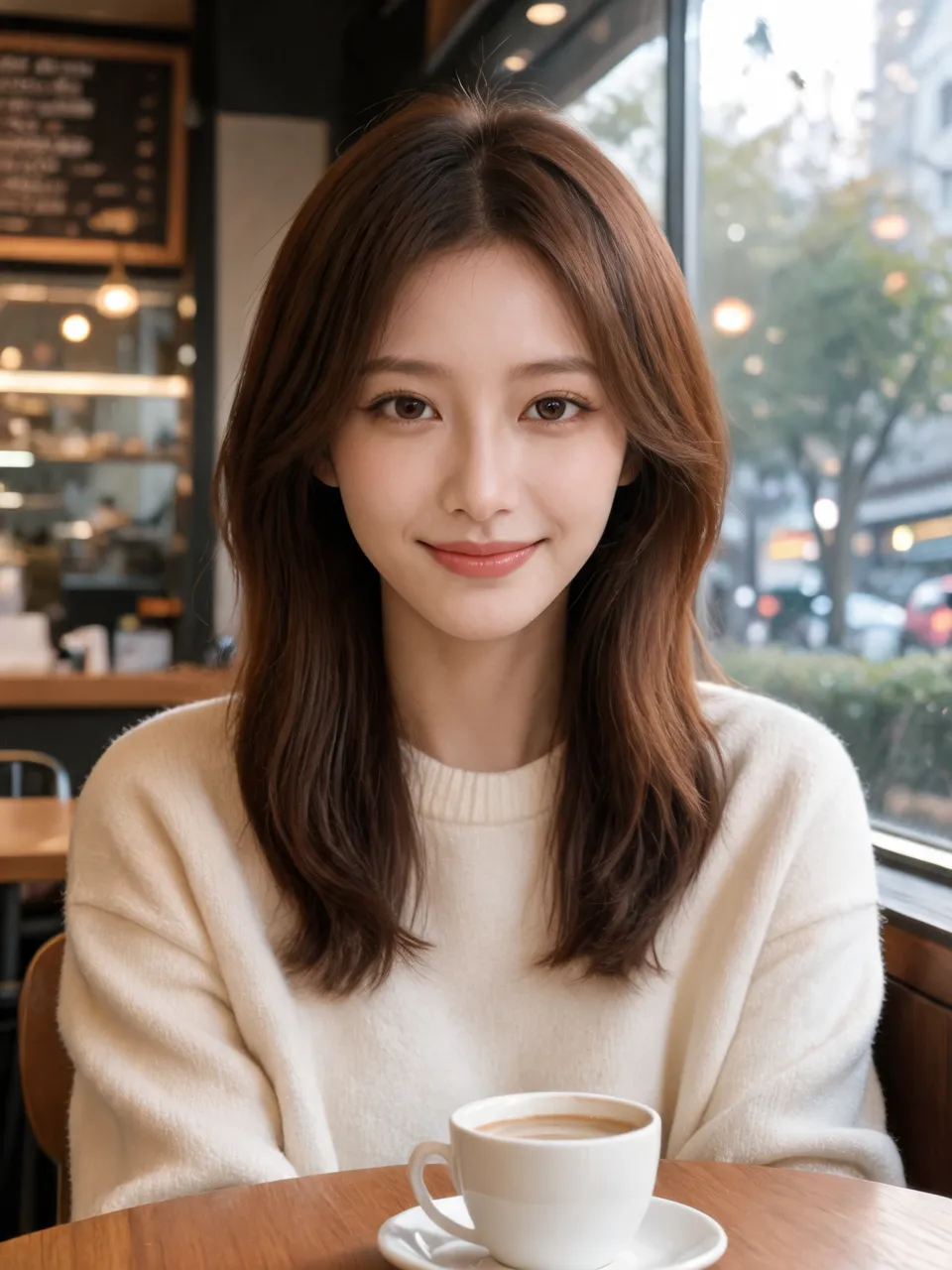
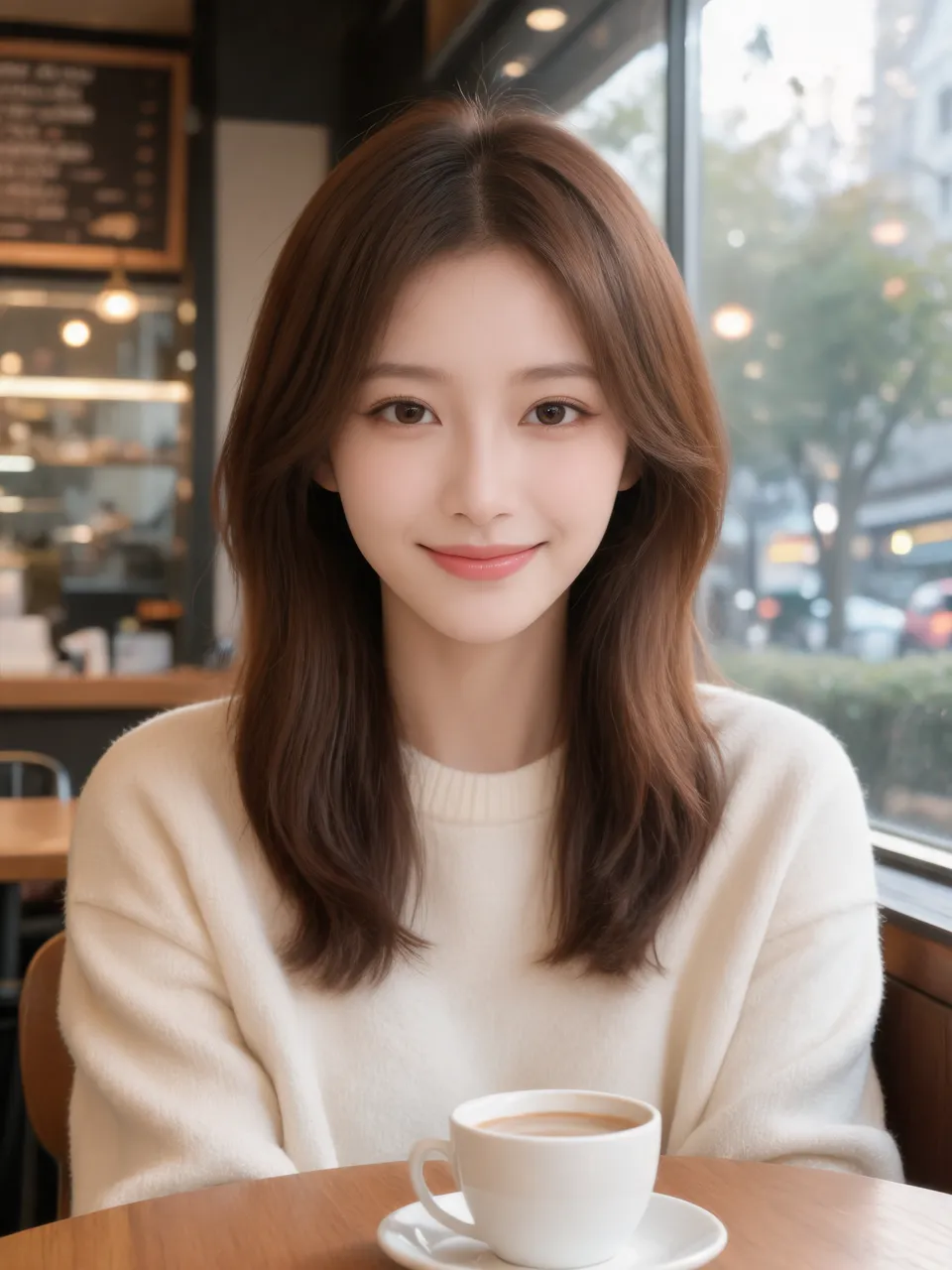
Porcelain skinCafé portrait1728 × 2304 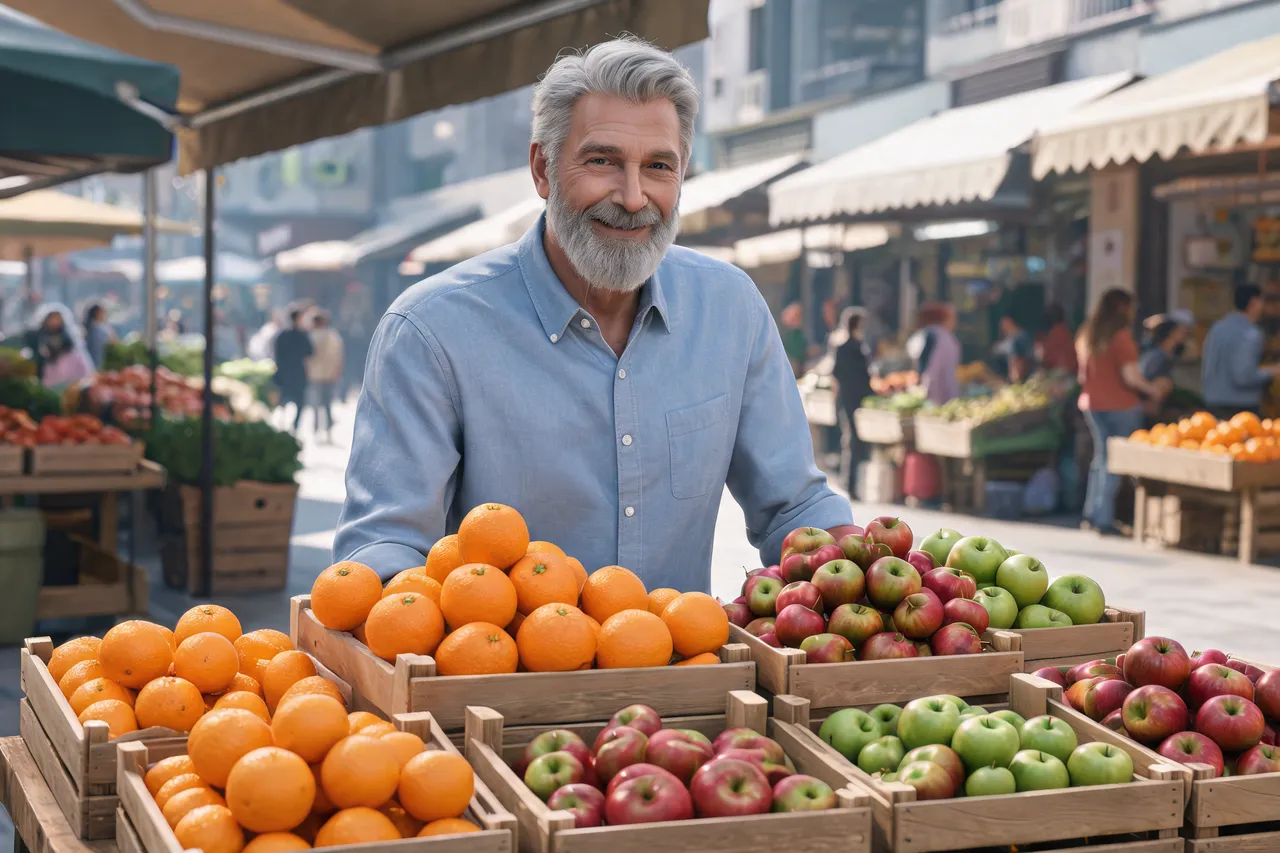
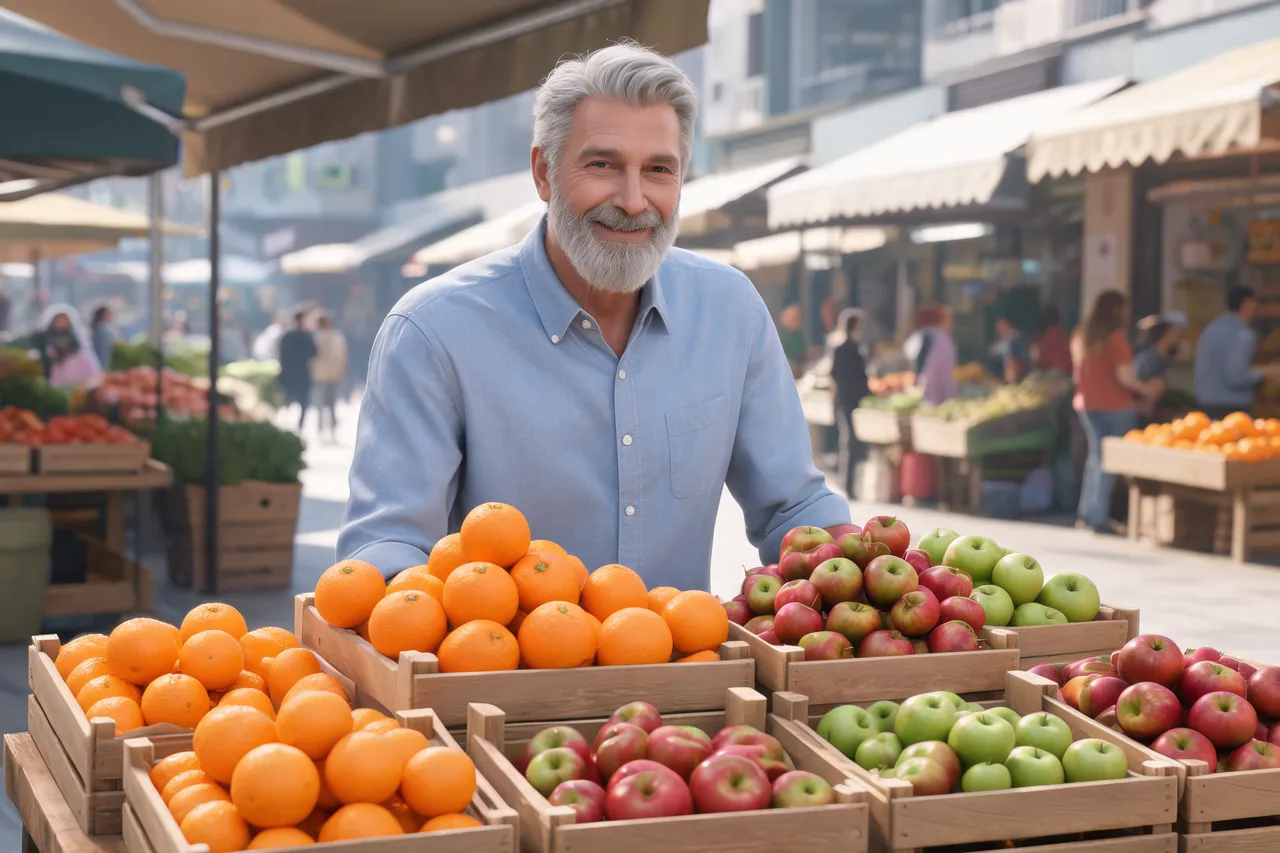
CGI-clean colorsStreet market2496 × 1664
Use cases
When to humanize an AI image
Headshots for LinkedIn and work profiles
An AI headshot often has skin smoother than any camera sees. The humanizer gives it pores and real light and keeps the face, suit and background.
Food and product images
AI food shots glow evenly from nowhere. A redraw puts in window light, shadows across the table and colors that look cooked, not rendered.
Social posts and ads
A generated image that reads as a candid phone or camera shot fits a feed of real photos instead of standing out as a render.
Mockups and storyboards
Pitch decks and concept boards look closer to the final shoot when the AI images in them look like photographs.
Quick facts
AI image humanizer: the facts
| What it is | An AI photo humanizer: a model redraws the whole image as a camera photo, instead of laying a grain filter on top. |
|---|---|
| What it changes | The humanizer redraws texture, light and shadows, color and fine sensor noise. |
| What it keeps | The humanizer keeps the subject, faces, pose, clothing and composition, as asked in the filled-in sentence. |
| What it takes | A JPG, PNG or WebP image up to 20 MB, from any AI image generator. |
| Model | Seedream 5.5 by ByteDance, 2 credits per image, 2K output (1.5K on free credits). |
| What you get | A new version at about 2K (for example 1728 × 2304 for a 3:4 image; 1.5K on free credits), next to the original. |
| Free use | 2 credits (1 image) without an account and 2 more when you sign in with Google. No watermark. Free downloads are about 0.25 MP (roughly 600 × 400 px). |
| Where it runs | Online in the browser, on a computer or a phone. Nothing to install. |
How it works
How to humanize AI images
- 01
Upload
Drop, paste or pick the AI image. The largest copy you have works best.
- 02
Run it
The humanize sentence is filled in. Run it as is, or add one line, such as “keep the logo on the mug”.
- 03
Compare and download
Drag the divider over skin, hands and background. Want more? Run the result again with a new line: earlier versions stay one click away.
What it fixes
The AI tells the humanizer removes
Waxy, airbrushed skin
Glossy faces turn matte, with pores, small imperfections and, on the headshot, light stubble.
Light from nowhere
The humanizer replaces an even glow with light that has a direction: window light and real shadows across the brunch table.
Too-perfect colors
Saturated, spotless colors come down to slightly muted, true-to-life tones.
No camera at all
The prompt asks for mild sensor noise, so the image has the fine texture of a real sensor instead of a render’s clean surface.
Tips
How to make AI images look real with fewer retries
Name what must stay
Text on a sign, a logo, a product label: add “keep the text on the sign” so the humanizer leaves it alone.
Run it twice for more
Run the result through the humanizer again, or add “stronger film grain” or “phone camera look” for a heavier change.
Check faces at full size
The whole image is redrawn. Zoom into eyes, teeth and hands before you post it.
Say the camera
A line like “shot on a phone, indoor light” or “35 mm film” steers the look toward that camera.
Which way
Humanize an AI image, re-prompt it or add grain?
AI image humanizer
e.g. Saybrush
A model redraws the image you already have as a camera photo.
- Best when You like the image and only the AI look is wrong.
- Not ideal when Every pixel must stay exactly as it is.
Re-prompt the generator
e.g. adding “photorealistic, 35 mm” to your prompt
Generate a new image with realism words in the prompt.
- Best when You haven’t settled on an image yet.
- Not ideal when You need this exact image: a new run gives a new person and layout.
Grain and filters
e.g. Lightroom, Snapseed, a film-grain preset
Lays noise, blur or a color grade over the pixels.
- Best when The image already looks almost real and needs a camera finish.
- Not ideal when The skin is plastic or the light is wrong: grain on top gives a grainy render.
Is it right for you?
What it is for, and what it won’t do
Best for
- AI portraits and headshots with airbrushed skin.
- AI food, product and lifestyle images that look rendered.
- Any generated image you want to read as a candid photo.
Not for
- Getting past AI detectors or hiding that an image is AI-made.
- Video, GIFs, or edits that must keep every pixel.
Know before you start
- Every upload, sentence and result passes automated moderation, which can block a harmless image by mistake. A blocked edit returns your credit.
FAQ
Questions
How do I make an AI image look like a real photo?
Upload it and run the AI image humanizer. It redraws the image with natural skin, real light and shadows and true colors, and keeps the same subject and layout.
Is there a free AI image humanizer with no sign-up?
Yes. You get 2 free credits without an account, enough to humanize 1 image, and 2 more when you sign in with Google. Free results have no watermark and download at about 0.25 MP (roughly 600 × 400 px); credits or a plan unlock the full size.
How do I get rid of the AI look on skin?
The humanizer’s filled-in sentence asks for a matte finish with visible pores and small imperfections. For a portrait, add “keep the makeup” or “keep the freckles” if those matter.
Will it change the face?
The humanizer is asked to keep the same faces, pose and clothing, and in our tests each person stayed the same person. The skin is redrawn, so tone and the age it reads can shift a little: compare before you share.
Will it make an image pass AI detectors?
The humanizer isn’t designed for that, and we don’t test against detectors. It changes how the image looks, not where it came from.
Can ChatGPT humanize AI images?
You can ask ChatGPT to redraw an image more realistically, but it may change the face and layout. Here the humanize sentence is filled in, the model keeps the composition, and the original stays next to each result.
What happens to my images?
Each image is checked by automated moderation and processed by the model’s provider. Free images and results are deleted after 14 days. See the Privacy Policy for the details.
Related tools
Humanize AI image files online
2 free credits (1 image) without an account: humanize an AI image and compare it with the original.
The humanize sentence is filled in for you. Add a line before you run it.