Restore old photos with AI: scratches, creases and stains
Restore old photos online: Saybrush’s AI clears scratches, creases, stains and spots from a scanned print, next to the original for comparison.
No photo handy? Try one of these
Examples
Old photos before and after
Public-domain photos from Wikimedia Commons, one run each with Full restore or an earlier wording of it: the sisters and the studio portrait on Nano Banana Pro, the rest on GPT Image. Hover or tap to see the original.
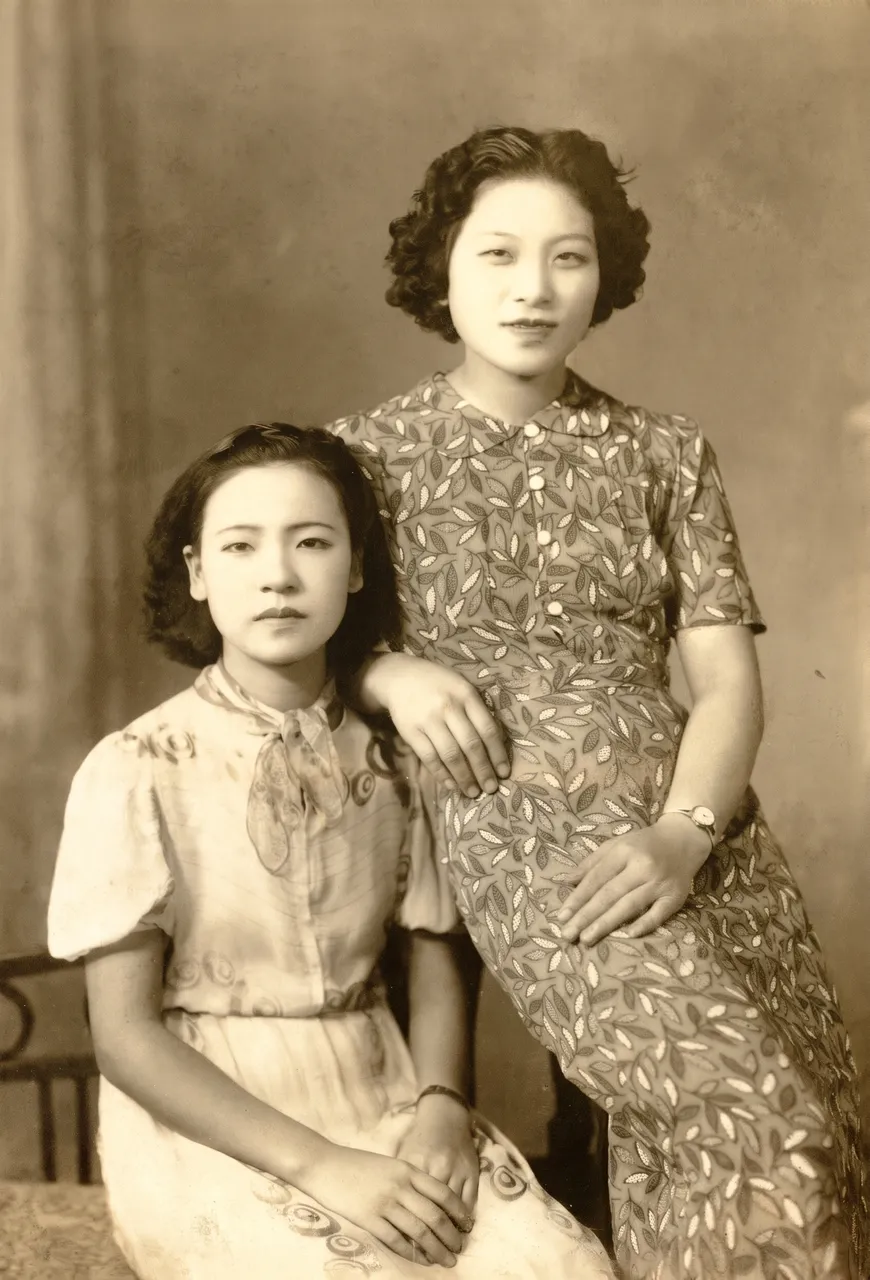
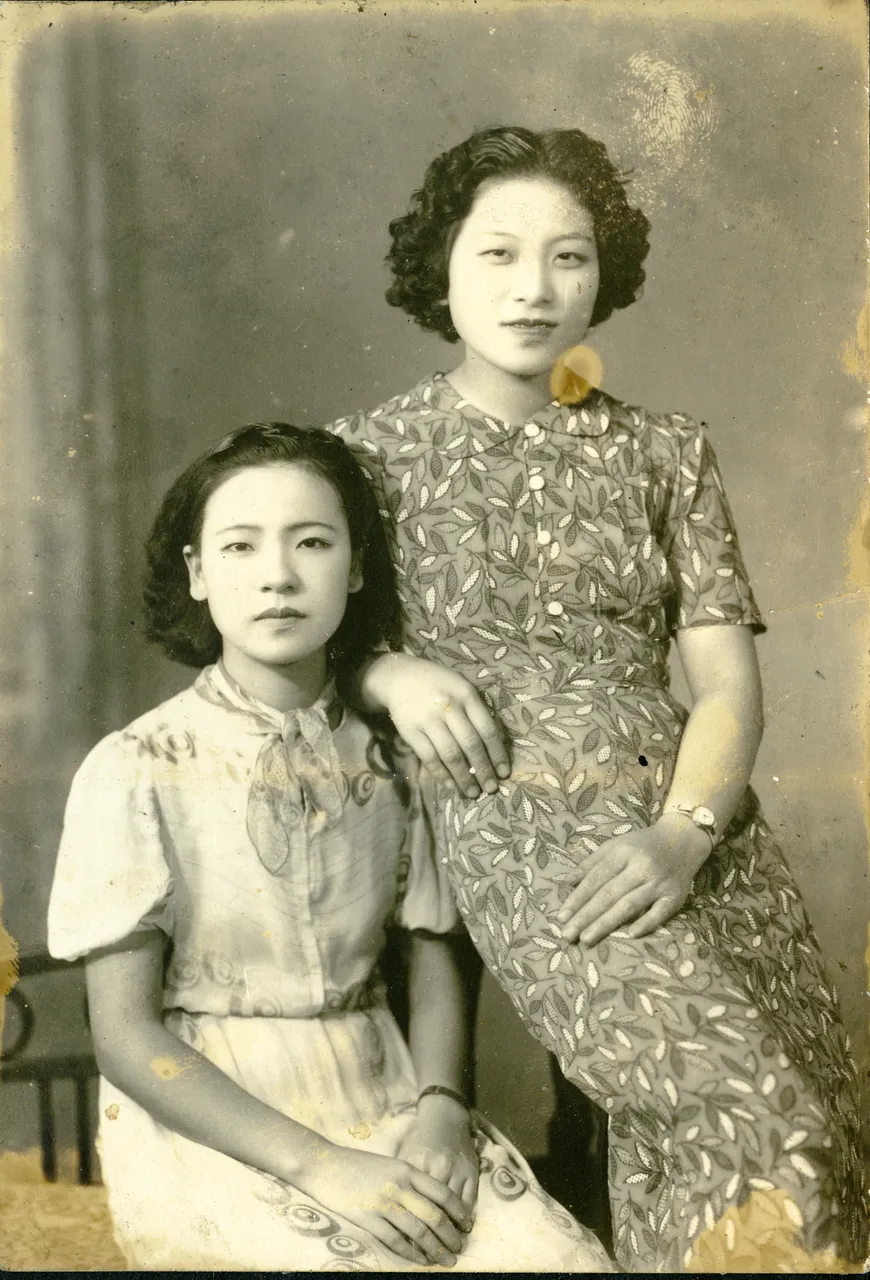
Stains and spotsTwo sisters1696 × 2496 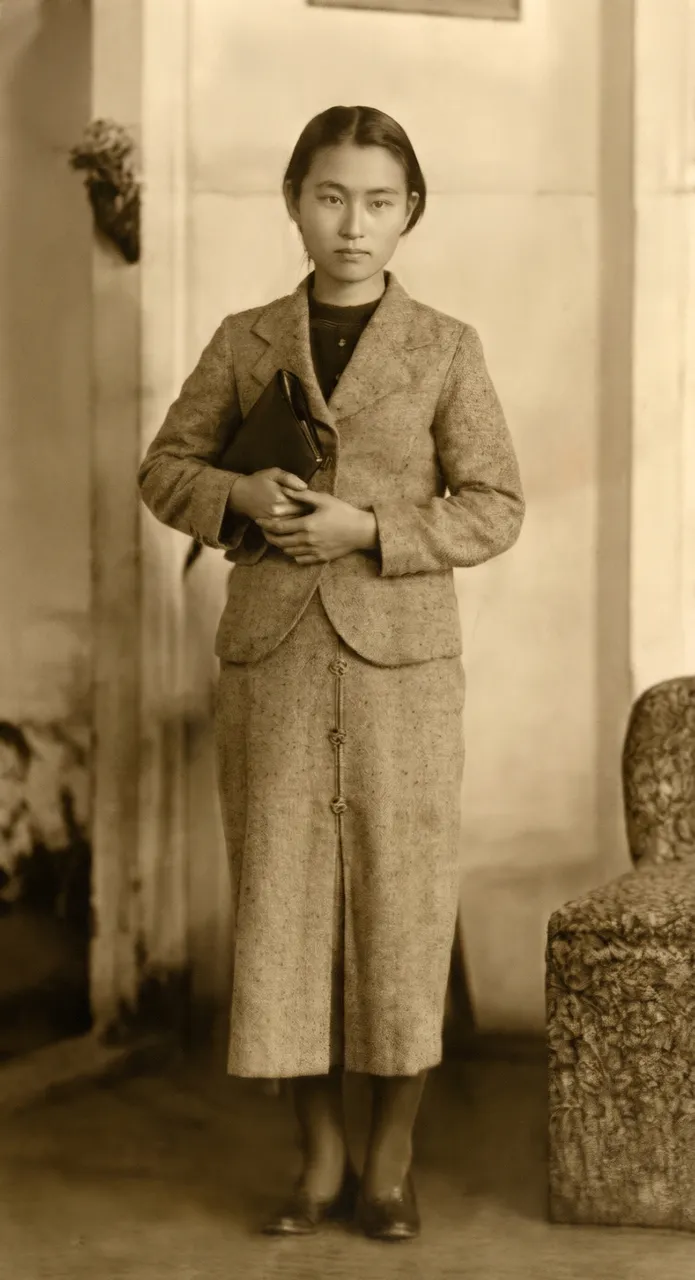
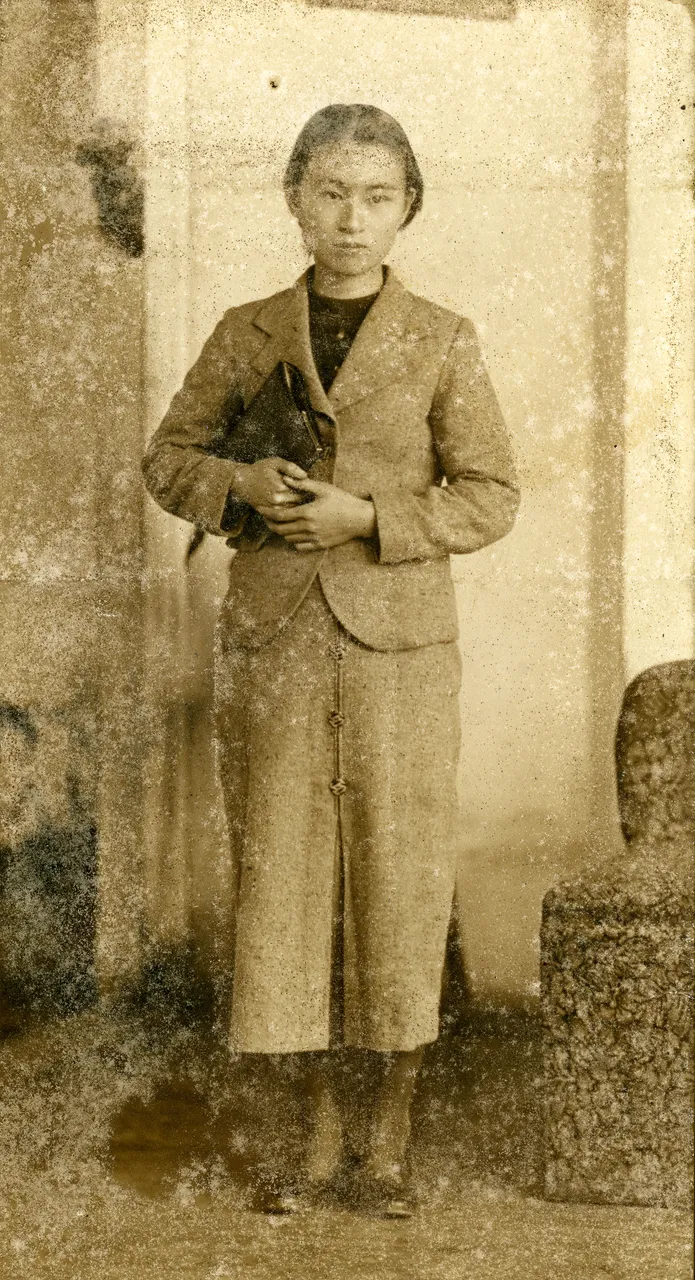
Spots and moldStudio portrait1504 × 2768 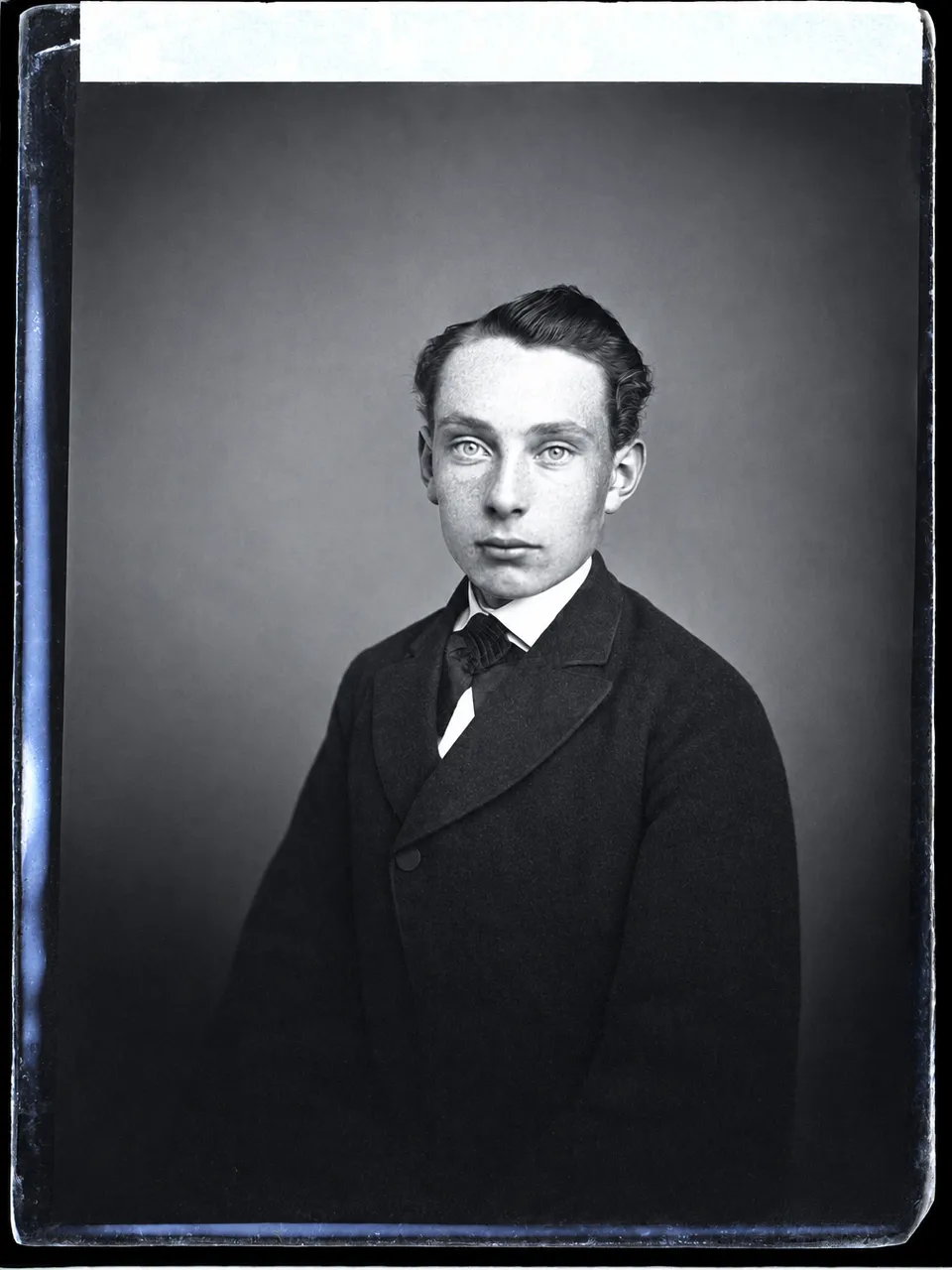
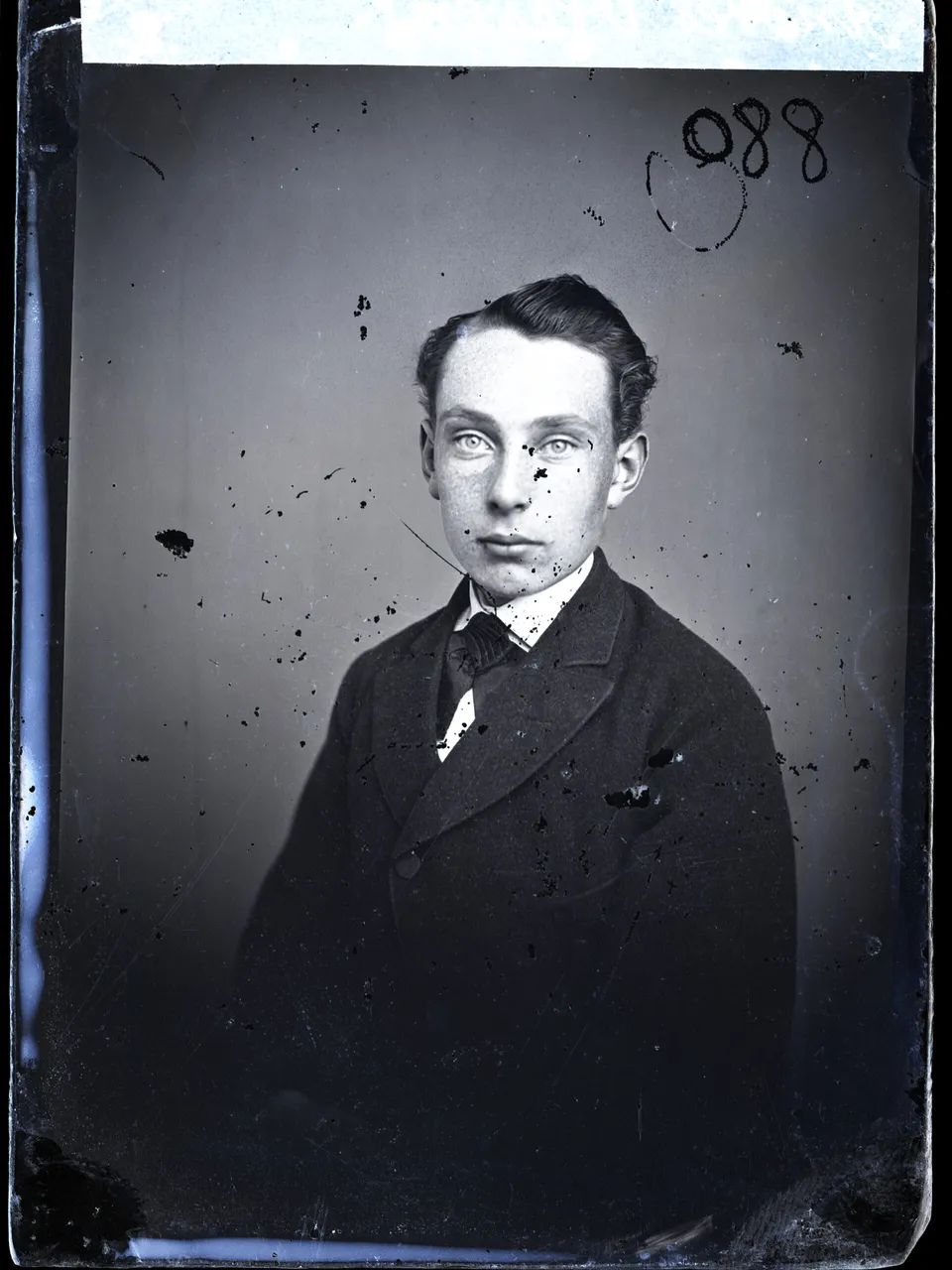
Spotted glass plateMan in a suit1008 × 1344 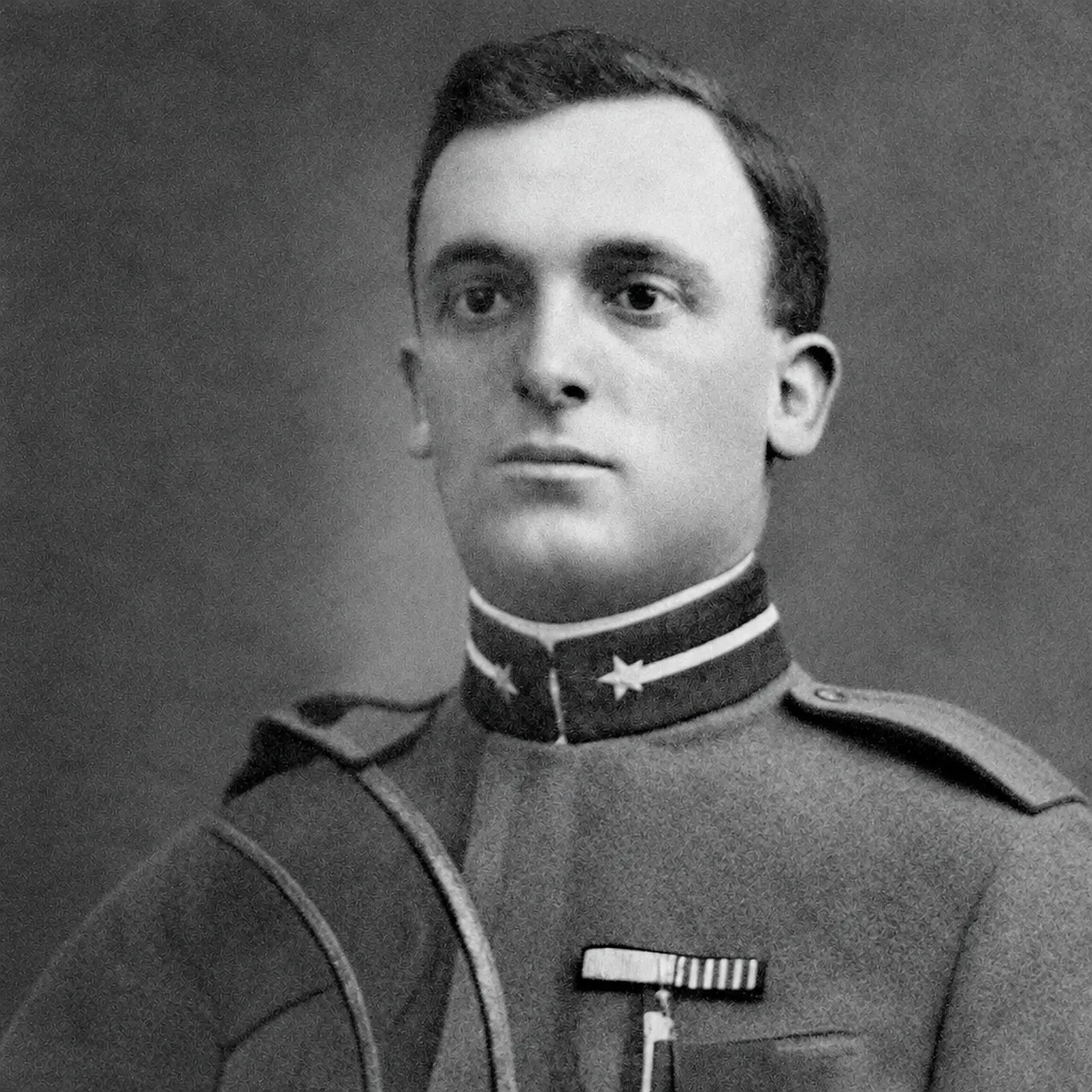
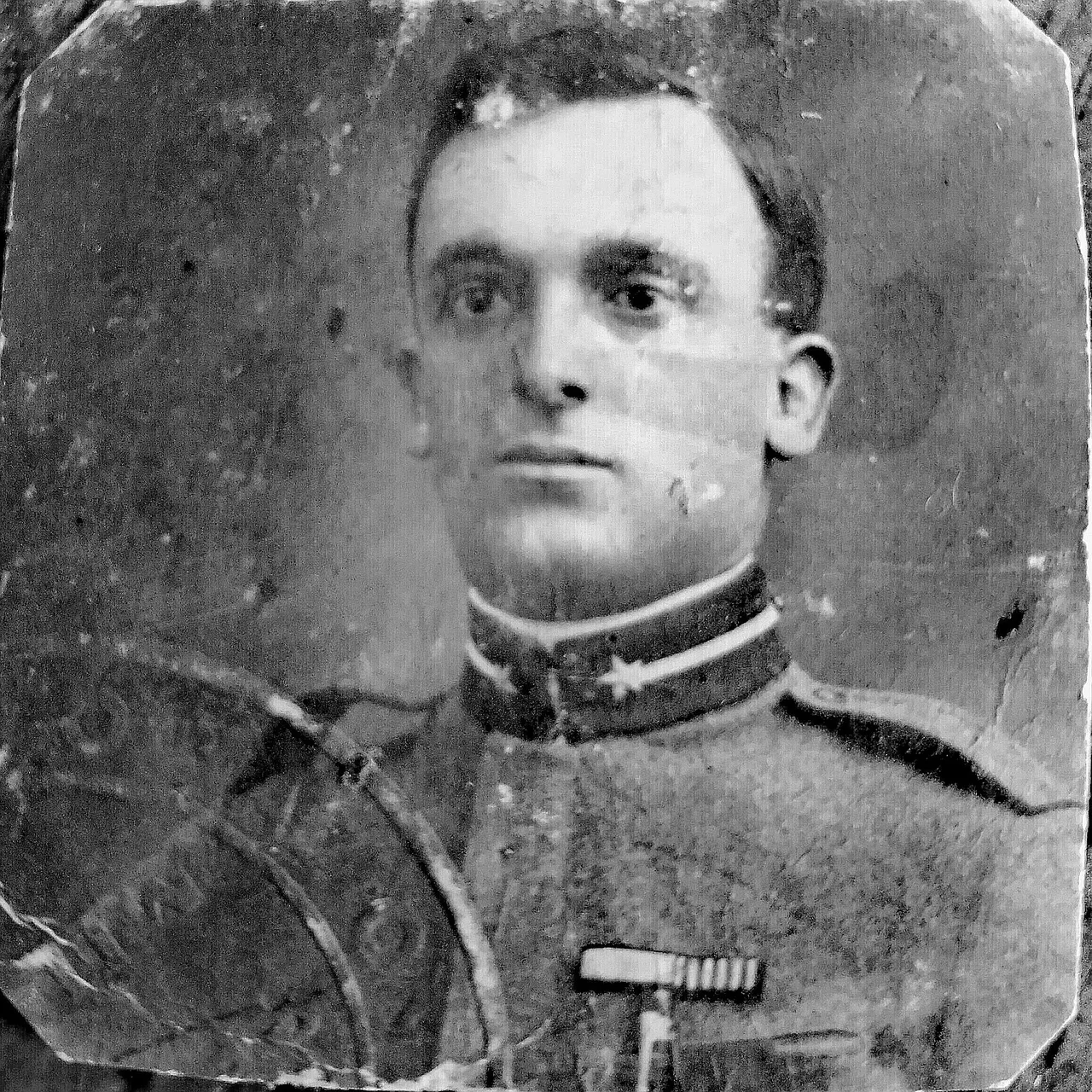
Crease and torn cornerSoldier portrait1024 × 1024 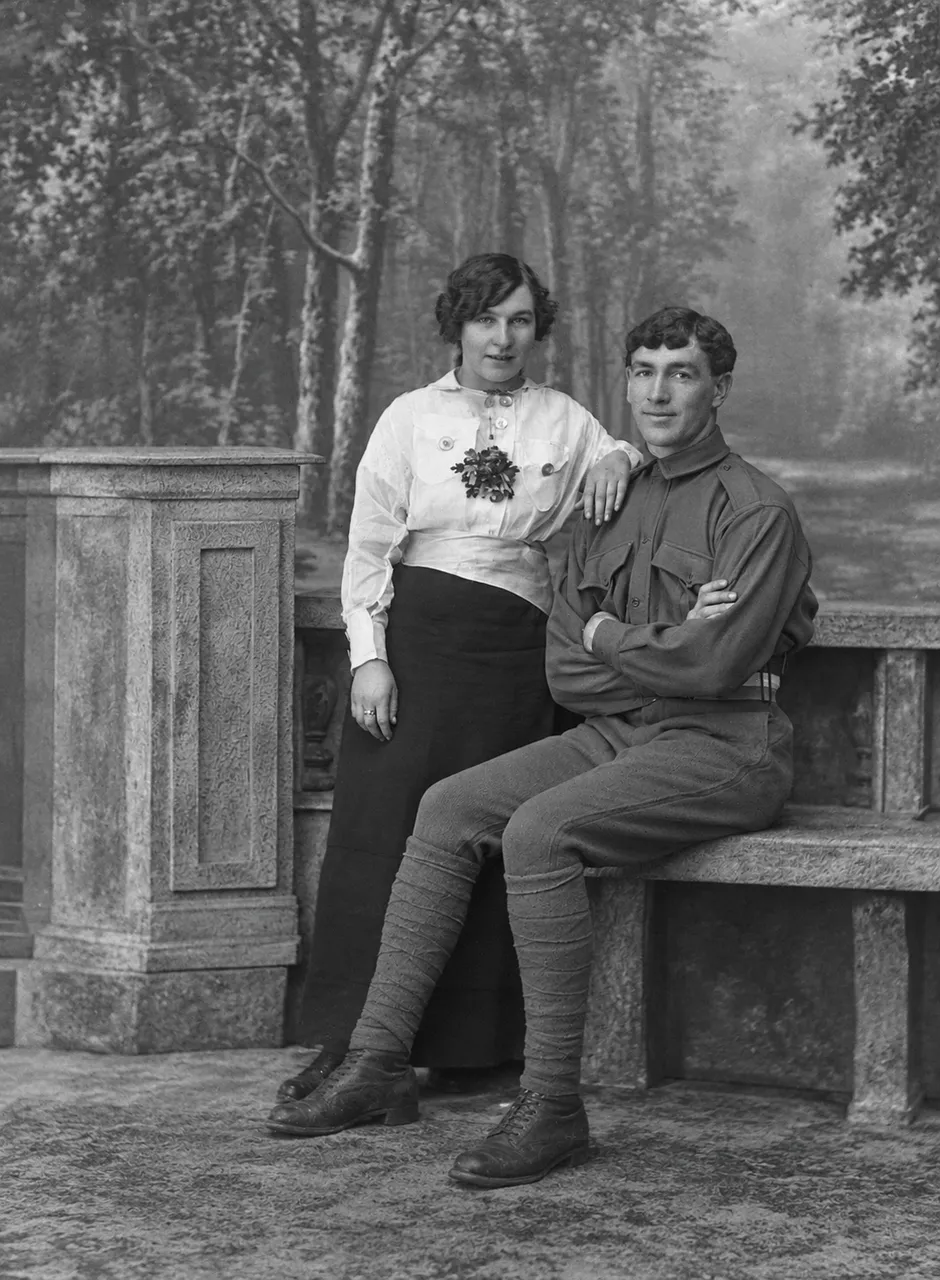
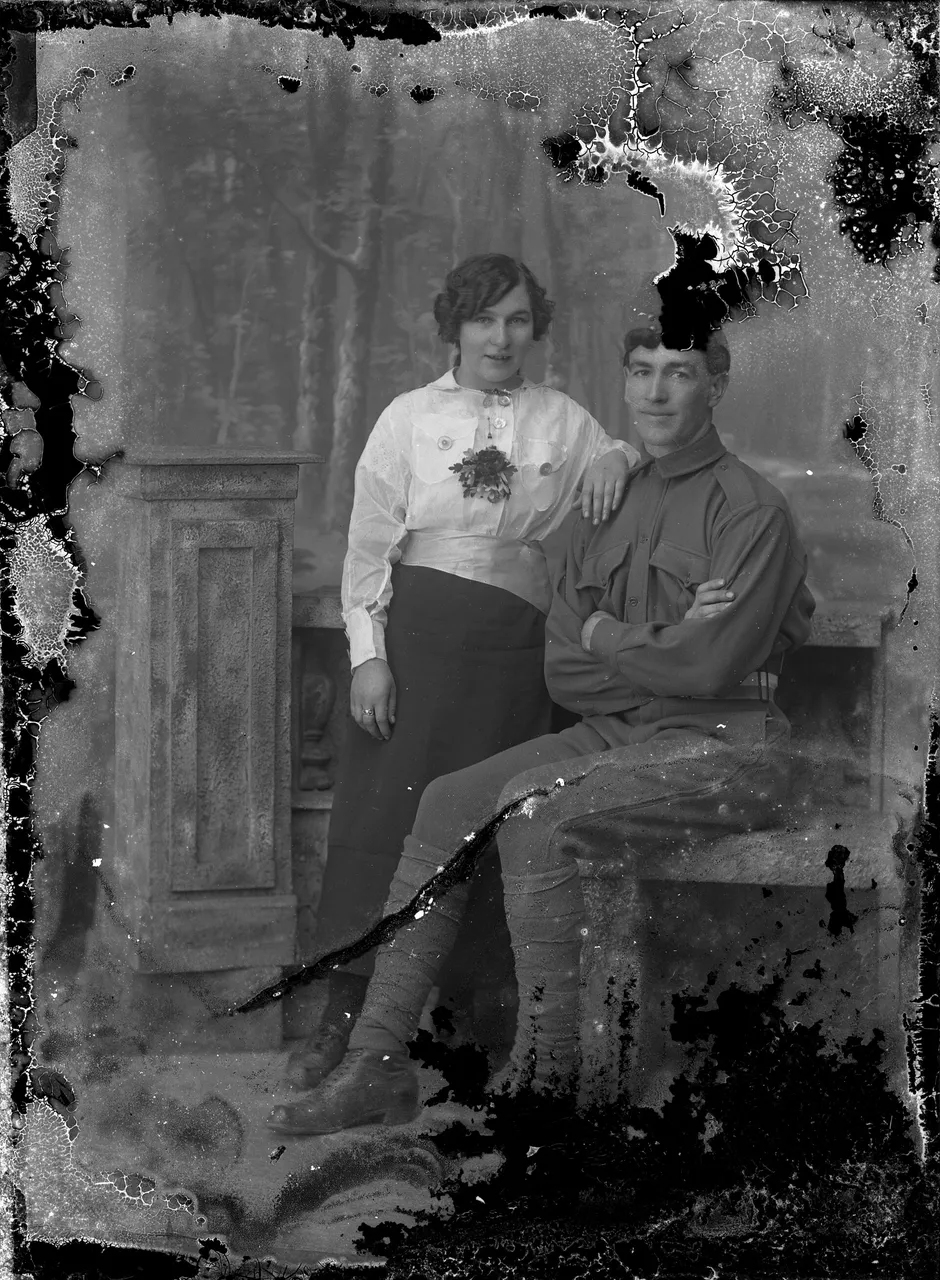
Flaking and cracksSoldier and a woman1075 × 1464
Use cases
Photo restoration for albums, gifts and family history
The family album
Prints from a shoebox or a magnetic album, cracked, spotted or gone yellow. Scan them and get a clean copy to share with the family.
A print for a memorial or a gift
One portrait of a grandparent, restored and printed for a service, a frame or a birthday.
Family history research
Restore damaged photos from relatives and archives before you add them to a family tree, and keep the original scan with it.
A whole envelope of prints
On a paid plan, upload several prints in one go and restore them all with the same option and model.
Quick facts
Restore old photos online: the facts
| What it is | An AI old photo restoration tool: a model redraws the photo without the damage, instead of you retouching it by hand. |
|---|---|
| What it fixes | Scratches, creases, cracks, stains, spots, mold, fingerprints and torn corners, with a separate option for fading and yellowing. |
| What it takes | A scan or a phone photo of the print: JPG, PNG or WebP up to 20 MB. |
| How you use it | Upload, pick Full restore or one kind of damage, and run it. Or write the fix in your own words. |
| Models | Nano Banana Pro by Google (3 credits, 2K output) or GPT Image by OpenAI (1 credit). |
| Several photos | Up to 5 at once on a paid plan; one at a time on free credits. |
| Time | Under two minutes: our 10 test runs took 35 to 110 seconds. |
| Free use | 2 credits without an account and 3 more when you sign in with Google. No watermark. Free downloads are 768 px on the long side; paid plans download the full size. |
| Your photos | Free photos and results are deleted after 14 days. On a paid plan they stay until you delete them. |
| Where it runs | In the browser on a computer or phone. Nothing to install. |
How it works
How to restore old photos with AI
- 01
Digitize the print
Scan it, or photograph it straight on with your phone. The tips below say how.
- 02
Pick what to fix
Full restore covers everything. To fix one thing, pick Scratches and creases, Stains and spots, Fading and yellowing or Torn corners, then run it.
- 03
Compare and download
Drag the divider over faces and edges. Want a change? Write it in a sentence and run it on the result: the earlier versions stay one click away.
What it repairs
Repair old photos by the kind of damage
Scratches and creases
A crease across a soldier’s cheek, cracks and a chipped corner were gone in one edit; the photo stayed grey, as it was.
Stains and spots
A yellow blot and a fingerprint on two sisters’ portrait cleared, the pattern on their dresses kept.
Spots and mold
A sepia portrait covered in spots and mold came back clean, with the same face and the same sepia tone.
Torn and missing corners
A torn corner and a crease on a photo of three classmates were filled in from the background around them, framing unchanged.
Paper prints
Only have the paper print? Digitize it first
Scan at 300–600 DPI
Use a flatbed scanner in color mode, even for black-and-white prints, so the scan keeps the tone. Go to 600 DPI for small prints.
No scanner? Use your phone
Lay the print flat in daylight by a window, hold the phone straight above it, and fill the frame. Turn off the flash.
Take it out of the frame
Scan or photograph the print without the glass, so there are no reflections on it.
Which way
AI photo restoration, manual retouching or a restoration service?
AI restoration
e.g. Saybrush
A model redraws the photo without the damage, in a minute or two.
- Best when You want to fix old photos fast, or a whole stack of them, and try again until you like it.
- Not ideal when The photo is a museum or archive original that must be documented step by step.
Manual retouching
e.g. Photoshop, GIMP
You paint over each scratch and stain with healing and clone tools.
- Best when You know the software and want to decide every pixel yourself.
- Not ideal when You have many photos or no time to learn the tools.
A restoration service
e.g. a photo lab or a professional retoucher
A person restores the photo for you and often prints it.
- Best when The photo is badly damaged and you would rather pay than do it yourself.
- Not ideal when You need it today, or you want to try many photos before choosing.
Is it right for you?
Who it’s for
Best for
- Scanned family prints with scratches, creases, stains or fading.
- Black-and-white and sepia portraits you want clean but still old.
- Photos for a memorial, a frame, a gift or a family tree.
Know before you start
- Every upload, sentence and result passes automated moderation, which can block a harmless photo by mistake. A failed or blocked edit returns your credits.
FAQ
Questions
What is the best way to restore old photos?
Start from a good scan, then let an AI tool remove the damage and compare the result with the original. Save manual retouching for the few spots you want to fine-tune.
Can I restore old photos for free?
Yes. You get 2 free credits without signing up and 3 more when you sign in with Google, enough for your first photos. Results carry no watermark.
Will it change the faces in my photo?
Full restore asks the model to fix only the damage and keep faces, expressions, hair, clothing and framing as they are. Check the result with the slider; if you want something kept, say so in a sentence and run it again.
Can I restore black-and-white photos?
Yes. Black-and-white and sepia photos stay black and white or sepia, in their own tone, unless you ask for something else.
Can I restore several photos at once?
On a paid plan, yes: pick up to 5 photos and they run together with the same option and model. Free credits restore one photo at a time.
Can ChatGPT restore old photos?
ChatGPT can redraw a photo with OpenAI’s image model. Saybrush offers that model as GPT Image, plus Nano Banana Pro from Google, with no prompt to write, one-click options per kind of damage and the original next to every result.
Is there an app to restore old photos?
You don’t need one. Open Saybrush in your phone’s browser, photograph the print or pick it from your library, and the result downloads to your phone.
How much does photo restoration cost?
Here, 1 or 3 credits per photo, depending on the model. Free credits cover your first photos; plans and credit packs are on the pricing page.
Can I edit the photo after restoring it?
Yes. Write the next change in a sentence, such as “brighten it” or “remove the date stamp”, and it runs on the restored version.
What happens to my photos?
Each photo is checked by automated moderation and processed by the model’s provider. Free photos and results are deleted after 14 days; on a paid plan they stay until you delete them. See the Privacy Policy for the details.
More tools
Same photo, same editor.
 AI image editorRemove objects, swap backgrounds, relight or restyle a photo by typing one sentence.
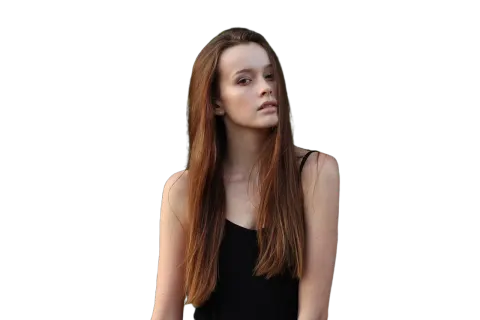 Background removerOne click to a transparent PNG at full size, no watermark.
 Watermark removerPaint out logos, text and date stamps on photos you own.
 Transparent backgroundLogos, signatures and icons as transparent PNGs at the same size.
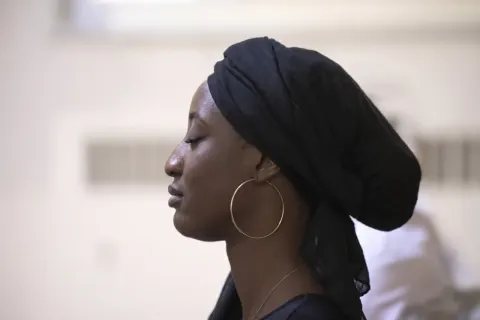 Unblur imageSharpen blurry, shaky or tiny photos, with two models to pick from.
 AI image extenderExtend a photo to 9:16, 1:1, 16:9 or a phone wallpaper without cropping it.
Restore old photos online
Upload a scan, pick what to fix and compare the result with your original.
No prompt to write: Full restore runs unless you pick one kind of damage.
Last updated October 2026 · Models: Nano Banana Pro (Google), GPT Image (OpenAI)