Make background white in one click
Make background white in one click: upload a photo, Saybrush cuts out the subject and puts it on pure white #FFFFFF. Download it as a JPG or PNG.
No photo handy? Try one of these
Examples
Photos with the background made white
Real results, flaws included. Hover or tap to see the original.
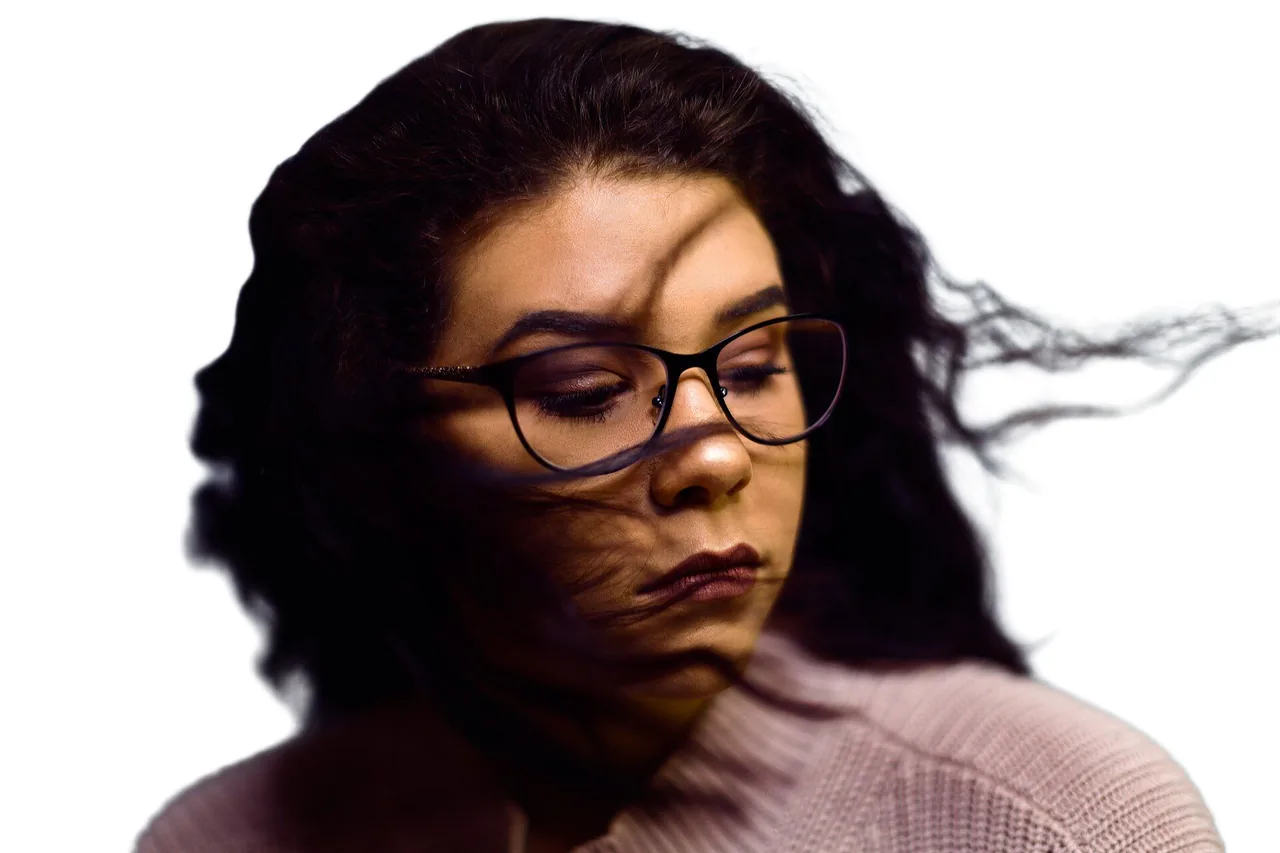
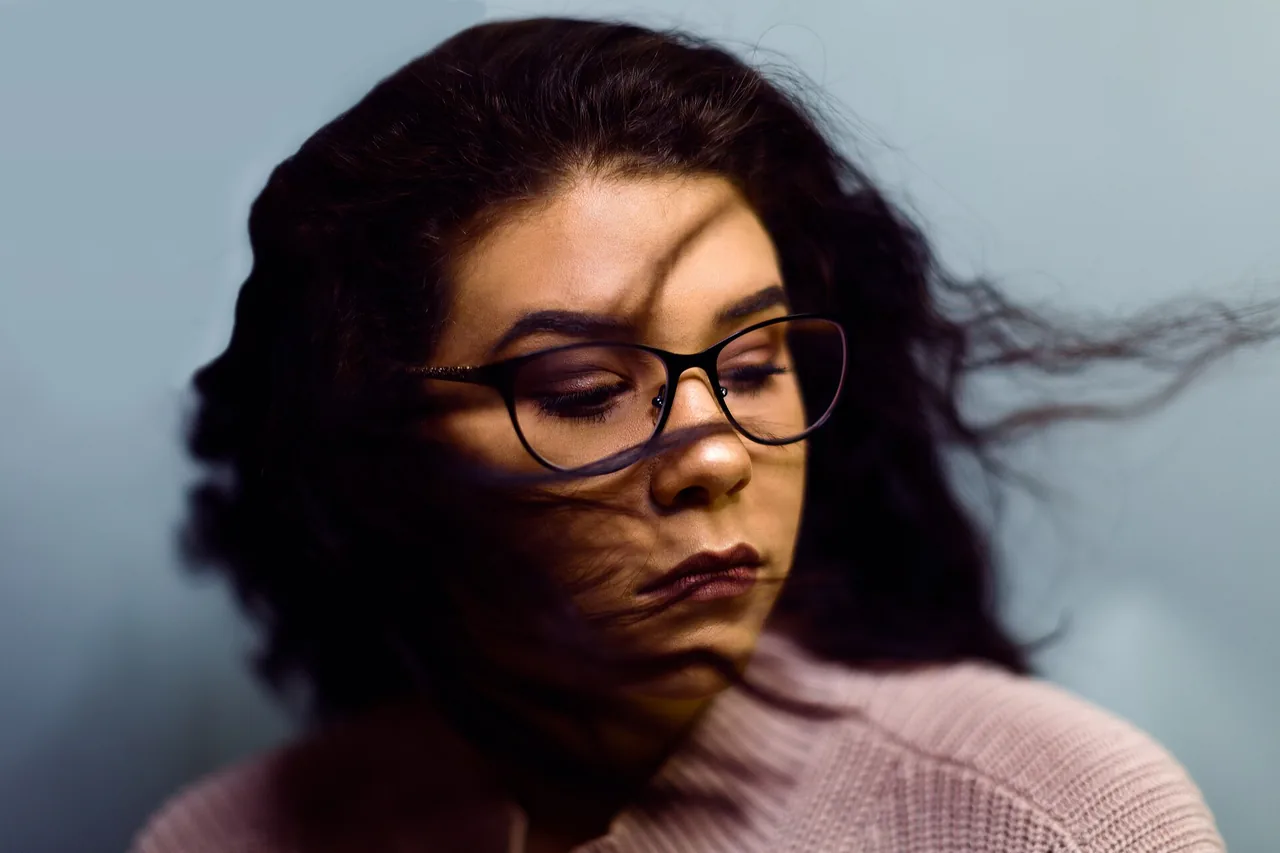
PortraitLoose strands kept, no gray outline 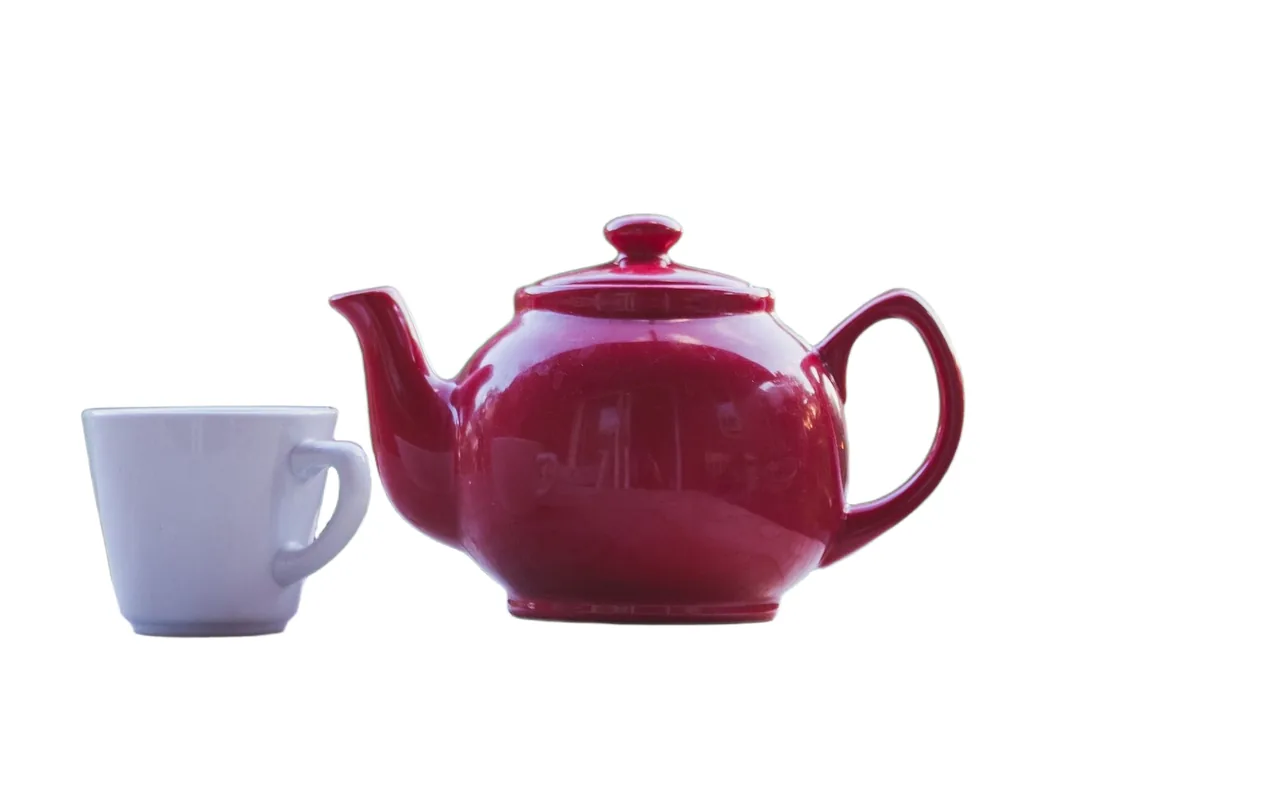
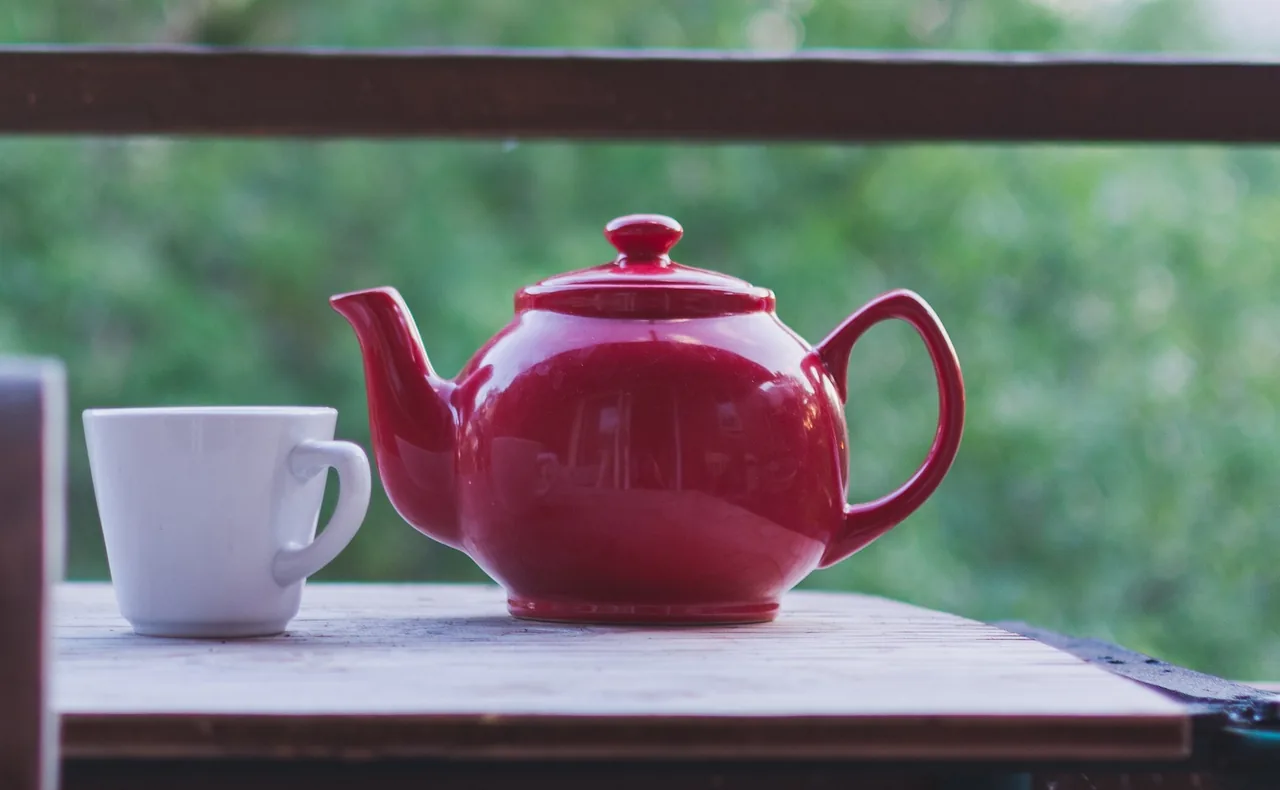
ProductCup kept too; the gap in the handle is white 

HeadshotA faint green tint left on a few strands 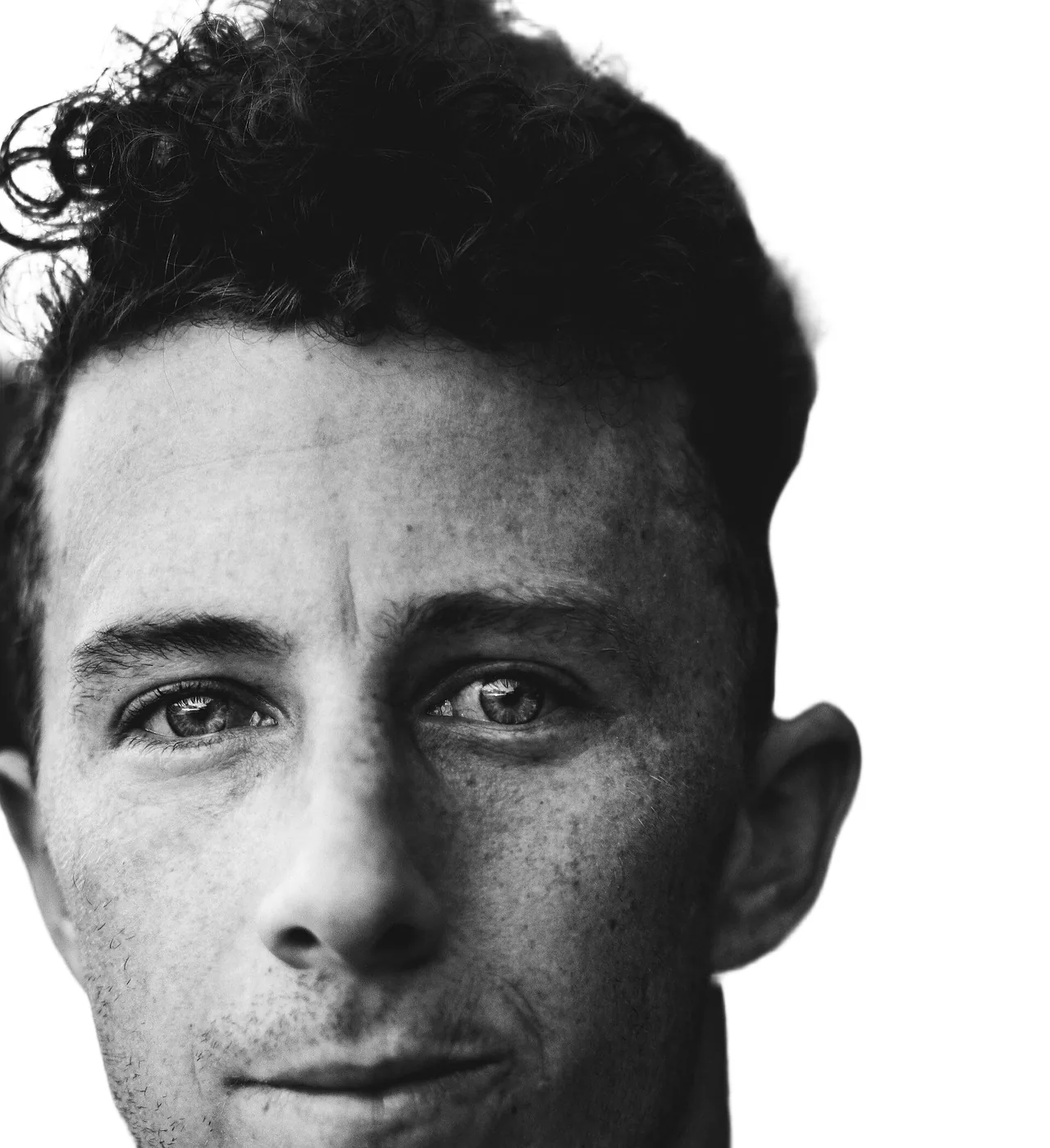
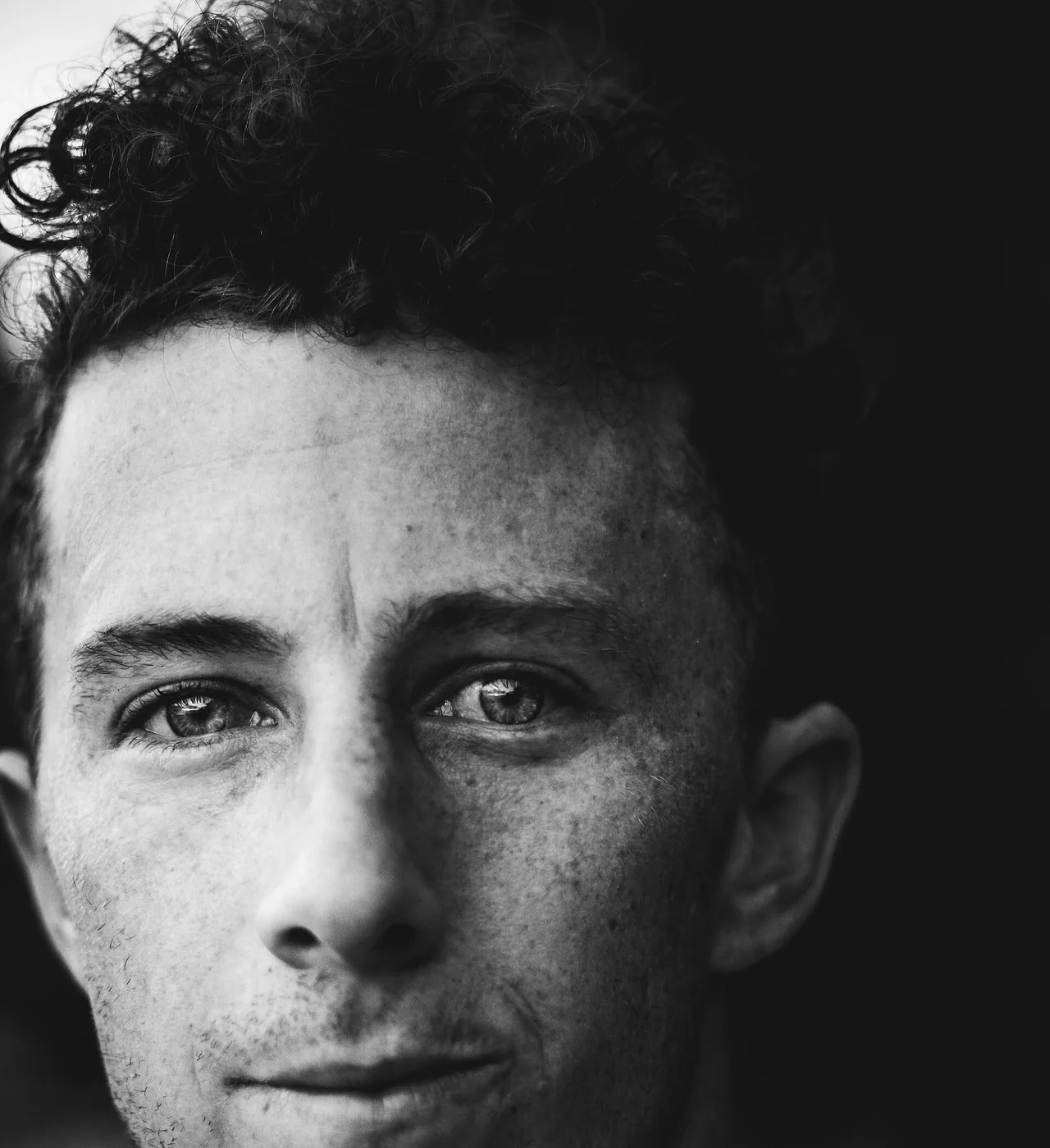
Black to whiteDark curls on black became a soft edge
Use cases
Why people make a photo background white
Product photos
Amazon and other marketplaces ask for a pure white main image. A product shot on a table or a bed ends up on clean white.
Headshots and profile photos
A photo taken at home becomes a neutral headshot for a resume, LinkedIn or a team page.
Passport and ID photos
Replace a colored wall with white. The size, crop and head position rules still have to be met separately.
Catalogs and posts
Photos taken in different places look like one set on the same white.
Quick facts
Make background white: the facts
| What it does | Removes everything around the main subject of a photo and fills it with white. |
|---|---|
| What it takes | A JPG, PNG or WebP photo up to 20 MB, at least 256 pixels on the short side. |
| What you get | A JPG or PNG at the size of the cutout, up to 4096 pixels a side. Photos over 16 megapixels are scaled down first. |
| The white | Pure white, #FFFFFF (RGB 255, 255, 255). Exact in the PNG; in the JPG, pixels touching the subject can be a shade off. |
| Time | Usually under a minute per photo; 15 to 40 seconds in our tests. |
| Cost | 1 credit per photo. Free use is 2 credits without an account and 2 more when you sign up, shared with photo edits. |
| Many photos | Paid plans do up to 20 photos at once and download them as one ZIP. |
| Watermark | None, free results included. |
| Where it runs | In the browser on desktop and mobile. Nothing to install. |
How it works
How to make background white
- 01
Upload the photo
Drop, paste or pick a photo you already took, from a computer or a phone.
- 02
Click Make background white
The AI keeps the subject and changes the background to white. No color to pick, nothing to select.
- 03
Download JPG or PNG
Compare with the original, then save the white version.
What you get
A white background, done in one step
Pure white, not near-white
Any color picker reads 255, 255, 255 across the PNG’s background.
JPG or PNG
JPG for small files that open anywhere, PNG when the white must be exact.
Soft edges kept
Loose hair and soft edges blend into the white, with no gray or dark outline left from the old background.
Up to 20 at once
On a paid plan, drop up to 20 photos and change background to white on all of them, then save one ZIP.
Tips
How to get a white background that doesn’t look fake
Keep the floor out of frame
Where a product touches grass or a rug, the cutout edge can come out ragged and loose bits in front can stay. Shoot it raised, or crop to the product first.
Light the subject evenly
A subject lit hard from one side looks pasted on plain white. Soft, even light looks natural.
Use PNG for exact white
If someone checks the background color, send the PNG. JPG compression can shift a few edge pixels.
Which way
Three ways to change background to white
One-click white background tool
e.g. Saybrush
Upload and click once. The background is removed and made white in the same step.
- Best when You want a white background photo in seconds, or a batch of them.
- Not ideal when You want a shadow, a reflection or a layout designed around the product.
Remove the background, then pick white
e.g. design and photo apps
You remove the background, then choose white as the new color and export.
- Best when You are already designing the post or listing in that app.
- Not ideal when You only need the white photo file.
Select and fill by hand
e.g. Photoshop, GIMP
You select the subject, invert the selection and fill with white.
- Best when The edge must be exact for print, and you have the time.
- Not ideal when You have many photos or no editing software.
Is it right for you?
What it is for, and what it won’t do
Best for
- Product photos that need a plain white background for a listing.
- Headshots and profile photos taken against a busy background.
Not for
- Off-white, gray or colored backgrounds. This page makes white only.
- Passport photo size and crop rules. It changes the background, not the framing.
- Video, or a shadow under the product.
Know before you start
- In our product test, the bottom edge of a bag resting in grass came out ragged, and blades of grass in front of it were kept.
- The AI keeps one main subject. With several objects, it picks what stays.
- Every upload passes automated moderation, which can block a harmless photo by mistake. A blocked photo returns your credit.
FAQ
Questions
How can I make my photo background white?
Upload it here and click Make background white, then download the JPG or PNG.
What’s the easiest way to get a white background on a photo I already took?
Upload the photo you have; no need to reshoot. One click replaces the background with white.
Can I make the background white for free?
You can try it free: 2 photos without an account and 2 more when you sign up, with no watermark. After that, each photo costs 1 credit from a pack or a plan.
How do I make a white background for a product photo?
Shoot it in even light with space around it, then upload it. Amazon’s main image rule asks for RGB 255, 255, 255; the PNG matches it exactly.
How do I change background to white without it looking fake?
Start with a sharp, evenly lit photo, keep the floor out of the frame and check the edges at full size.
Can I make a passport photo background white?
Yes, you can make the background white. Size and head position rules differ by country and are not checked here, so crop and check it yourself.
How do I change a black background to white?
The same way as any other color. Dark hair on black is the hardest case, so check the hair edges.
Can I make the background white on my iPhone?
Yes. Open Saybrush in Safari, pick the photo from your library and save the result to Photos. Nothing to install.
What happens to my photos?
Each photo passes automated moderation and is processed by the AI model’s provider. Free photos and results are deleted after 14 days. Details are in the Privacy Policy.
Related tools
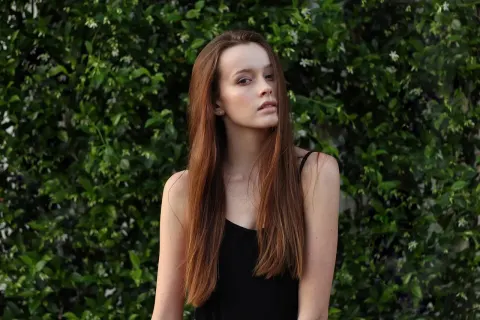
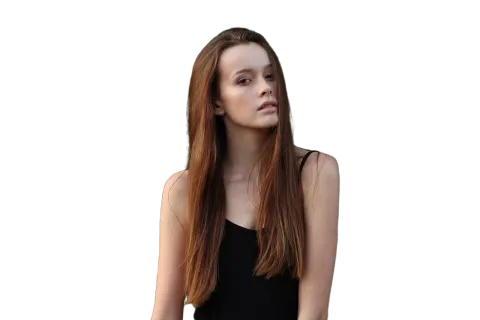




Make your photo background white
2 free photos without an account. Pure white JPG or PNG, no watermark.