Blur face in photos automatically
Blur face in photos online for free: faces are found automatically, then blurred, pixelated or covered. Your photo is never uploaded.
Blur face photos in your browser. Free, no sign-up, no watermark. Your photo stays on your device.
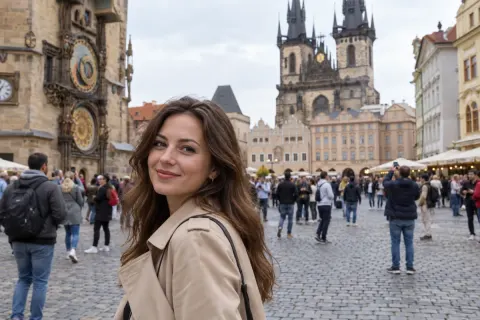
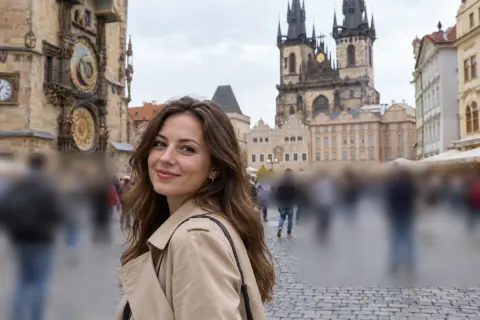
Try one of these
Examples
Blur face examples, before and after
Made in this editor at the default strength and saved at full size. Faces were found automatically unless the label says otherwise. Photos: CC0, Wikimedia Commons. Hover or tap to see the original.
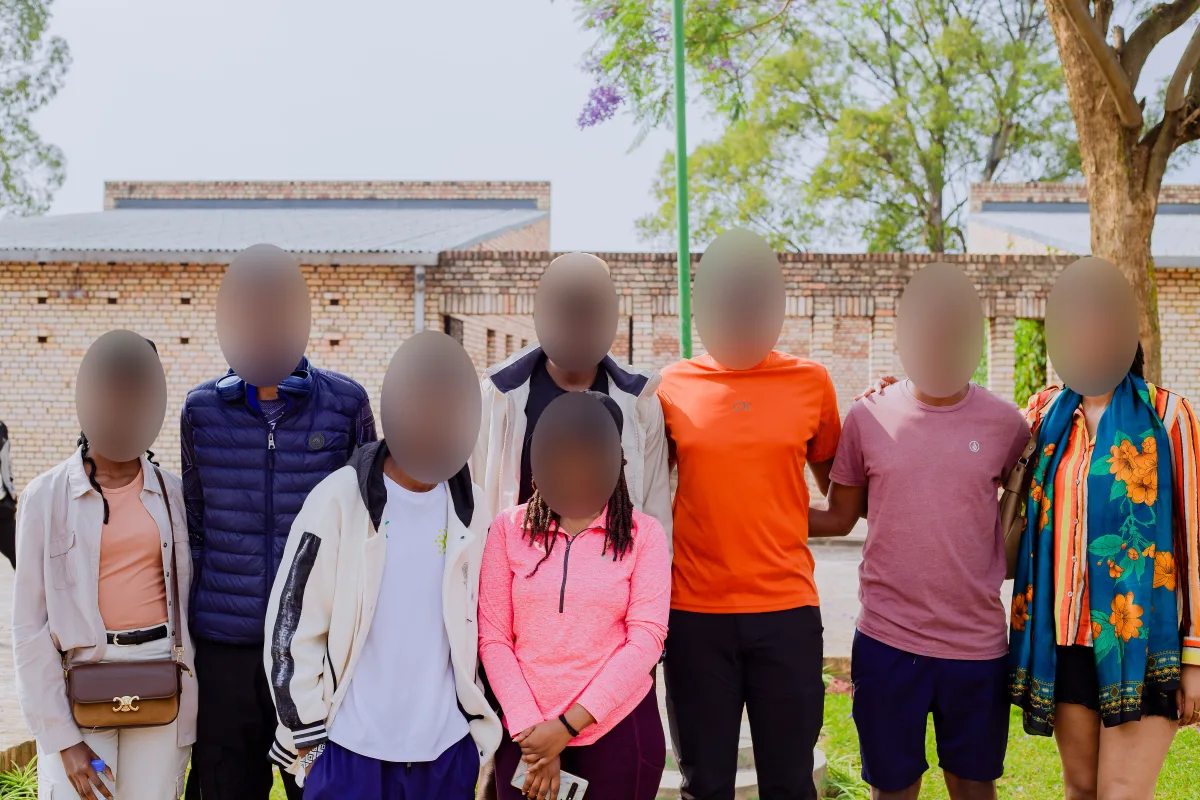
Blur8 of 8 found3600 × 2400 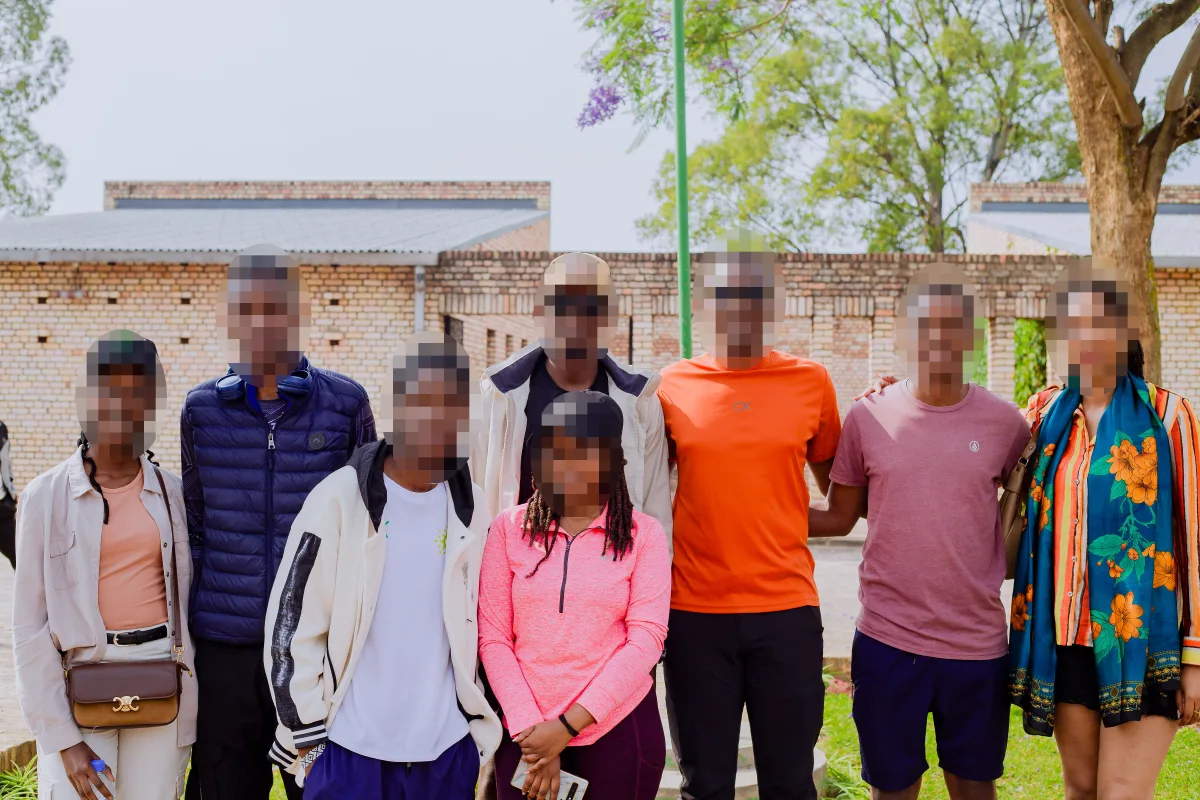
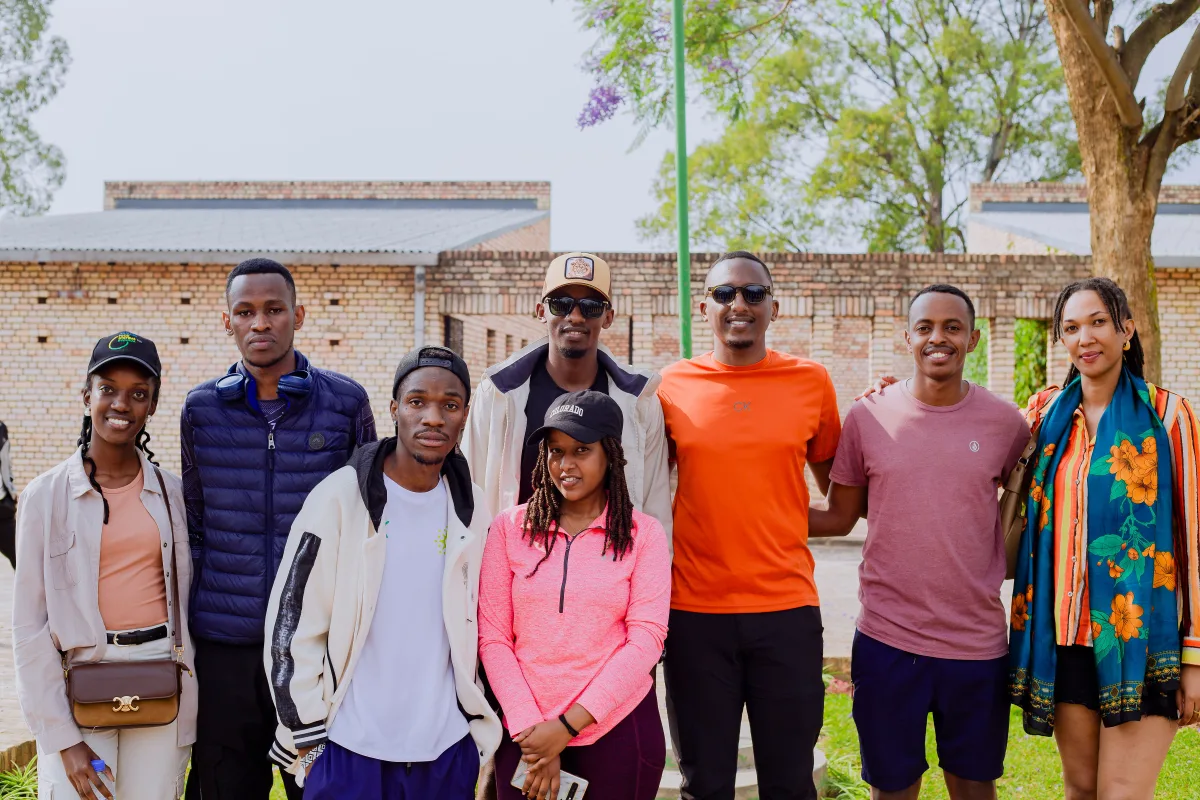
PixelateSame group3600 × 2400 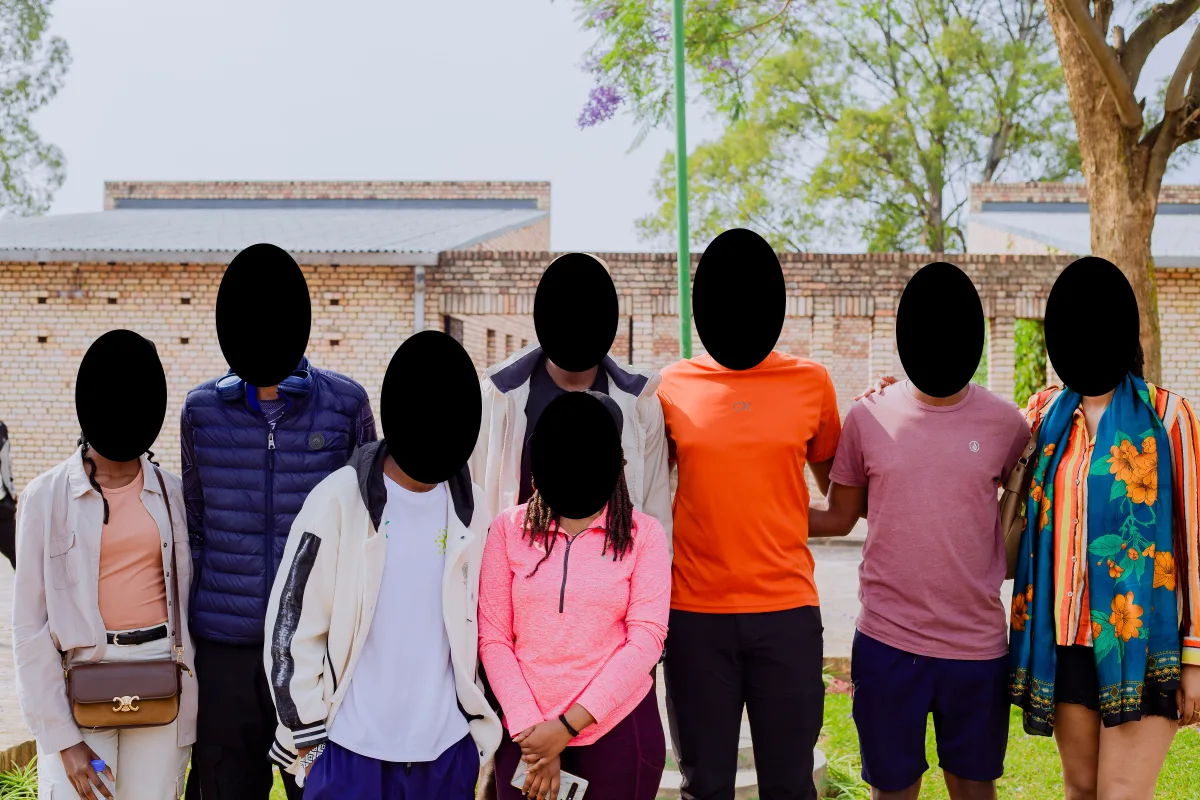
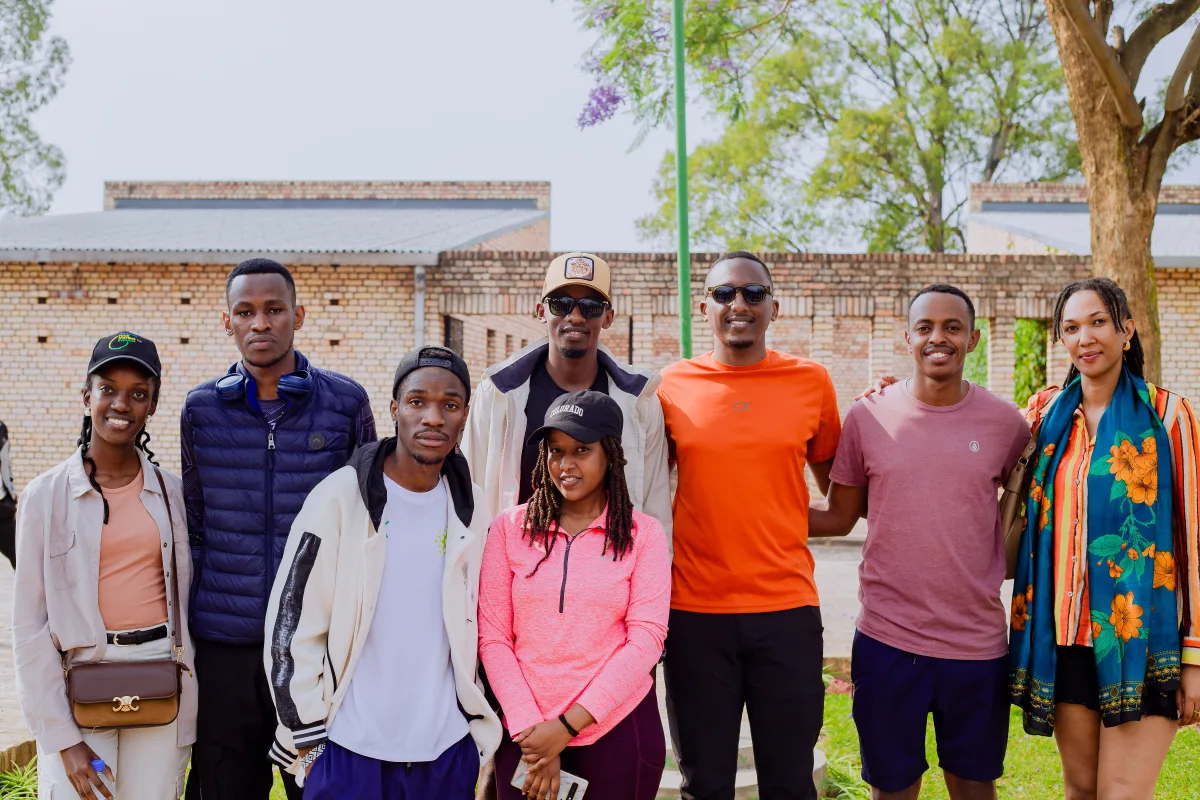
SolidSame group3600 × 2400
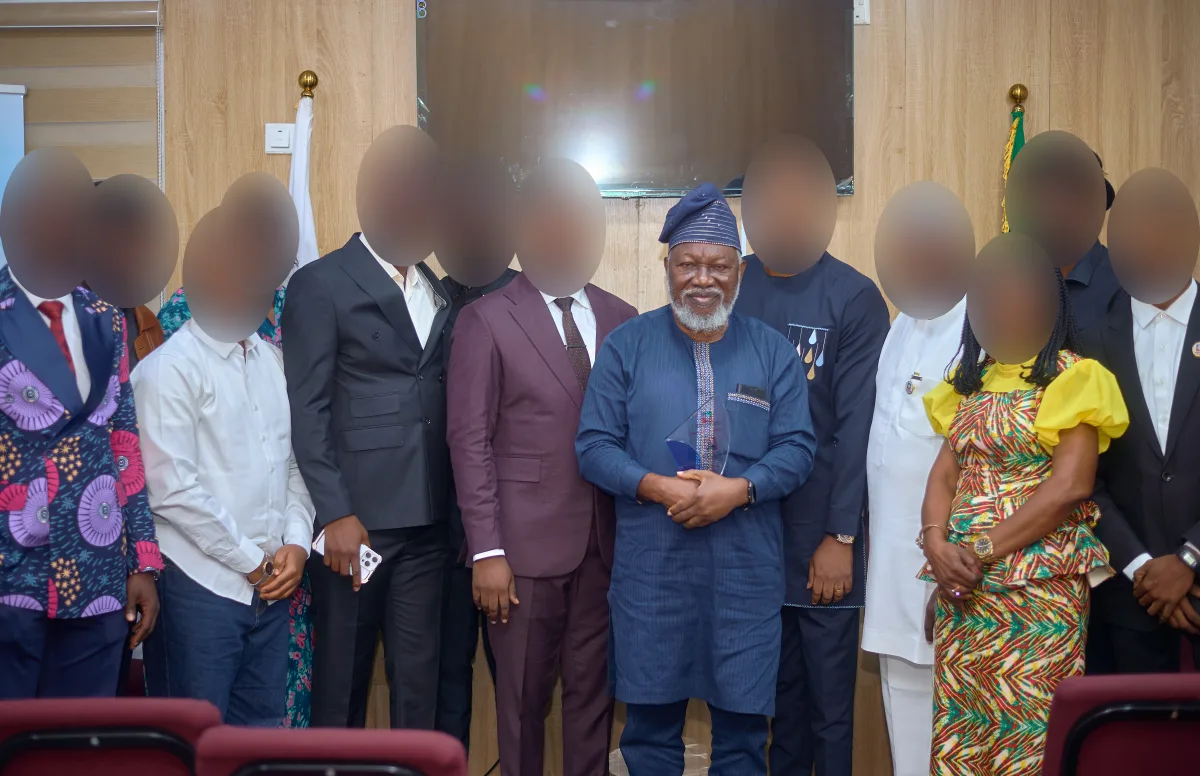

1 kept13 found5766 × 3725 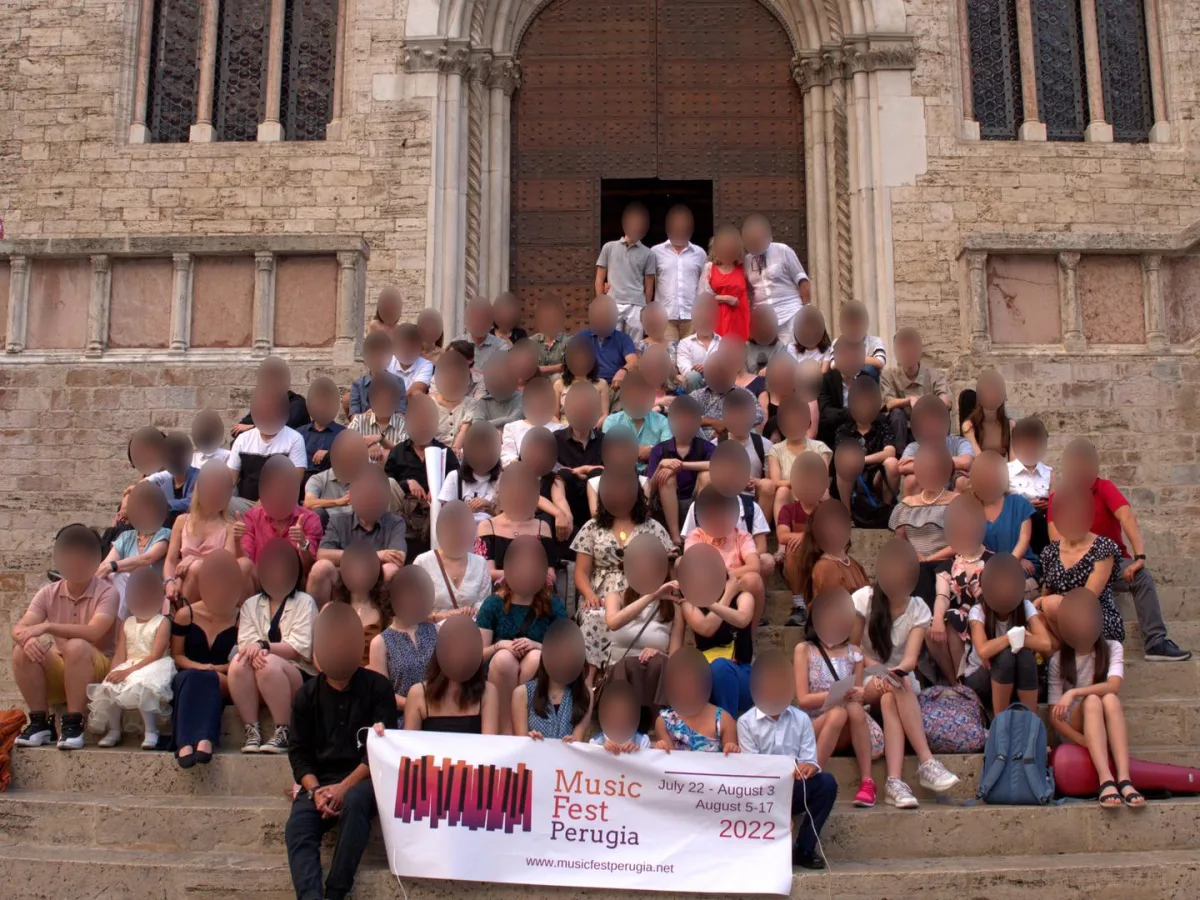

Blur86 faces found1440 × 1080 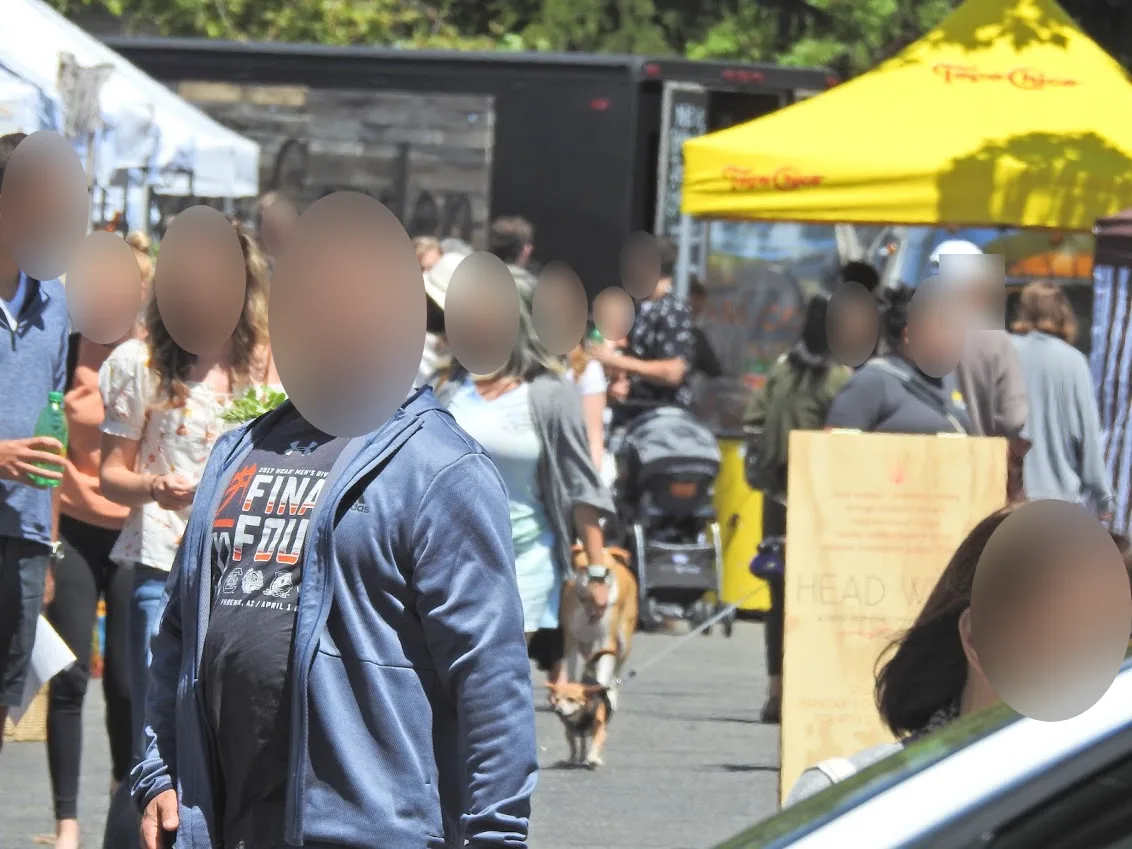
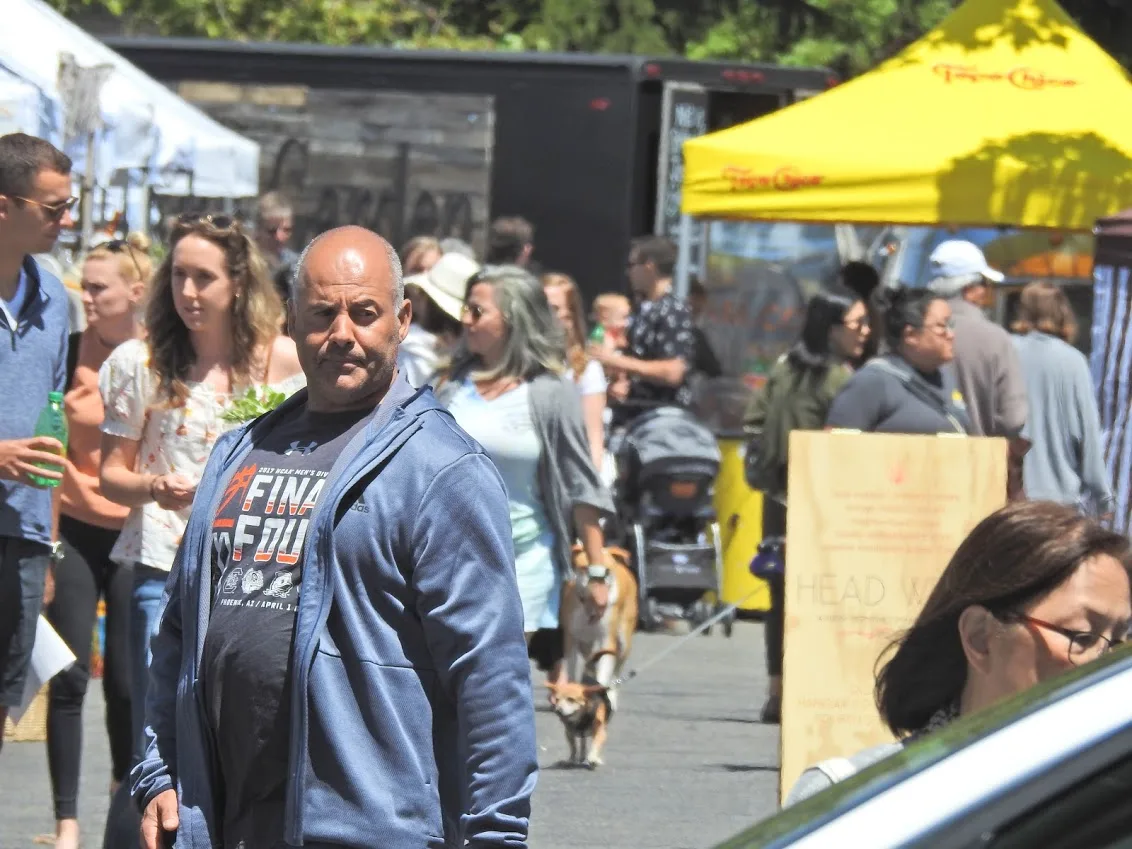
By handMissed side view1132 × 849
Use cases
Face blur for group shots, kids and strangers
Group shots with strangers
Every face starts hidden. Tap your friends to keep them clear and leave the people behind them blurred.
Photos of children
Hide kids’ faces in school, team or birthday photos before you post or send them.
Street and event photos
A market, a parade or a concert crowd, without painting each person by hand.
Newsletters, listings and reports
A class, an office or an event where not everyone agreed to be shown.
Only the faces
Blur face areas, keep everything else
The rest stays as it was
The blur, blocks or color land only on the faces. In our test, a PNG saved here matched the original pixel for pixel outside the covered faces.
Nothing is redrawn
An AI editor or chat assistant makes a new image from yours, so text, hands and the faces you meant to keep can change. Here nothing is generated.
PNG keeps it exact
A JPG is compressed again as it saves, which changes tiny details everywhere. Pick PNG when the rest must stay identical.
Quick facts
Blur face online: the facts
| What it is | A free face blur tool that runs in your browser: it finds the faces and blurs, pixelates or covers them. |
|---|---|
| How faces are found | A small face-finding model runs on your device. It marks where faces are; it doesn’t tell who anyone is. |
| Your photo | Never uploaded, and never saved to an account or history. |
| Price | Free, with no sign-up, no credits and no watermark. |
| Effects | Blur face areas, pixelate them or cover them in a solid color. One click switches every face. |
| Covered area | An oval a little larger than each face, so the hairline and chin are hidden too. |
| By hand | Tap to keep someone clear, box in anyone missed, or paint over anything else. |
| Files | Opens JPG, PNG or WebP up to 50 MB and saves JPG or PNG at the original size. |
| Size limit | Up to 8,000 pixels on the long side and 40 megapixels (16.7 on iPhone and iPad); larger photos save scaled down. |
| First use | The face finder, about 15 MB, loads when you add a photo. Other pages don’t load it. |
| Metadata | The saved file has no EXIF data: no location, camera or date. |
How it works
How do you blur a face in a picture?
- 01
Add your photo
Click, drop or paste it. The faces are found in a moment and blurred right away.
- 02
Keep or add faces
Tap anyone you want to leave clear. Missed someone? Pick Add a face and drag a box.
- 03
Pick an effect and save
Choose Blur, Pixelate or Solid, look over the whole picture, then download it.
Tools
Face blur tools in one editor
Automatic faces
Faces turned to the camera, tilted ones and small ones far back each get an oval. In one large crowd shot it marked 86 at once.
Tap to keep
Tap to switch a blur off, tap again to switch it back. Undo and redo cover every tap.
Add a face
Box in anyone who was turned away, partly covered or too small to be found.
Brush
Paint over a name tag, a tattoo or anything else that gives someone away.
Effects
Blur, pixelate or solid: which hides a face best?
Blur
Softens each face so the picture still looks natural. At the default strength the eyes and mouth can’t be made out, and the blur grows with each face.
Pixelate
The classic censored look of a face pixelator: blocks sized to each face, about eight across, so small faces far back are hidden as well as big ones.
Solid
A flat oval in black, white or any color you pick. Nothing of the face is left underneath, so this is the safest choice when a face must stay hidden.
Which way
Face blur tool, AI editor or phone app?
A face blur tool in the browser
e.g. Saybrush
Add the photo; the faces are found and hidden; tap anyone to keep, then download.
- Best when You need to blur face after face in a group or crowd shot, on any computer or phone.
- Not ideal when You need faces hidden in a video, or hundreds of photos at once.
An AI image editor or chat assistant
e.g. an AI photo editor or chatbot
Upload the photo and ask it to hide the faces.
- Best when You also want other changes made.
- Not ideal when The rest must stay exactly as it was: the whole image is generated again.
A phone app or photo editor
e.g. a photo app, Photoshop, GIMP
Pick a blur or mosaic brush and paint over each face.
- Best when One or two faces, and the app is already on your device.
- Not ideal when A crowd: every face is painted by hand.
Is it right for you?
Who it’s for
Best for
- Blur face photos of groups, crowds and kids before you post or send them.
- Hiding everyone except the people you choose.
- Computers and phones where you’d rather not install an app.
Know before you start
- Faces turned away, covered or very small may not be found. Look over the photo before you save and add any it missed.
- A hidden face doesn’t make someone anonymous: hair, clothes, a tattoo or the place can still give them away.
- Photos only, one at a time: it doesn’t work on videos. GIF and HEIC files don’t open; convert them to JPG first.
- Edits live in this tab. Download before you close it.
FAQ
Questions
How can I blur out someone’s face in a photo before I post it?
Add the photo at the top of this page. Faces are found and blurred automatically; tap anyone you want to keep, then download.
How do I cover up the faces of strangers in a group shot I want to share?
Every face starts hidden. Tap your friends to keep them clear, check the background for anyone missed, and save.
What’s the simplest way to pixelate a face in a photo on my phone?
Open this page in your phone’s browser, pick the photo and choose Pixelate. It saves to your phone, with no app to install.
Is there a simple trick to make faces unrecognizable in a photo?
Cover them with Solid: a flat color leaves nothing of the face to recover. Blur and pixelate at the default strength also hide the eyes and mouth.
Can I blur face photos online free, without signing up?
Yes. Finding faces, blurring them and downloading are free, with no account, no credits and no watermark.
Is my photo uploaded?
No. Finding the faces and the blur both run on your device. The photo never reaches our server.
Does it find every face?
Usually, but not always. Someone turned away, under a hat brim or behind something can be missed, so check the photo and box in anyone left showing.
Does it know who is in the photo?
No. It only marks where faces are. It doesn’t compare faces or tell who anyone is, and nothing is sent anywhere.
Can a blurred face be unblurred?
A light blur can sometimes be partly reversed. A strong blur or large blocks are much harder to undo, and a solid cover can’t be undone at all.
Does the saved photo keep my location data?
No. The download is drawn fresh, without the EXIF data from your original: no GPS location, camera model or date.
More tools
Nothing to install.




Blur face photos in seconds
Add a photo, check what it finds, and save it at full size.
JPG, PNG or WebP up to 50 MB.