AI image extender: change the ratio without cropping
Saybrush’s AI image extender fills in new background so your image fits 9:16, 4:5, 1:1, 16:9, 3:2 or a phone wallpaper, without cropping or stretching it.
No photo handy? Try one of these
Examples
AI image expander results from real photos
Each free-to-use photo ran once through the AI image extender, centered, with no prompt and no retries. Three results come from Bria Expand; two come from Nano Banana Pro, the backup model that runs when Bria is unavailable. Hover or tap a result to see the original.
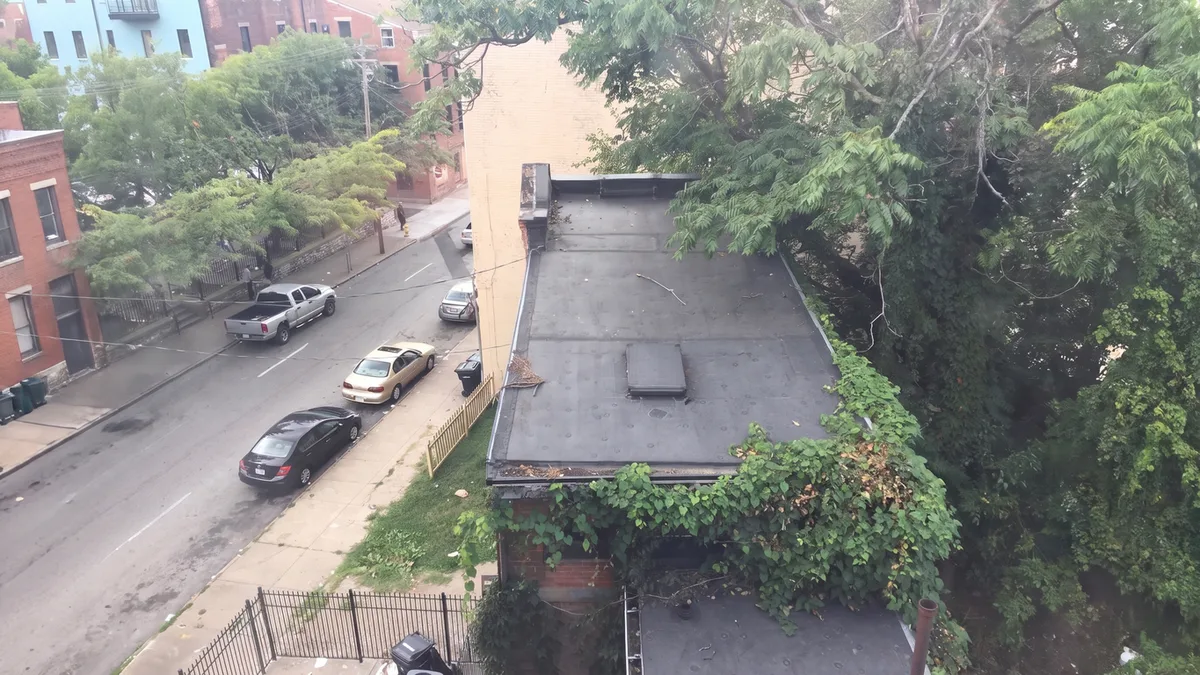
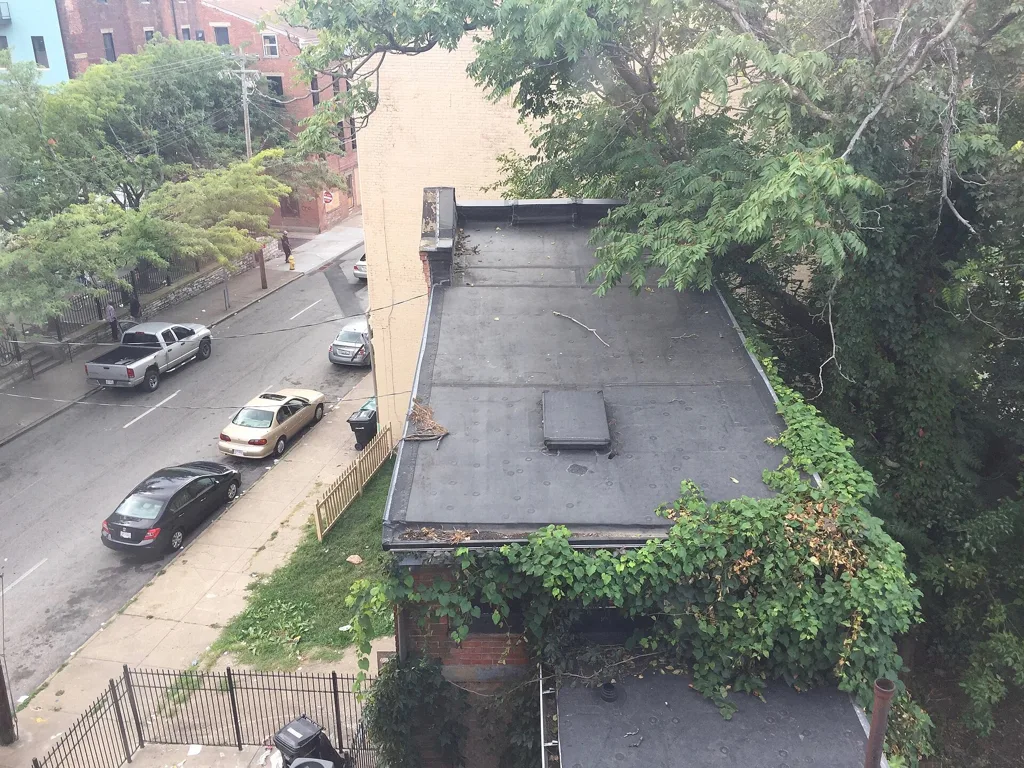
4:3 → 16:9Street of housesOutput 1365 × 768 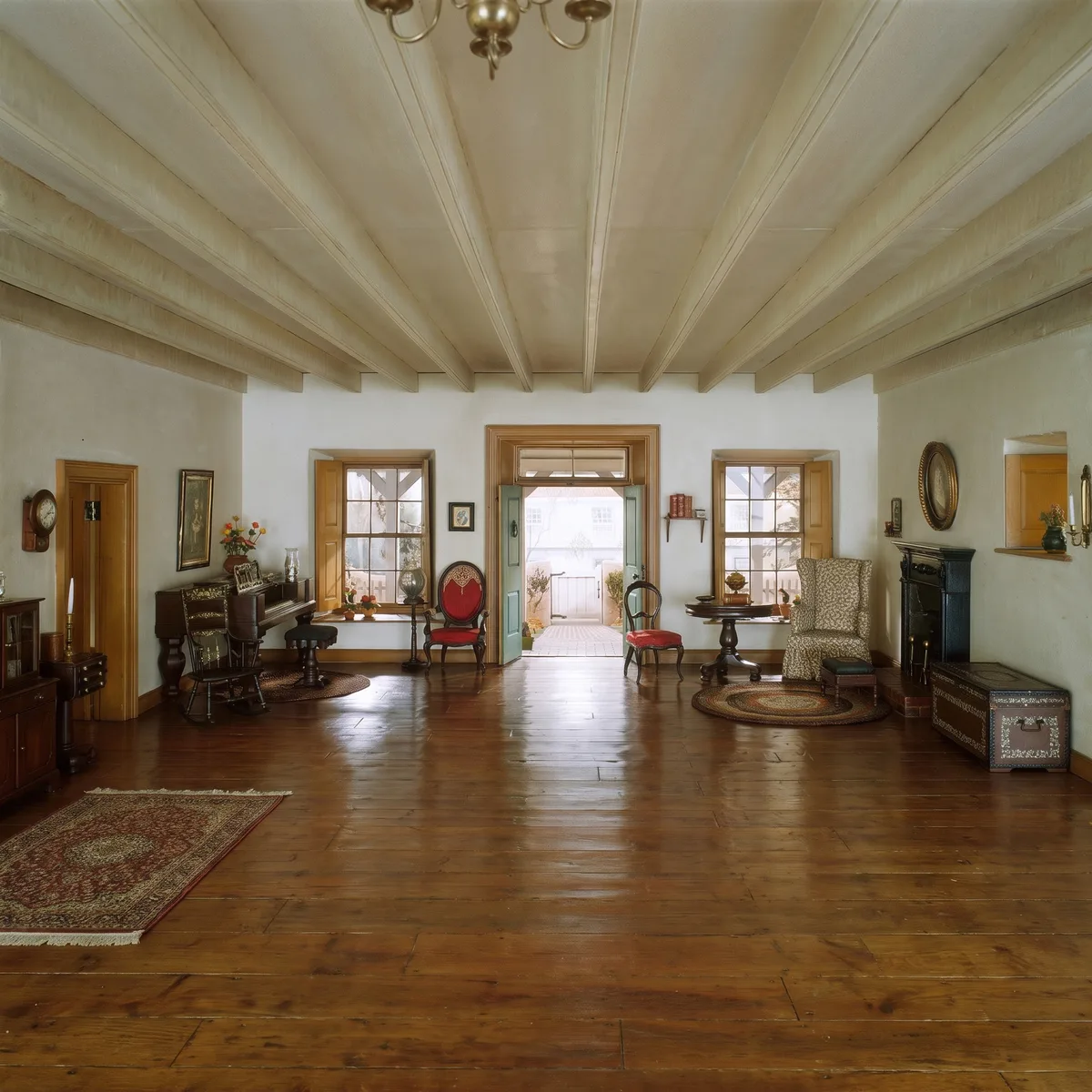
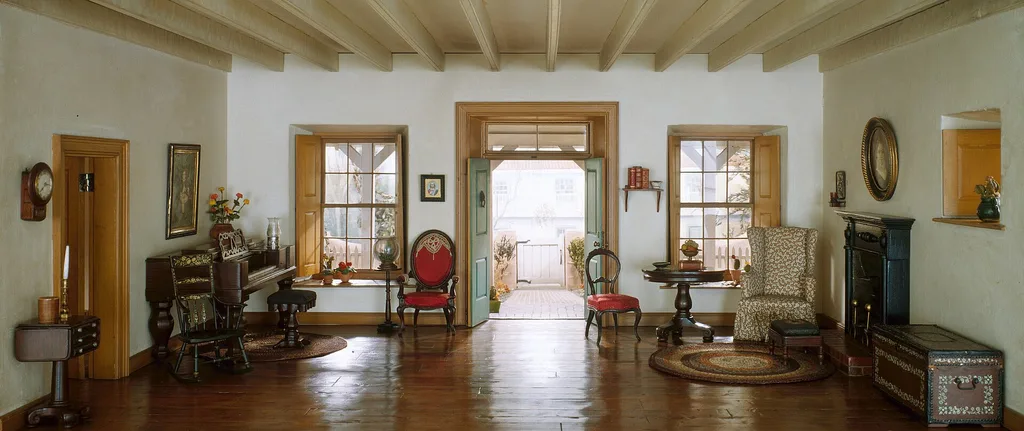
Panorama → 1:1Period living roomOutput 1920 × 1920
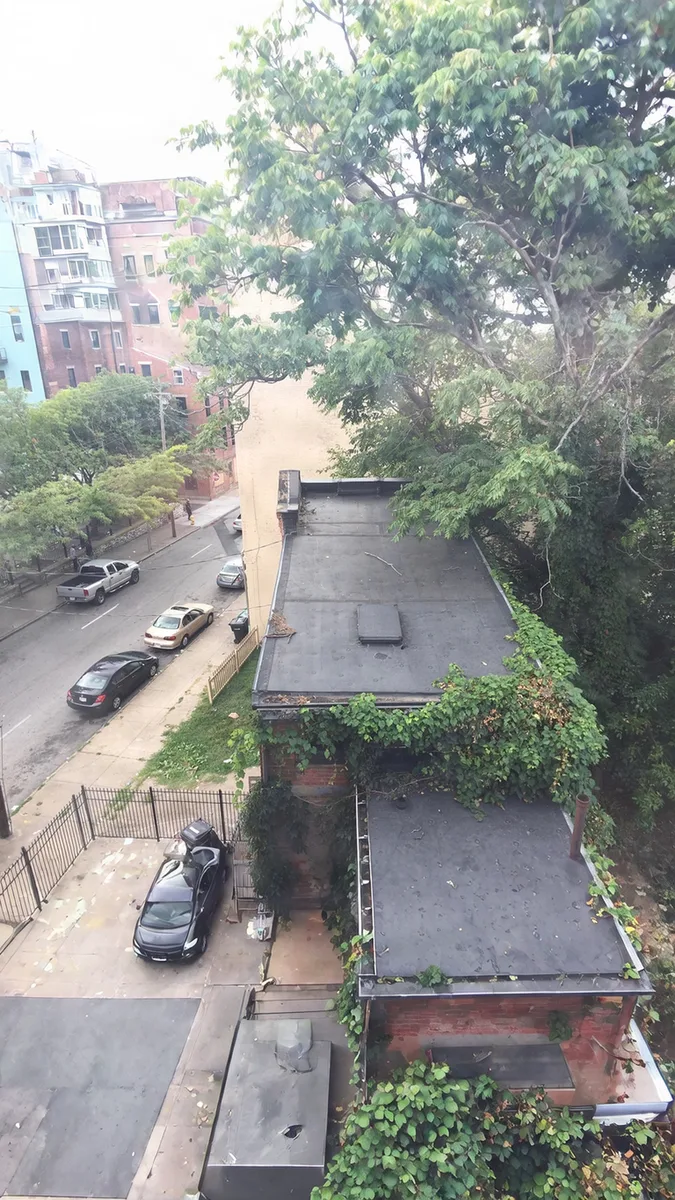
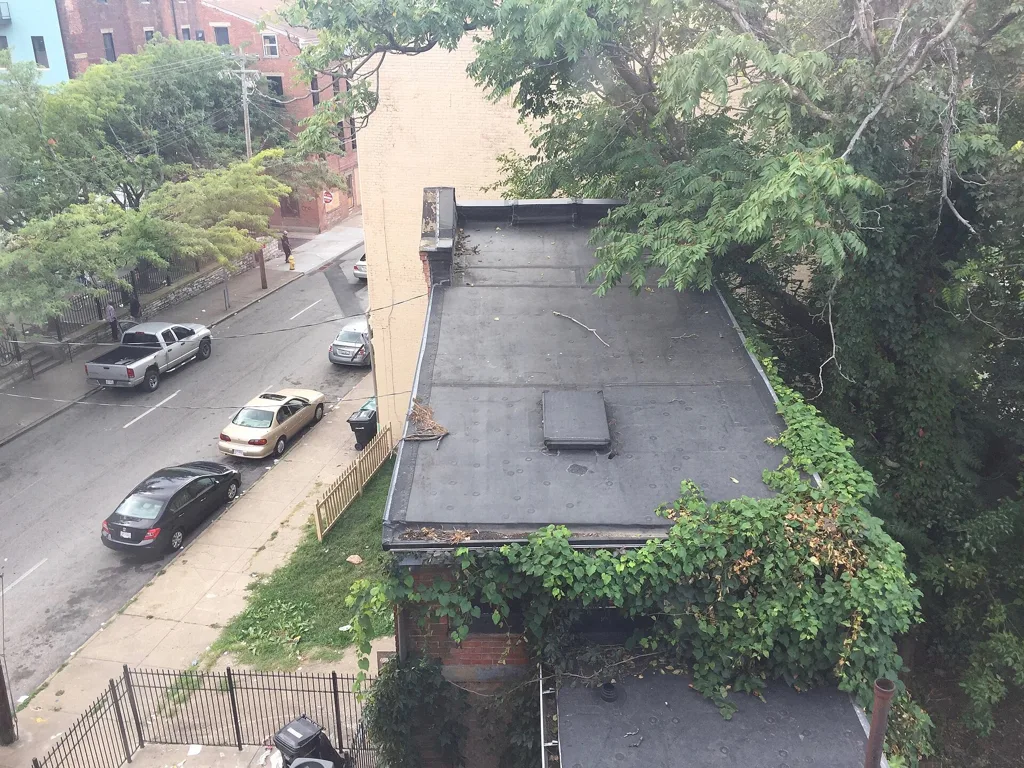
4:3 → 9:16Street of housesOutput 1024 × 1820 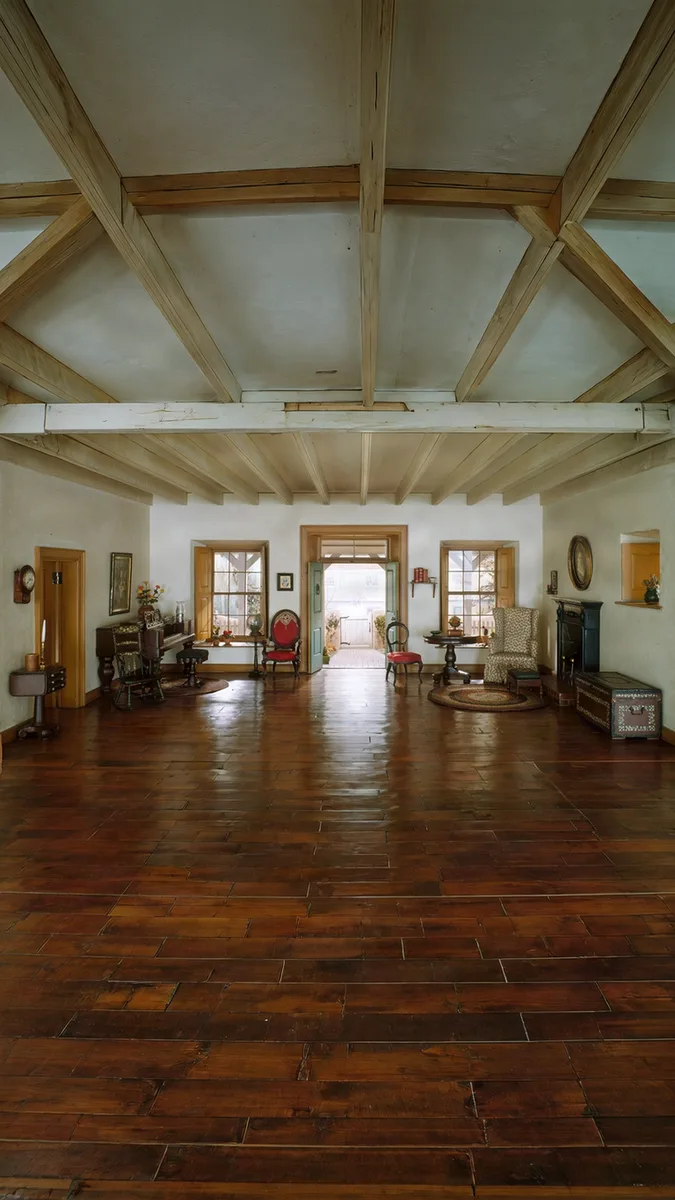
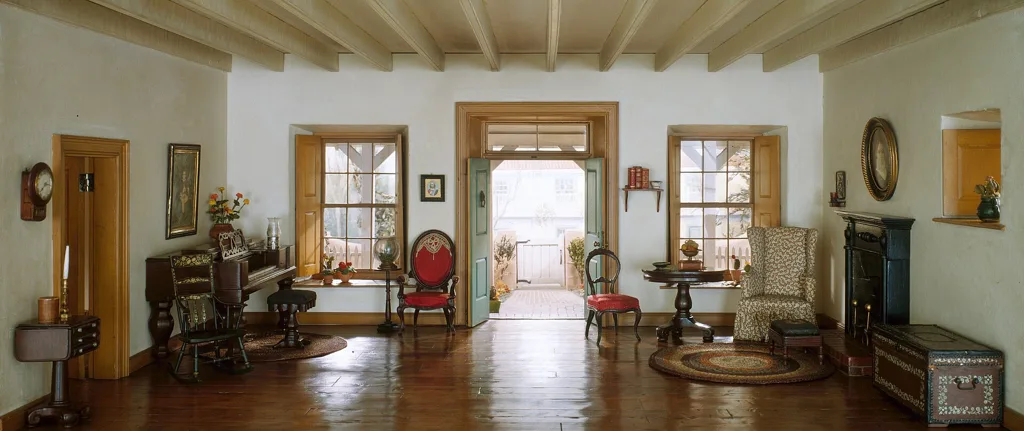
Panorama → 9:16Period living roomOutput 1024 × 1820 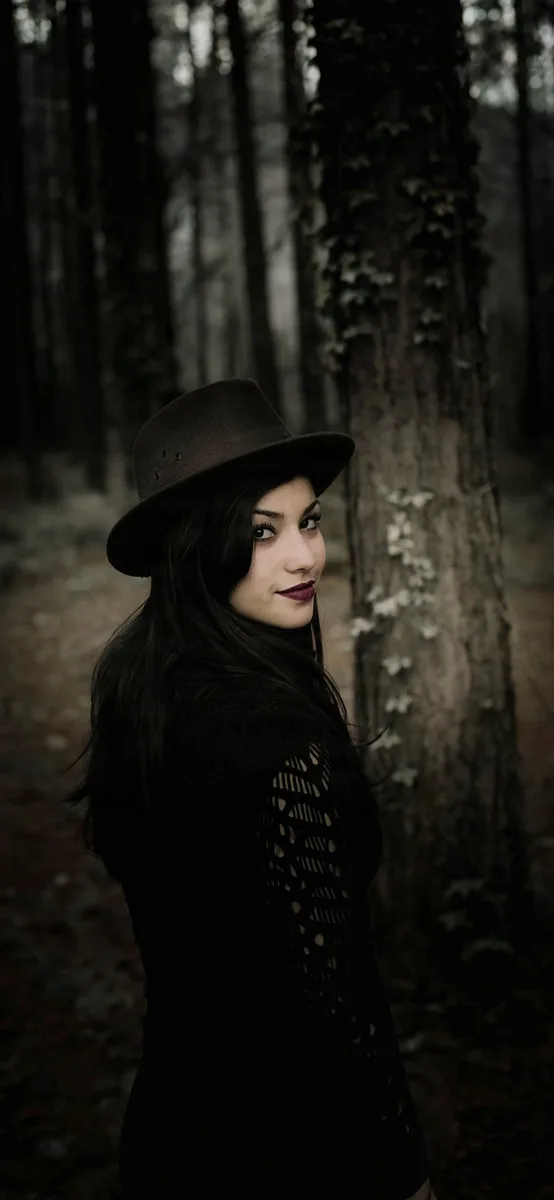
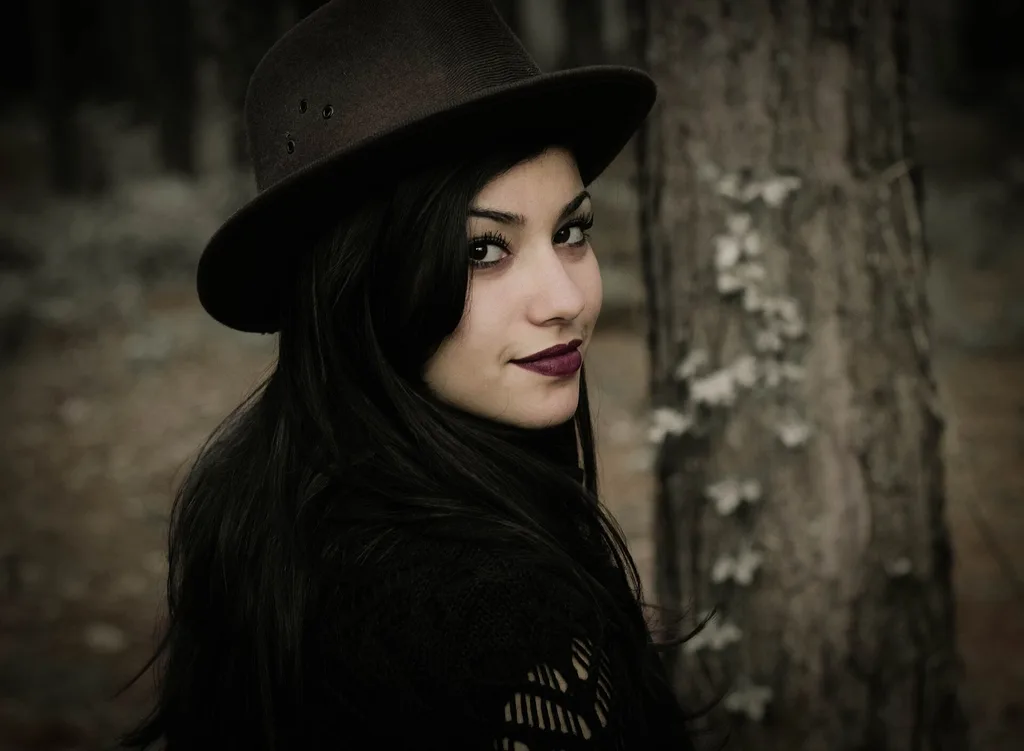
Landscape → phone wallpaperPortrait in a forestOutput 945 × 2048
Use cases
Uncrop image use cases
A phone wallpaper from a landscape photo
Turn a wide shot into a tall 9:19.5 wallpaper. Place your photo at the bottom to leave sky for the clock and icons.
Instagram stories, Reels and posts
Extend a 4:3 or 3:2 image to 9:16 for a story or 4:5 for a post, with no blurred bars and no one cut out.
Banners and YouTube thumbnails
Widen a portrait or a tight crop to 16:9 and get empty space on one side for your title.
A photo cropped too tightly
Give a subject cut close to the frame some room again, or make a square 1:1 profile picture without cutting off the top of a head.
Quick facts
AI image extender: the facts
| What it is | An AI image expander that adds new pixels around an image, also called uncropping or AI outpainting. |
|---|---|
| Ratios | 1:1, 4:5, 9:16, 16:9, 3:2 and phone wallpaper (9:19.5). |
| Photo position | Top, middle or bottom for a taller frame; left, middle or right for a wider one. |
| Prompt | Optional. Leave it empty to continue the scene, or describe what the new areas should show. |
| Model | Bria Expand. If it is unavailable, Nano Banana Pro by Google runs instead at no extra cost to you. |
| What it takes | A JPG, PNG or WebP image up to 20 MB, at least 256 px on the short side. |
| What you get | The exact ratio you picked, up to 2048 px on the long side. |
| Time | Our Bria runs took 17 to 26 seconds; the backup model took 60 to 70. |
| Free use | 1 credit per expand. 2 credits without an account and 3 more when you sign in with Google. No watermark. Free downloads are 768 px on the long side. |
How it works
How to extend an image with AI
- 01
Upload
Drop, paste or pick the largest copy of your image.
- 02
Pick the ratio and position
Choose a ratio, then where your photo sits in the new frame. Add a few words if you want something specific in the new areas.
- 03
Expand and download
Compare the result with your photo. If the new area looks wrong, change the position or reword the prompt and run it again.
What it does
Six ratios, three positions, one optional sentence
The exact ratio, not a close one
Output matches the preset to within 0.1%, so a 9:16 file fills a story with no bars.
You choose the position
Grow the frame on one side only, or on both. Useful when the subject faces one way or the top must stay empty.
Steer the fill with words
Without a prompt the model continues what it sees. With one, “a sandy beach” or “more pine trees”, it fills the new areas with that.
Whole photo kept in the frame
Nothing is cut off or stretched. The model does lightly redraw your photo, so it is close to the original, not identical.
Tips
AI image extender tips for natural results
Simple backgrounds extend best
Sky, forest, grass, walls and streets of similar houses continued cleanly in our tests. Busy patterns are harder.
Watch straight lines
Beams, tiles and window frames can come out at the wrong angle: in one test the new ceiling beams ran diagonally.
Grow the frame toward background
If a person is cut off at the bottom edge, place the photo at the bottom so the frame grows upward: the model then adds sky, not the rest of a body.
Ask for less, not more
A short prompt about the scene works better than a list of objects. Leave it empty first and add words only if needed.
Which way
AI extender, crop or padding?
AI image extender
e.g. Saybrush
A model paints new background around your photo to reach the ratio.
- Best when You need a new ratio and want to keep everything in it.
- Not ideal when The new area must show something real, like the actual room or street.
Crop or resize
e.g. any photo editor
Cut your photo down to the ratio, or stretch it to fit.
- Best when There is spare room around the subject to cut.
- Not ideal when Cropping cuts off what matters, and stretching distorts faces.
Blurred bars or a solid border
e.g. most phone editors
Fill the empty space with a blurred copy or a color: a way to extend a photo without AI.
- Best when You want a quick fit and don’t mind the bars showing.
- Not ideal when The result should look like one photo.
Is it right for you?
What it is for, and what it won’t do
Best for
- Fitting one image to a story, post, banner or wallpaper.
- Landscapes, streets, rooms and portraits with simple backgrounds.
Not for
- Showing what was really outside the frame: the new area is invented.
- Free-form sizes, video, or many photos at once.
Know before you start
- A photo already within 2% of the ratio you pick can’t be expanded to it.
- Every upload, prompt and result passes automated moderation, which can block a harmless photo by mistake. A blocked expand returns your credit.
FAQ
Questions
What is an AI image extender?
A tool that makes an image bigger by painting new background around it, instead of cropping or stretching it. AI image extender, AI image expander and uncrop tool all name the same thing.
Can AI extend the background of my photo naturally?
Usually, yes. Skies, trees, walls and streets continued with no visible seam in our tests. Straight lines and busy patterns are where it can go wrong, so look at the edges of the original photo.
How do I turn a horizontal photo into a vertical one without cutting anything off?
Upload it, pick 9:16 or 4:5, and choose whether your photo sits at the top, middle or bottom. The AI adds new area above and below, and the whole photo stays in the frame.
Can I expand a photo to fit my phone wallpaper?
Yes. The phone wallpaper preset is 9:19.5, the shape of recent iPhone screens. Place your photo low in the frame to leave room for the clock.
Is the AI image extender free?
You get 2 free credits without an account and 3 more when you sign in with Google, and each expand costs 1 credit. Free results carry no watermark and download at 768 px on the long side; credits or a plan unlock the full size.
Does it change my original photo?
It keeps the whole photo in place, but the model redraws it along with the new areas, so small details can shift slightly. Your uploaded file stays as it was.
Can I tell it what to add?
Yes. Type a short description, such as “more beach and calm sea”, and the model fills the new areas with it. The prompt is optional.
Can I extend an image on my iPhone?
Yes. Open Saybrush in Safari, pick an image from your library and download the result to your phone. It works the same on Android, with nothing to install.
Can I use the result commercially?
Yes, for any lawful purpose that follows our Content Policy, as long as you have the rights to the photo you uploaded.
What happens to my photos?
Each photo is checked by automated moderation and processed by the AI model’s provider. Free photos and results are deleted after 14 days. See the Privacy Policy for the details.
More tools
Same photo, same editor.
 AI image editorRemove objects, swap backgrounds, relight or restyle a photo by typing one sentence.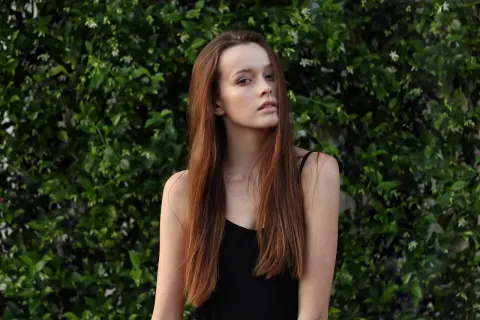
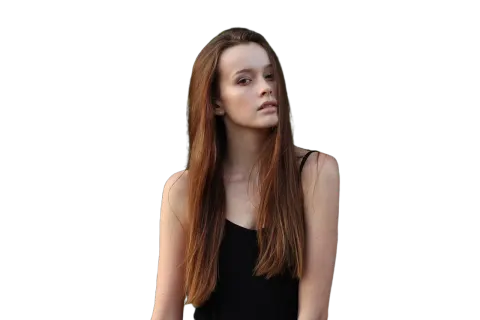 Background removerOne click to a transparent PNG at full size, no watermark.
 Watermark removerPaint out logos, text and date stamps on photos you own.
 Transparent backgroundLogos, signatures and icons as transparent PNGs at the same size.
 Unblur imageSharpen blurry, shaky or tiny photos, with two models to pick from.
Try the AI image extender on your photo
Two free expands without an account, six ratios, no watermark.
Last updated October 2026 · Model: Bria Expand (backup: Nano Banana Pro by Google)