Remove BG alternative with full-size PNGs and no watermark
Saybrush is a remove bg alternative for photos: one click gives a transparent PNG at your photo’s size, with no watermark. Web only, no API.
No photo handy? Try one of these
remove.bg
Is remove.bg shutting down?
Yes. Here is what remove.bg’s own FAQ lists.
| The website | Closes on December 1, 2026 at 9:00 CET. Background removal moves into Canva, as Canva’s Background Remover. |
|---|---|
| The self-serve API | Stops taking requests the same day and moves to Leonardo.Ai. Enterprise API contracts are not affected. |
| Credits, subscriptions and your account | remove.bg answers these in its own FAQ. Read it before December 1. |
If you used remove.bg in the browser to cut out a photo and download a PNG, a remove bg alternative only has to do the same job: upload, one click, transparent PNG. Checked against remove.bg’s FAQ on October 30, 2026.
Examples
Real cut-outs, tested on hair, spokes and a mug handle
Hover or tap a photo to see the original.
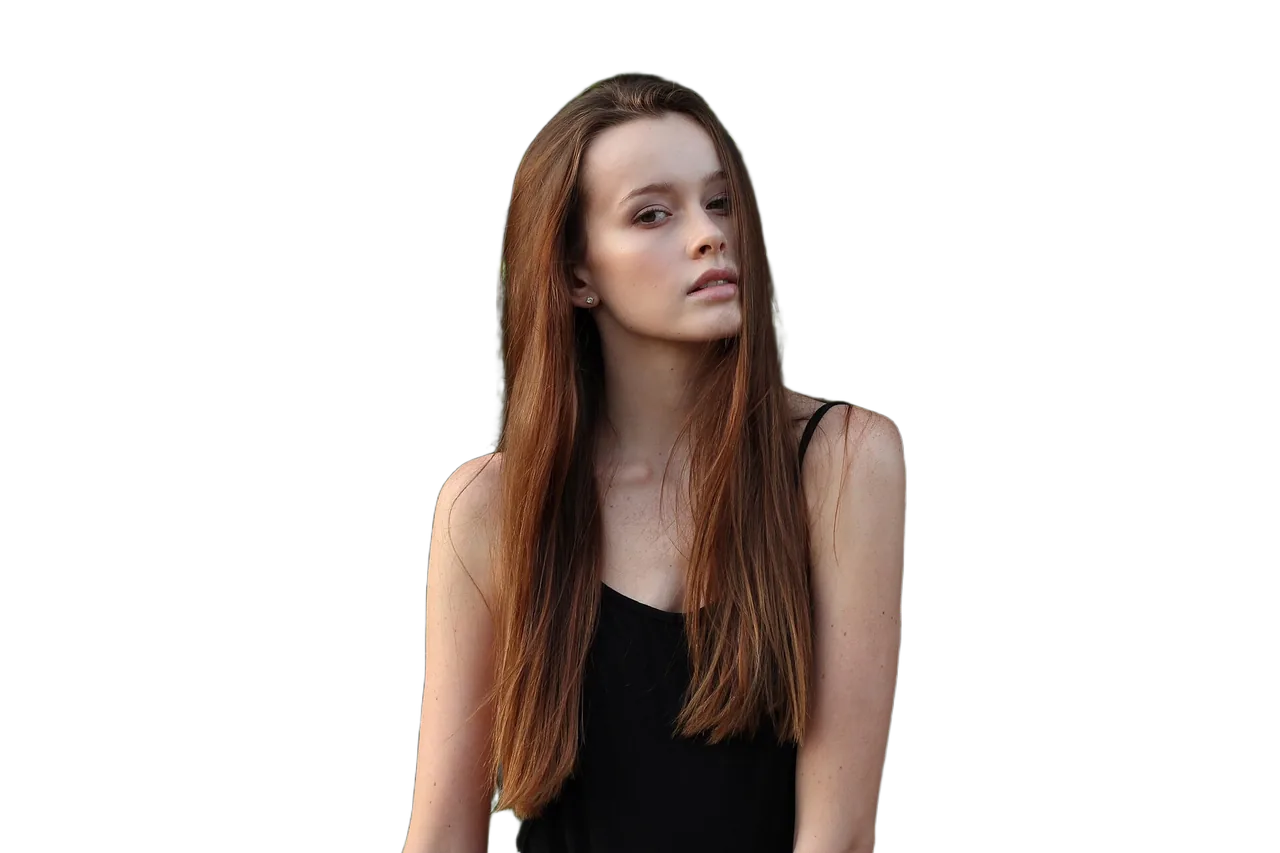

HairLong hair against leaves 

Flying hairSharp strands kept, blurred tips softened 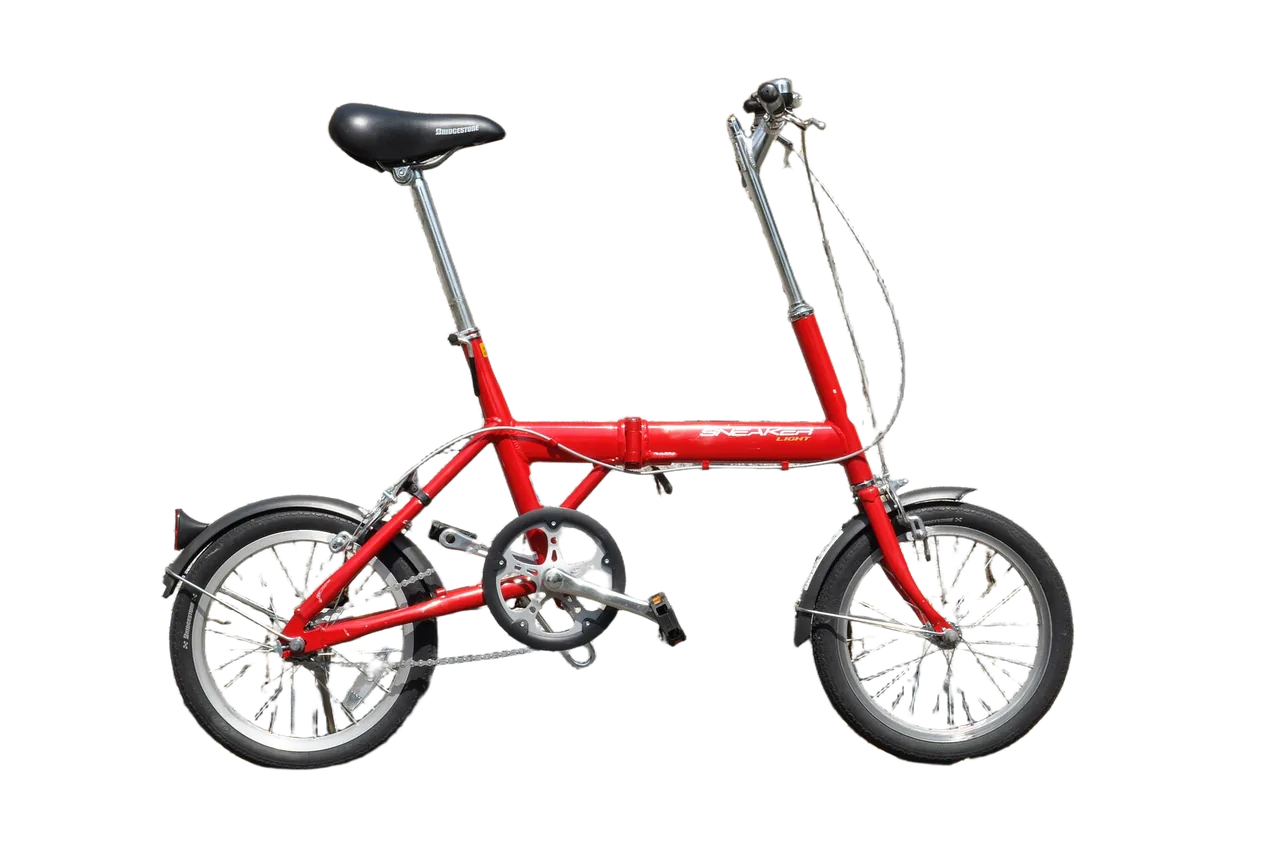
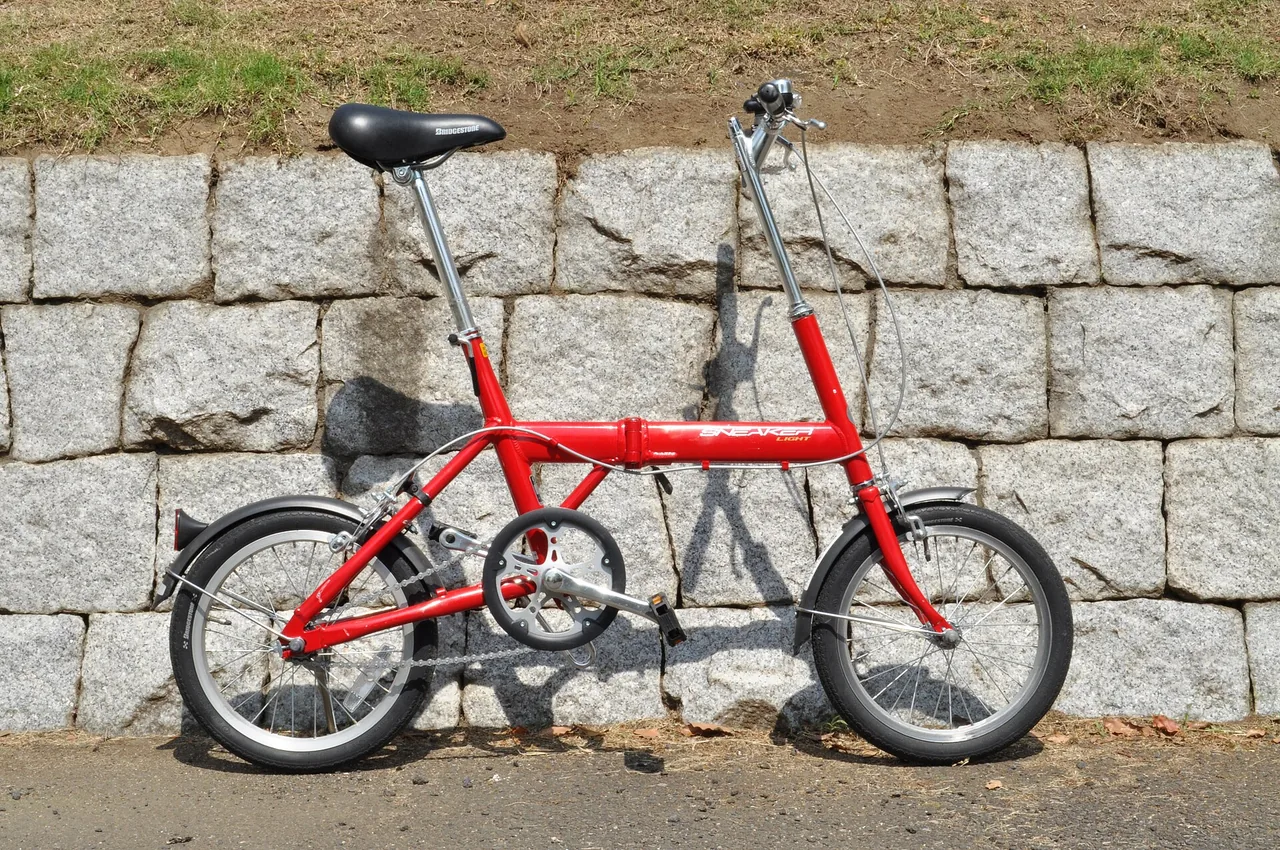
SpokesGaps inside the wheels made transparent 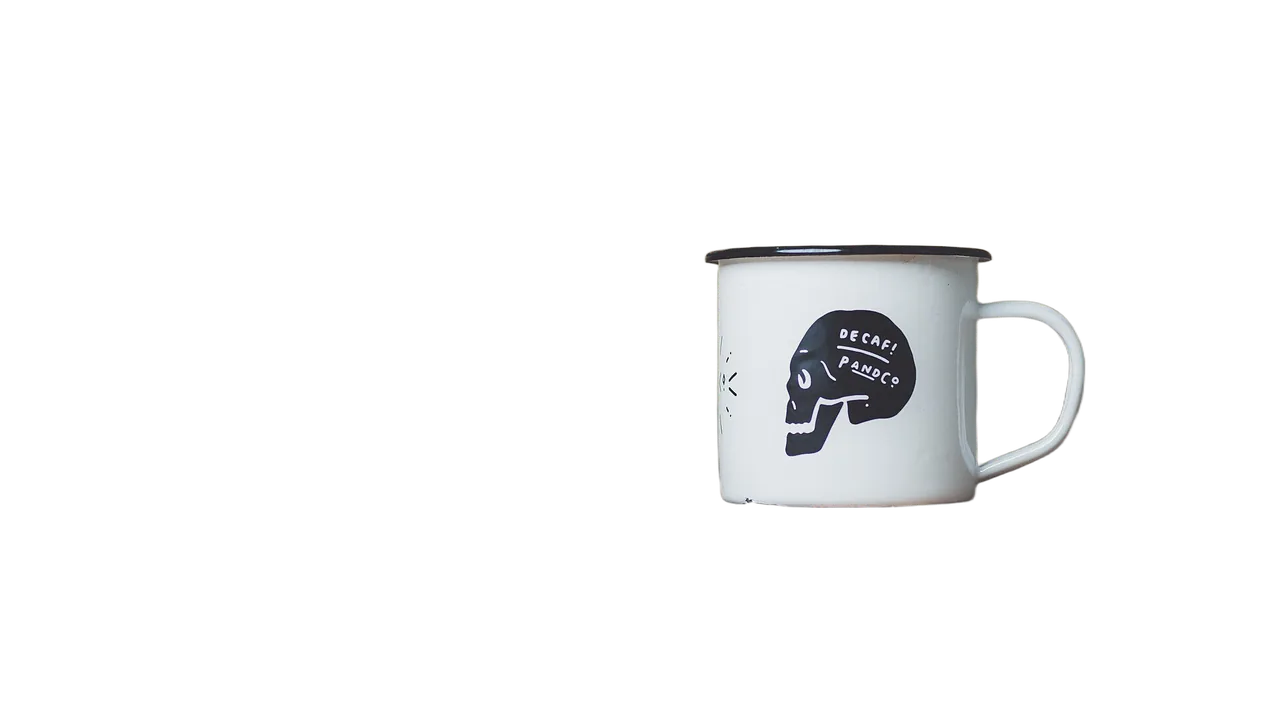
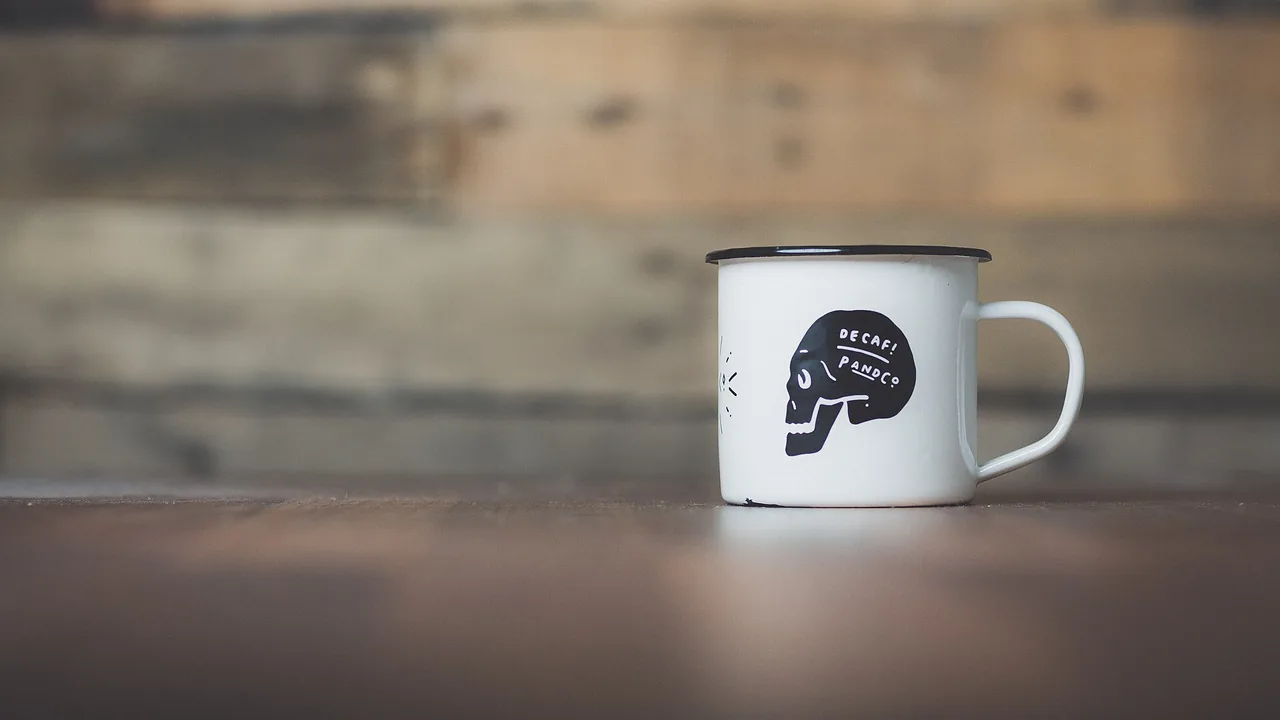
ProductThe hole in the handle cleared too
Quick facts
Saybrush as a remove.bg alternative, in one table
| What it is | A remove bg alternative in the browser, one of the sites like remove.bg: an AI background remover that finds the main subject and makes the rest transparent. |
|---|---|
| What you get | A transparent PNG with the same pixel size as your photo, up to 4096 pixels a side. Photos over 16 megapixels are scaled down first. |
| Watermark | None, on free removals too. |
| Free use | 2 removals without an account, 3 more when you sign up with Google. Credits are shared with photo edits. |
| Paid | 1 credit per photo. Paid plans cut out up to 20 photos at once and download them as one ZIP. |
| After the cut-out | Type one sentence to keep editing the same photo, for example to put it on a new background. |
| Time | Usually 10 to 20 seconds per photo. |
| Files | JPG, PNG or WebP up to 20 MB, at least 256 pixels on the short side. |
How it works
How do you remove a background without remove.bg?
Much like remove.bg: no prompt, no brush.
- 01
Upload
Drop, paste or pick a photo. On a paid plan, pick a whole batch.
- 02
Remove the background
One click. The AI keeps the main subject and clears the rest.
- 03
Download the PNG
Drag the divider to check the edges, then save the PNG, or the whole batch as a ZIP.
Other tools
When another tool fits better
Hundreds of photos a week
Saybrush does 20 at a time. For larger runs, a tool built for bulk, such as Canva’s bulk background remover, saves you clicks.
An API in your own app
Saybrush has no API. remove.bg’s self-serve API moves to Leonardo.Ai.
Offline, on your own computer
Saybrush runs in the browser and processes photos on our servers. Open-source tools such as rembg run locally.
Is it right for you?
What it is for, and what it won’t do
Best for
- People who used remove.bg now and then for a product, a portrait or a profile picture.
- Online sellers with a handful of new product photos at a time.
- Anyone who wants the full-size PNG without paying for a design suite.
Not for
- Video or GIF backgrounds.
- Choosing which of several objects to keep. The model keeps the main subject.
Know before you start
- Low-contrast photos come out weaker: a cream cat on a cream blanket lost part of its tail in our test. More tests and tips are on the AI background remover page.
- Photos are processed on our servers and checked by automated moderation. Free photos and results are deleted after 14 days; on a paid plan they stay until you delete them.
FAQ
Questions
Is there a free remove bg alternative I can use instead?
Saybrush is free to try: 2 removals without an account and 3 more when you sign up. After that, a removal costs 1 credit from a pack or a plan.
Is remove.bg really shutting down?
Yes. Its standalone website closes on December 1, 2026, and the web tool moves into Canva. remove.bg’s FAQ has the details.
Will remove.bg be free on Canva?
Canva’s help page says its Background Remover is included with paid plans. Check Canva for current plans and prices.
What happens to my remove.bg credits?
remove.bg answers that in its own FAQ, along with subscriptions and account data. We can’t answer for them.
Can I download in full resolution for free?
Yes. Free HD is the default here: a free removal comes back at your photo’s full size, up to 4096 pixels a side, with no watermark.
Do I need to sign up?
Not for the first 2 removals. Sign in with Google for 3 more.
Can I remove backgrounds from a bunch of product photos at once?
On a paid plan, yes: up to 20 photos in one go, each 1 credit, downloaded as one ZIP. Free removals go one photo at a time.
Will my results look exactly like remove.bg’s?
Not exactly. Saybrush uses a different model, Recraft Remove Background, so edges can differ. Try one of your own photos and compare.
Is there a remove bg API alternative here?
No. Saybrush is a web tool. For an API, remove.bg points its users to Leonardo.Ai.
Can I use the cut-out commercially?
Yes, for any lawful purpose that follows our Content Policy, as long as you have the rights to the photo.
Does it work on my phone?
Yes, in the mobile browser on iPhone and Android. Nothing to install.
Canva details from Canva Help, checked October 30, 2026.
More tools
Same photo, same editor.
 AI image editorRemove objects, swap backgrounds, relight or restyle a photo by typing one sentence.
 Watermark removerPaint out logos, text and date stamps on photos you own.
 Transparent backgroundLogos, signatures and icons as transparent PNGs at the same size.
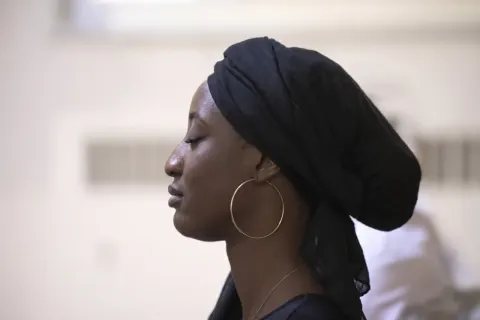 Unblur imageSharpen blurry, shaky or tiny photos, with two models to pick from.
 AI image extenderExtend a photo to 9:16, 1:1, 16:9 or a phone wallpaper without cropping it.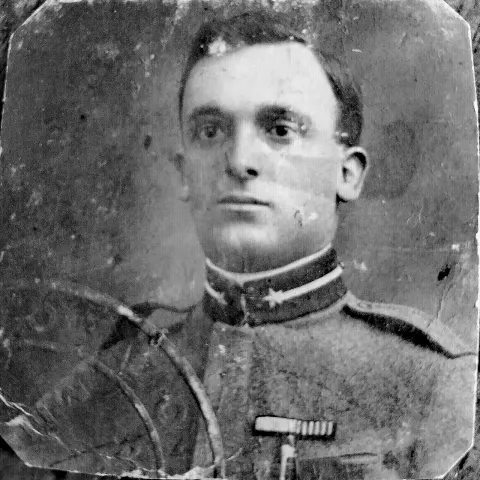
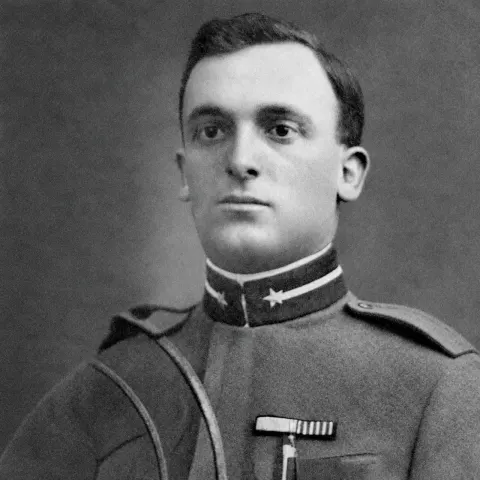 Restore old photosRemove scratches, creases, stains and fading from scanned family photos.
Try the remove bg alternative on your own photo
Two free removals without an account. Transparent PNG, full size, no watermark.
Last updated October 2026 · Model: Recraft Remove Background